
Huawei device owners seeking a unique and modern aesthetic will find the Battery Stone theme to be an excellent choice. This theme offers an impressive array of features that cater to users who desire a personalized look for their device.
Unveiling the Battery Stone Theme: A Symphony of Style and Functionality
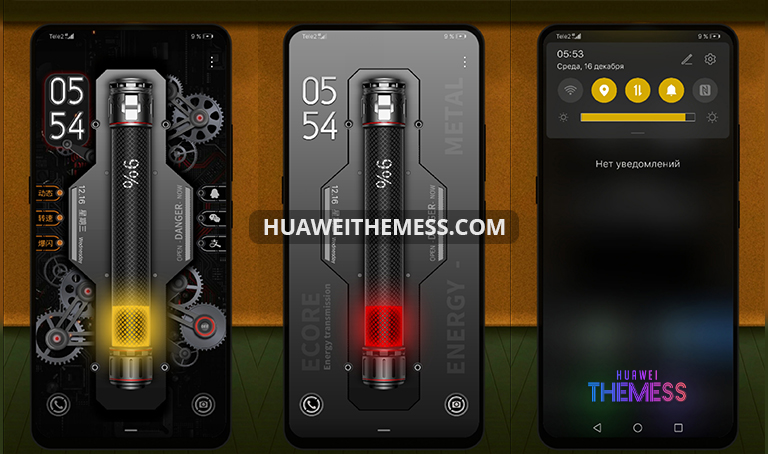
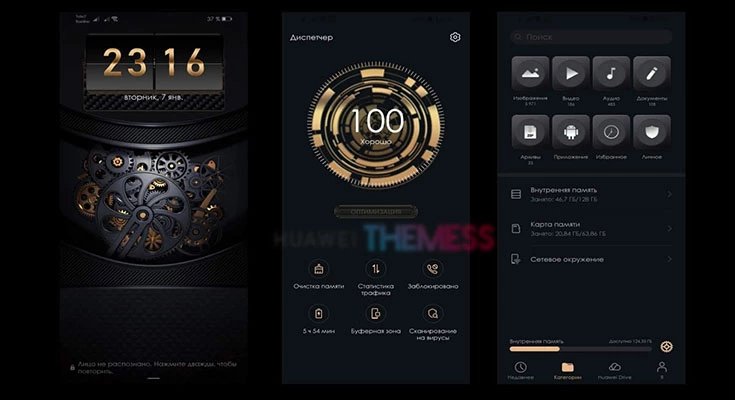
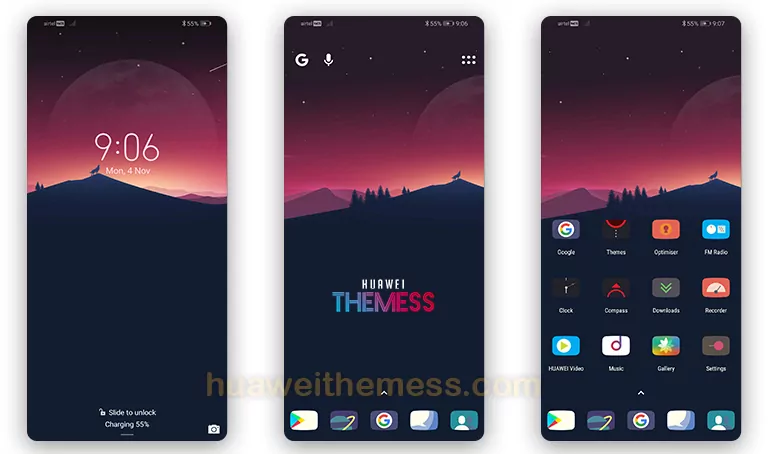
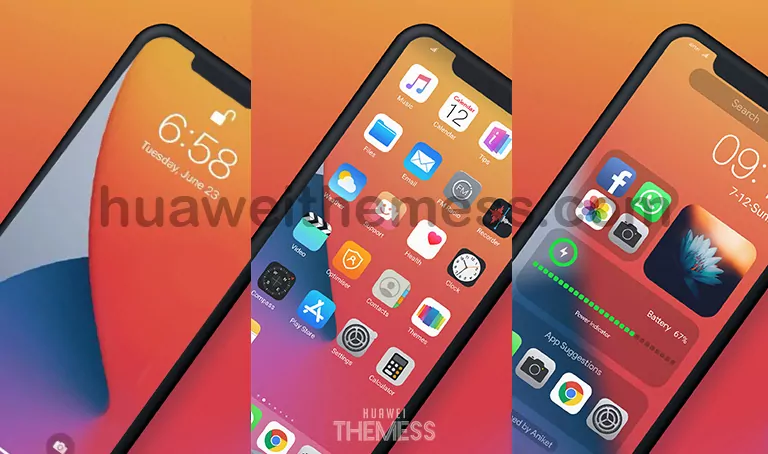
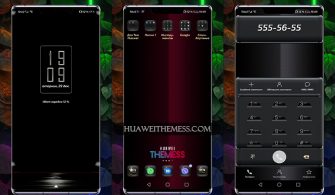
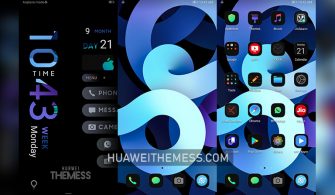
With its sleek and modern design, the Battery Stone theme is an ideal choice for those who value a premium look without compromising on functionality. The theme boasts a range of impressive features, including a very cool lockscreen design and changed systembar icons, ensuring a seamless user experience.
- Enhanced lockscreen design
- Customizable systembar icons
- New and improved icons
- Stability and performance enhancements
- Additional features and updates
Compatibility and System Requirements
The Battery Stone theme is designed to work seamlessly with Huawei devices running EMUI 10.1, 10, 9.1, and 9.0, as well as MagicUI 3 and 2. This ensures that users can enjoy the best possible experience on their devices.



Frequently Asked Questions
Is the Battery Stone theme compatible with my device?
The Battery Stone theme is designed to work with Huawei devices running EMUI 10.1, 10, 9.1, and 9.0, as well as MagicUI 3 and 2. Please ensure that your device meets these system requirements before installing the theme.
What are the key features of the Battery Stone theme?
The Battery Stone theme boasts a range of impressive features, including a very cool lockscreen design, changed systembar icons, new and improved icons, stability and performance enhancements, and additional features and updates.
How do I install the Battery Stone theme?
First, download the .hwt file and move it to the Huawei/Themes folder, then apply it via the Themes app. Click here to learn in detail.
The Battery Stone theme offers an unparalleled level of customization and style, making it an excellent choice for Huawei device owners. With its sleek design and impressive features, this theme is sure to elevate your device’s aesthetic and provide a unique user experience.



cool