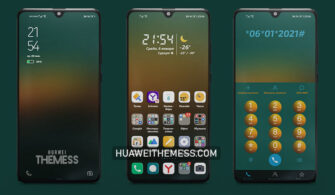
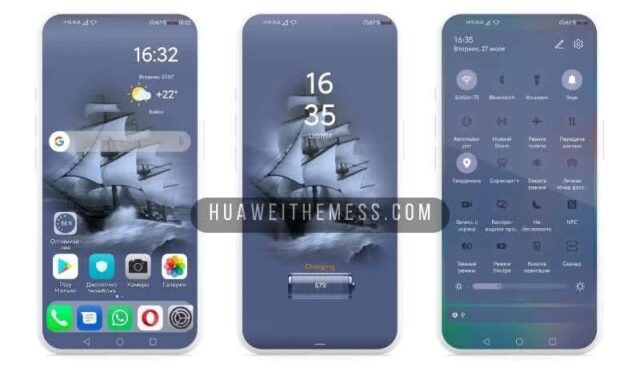
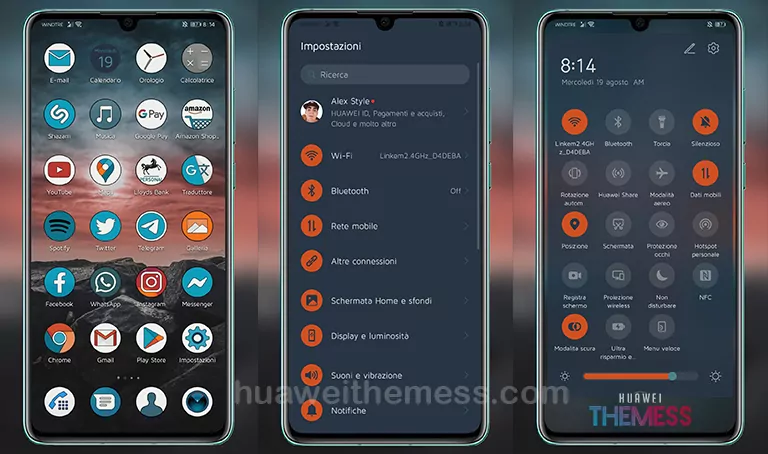
This theme is a must-have for fans of the Naruto series. Dark Naruto Theme offers a sleek and modern aesthetic that will transport you to a world of stealth and strategy. With its dark and moody color scheme, this theme is perfect for those who want to add a touch of edginess to their Huawei device.
Dark Naruto Theme Features: A Symphony of Style and Function
With Dark Naruto Theme, you’ll get a plethora of features that will enhance your overall smartphone experience. From new wallpapers to changed app icons, every element has been carefully crafted to provide a seamless and stylish experience.
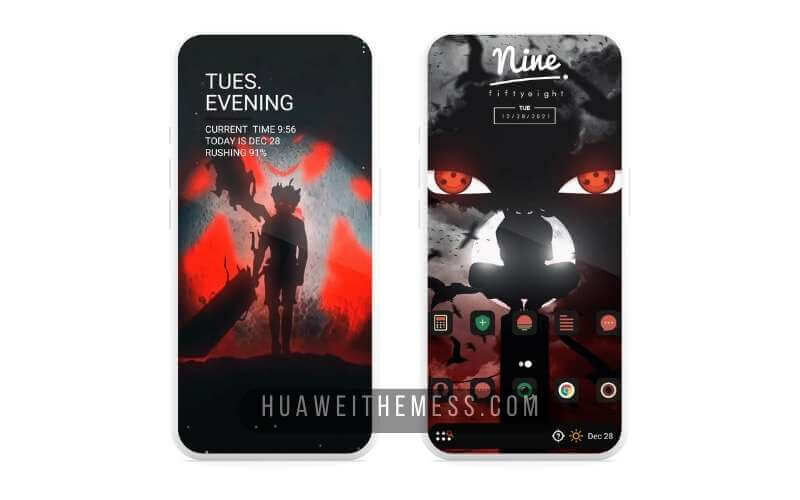
Whether you’re a fan of the Naruto series or just looking for a theme that adds some excitement to your daily life, Dark Naruto Theme is the perfect choice. With its sleek design and robust feature set, this theme is sure to impress.
Compatibility: Running Smoothly on Your Huawei Device
Dark Naruto Theme is designed to work seamlessly on EMUI 12/11/10/9.0 and MagicUI 6/5/4/3/2. This means that you can enjoy the theme’s features without worrying about compatibility issues. The theme’s file name is Dark-Naruto-HuaweiThemess.hwt, and its size is 40Mb.



Frequently Asked Questions (FAQ)
What are the system requirements for Dark Naruto Theme?
This theme is compatible with EMUI 12/11/10/9.0 and MagicUI 6/5/4/3/2, so you can enjoy it on your Huawei device without worrying about compatibility issues.
How do I install the theme?
First, download the .hwt file and move it to the Huawei/Themes folder, then apply it via the Themes app. Click here to learn in detail.
Is the theme free to download?
Yes, the theme is free to download from our website. Just click on the download button below and follow the instructions to install it on your Huawei device.
How do I uninstall the theme?
To uninstall the theme, simply go to the Themes app, select the Dark Naruto Theme, and click on the “Uninstall” button. This will remove the theme from your device.
How to install this theme?
First, download the .hwt file and move it to the Huawei/Themes folder, then apply it via the Themes app. Click here to learn in detail.
Dark Naruto Theme is a must-have for anyone who wants to add a touch of style and excitement to their Huawei device. With its sleek design and robust feature set, this theme is sure to impress. So, what are you waiting for? Download Dark Naruto Theme now and experience the world of stealth and strategy in a whole new way.