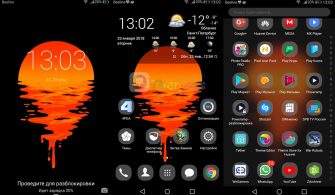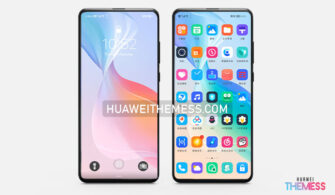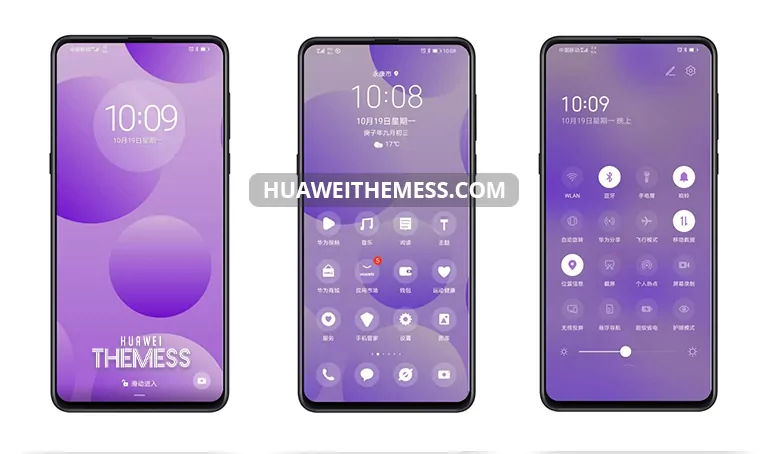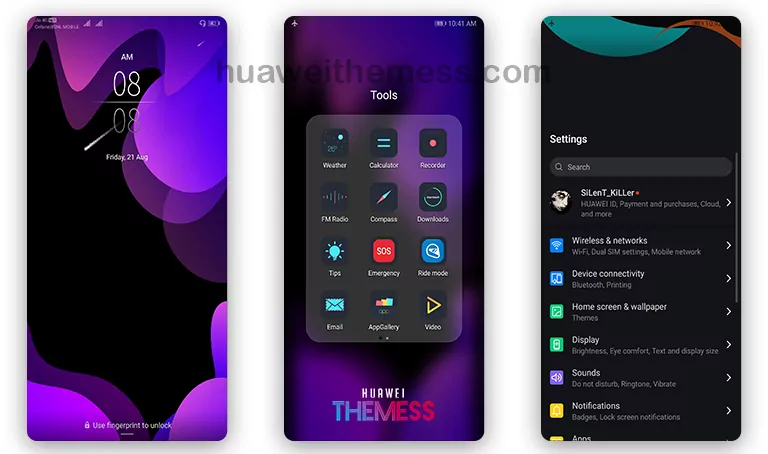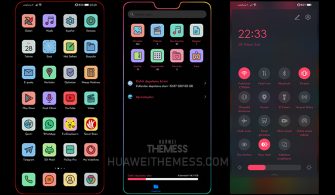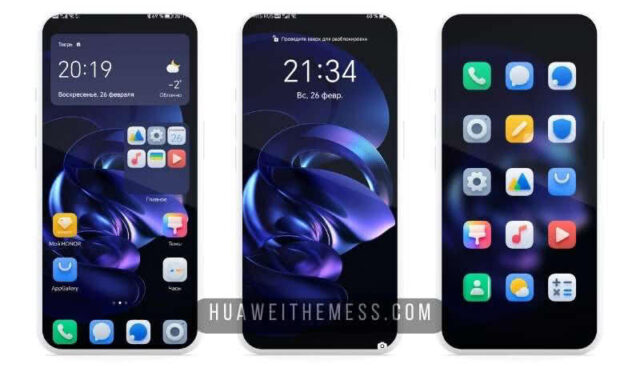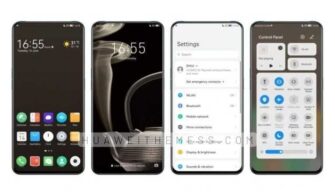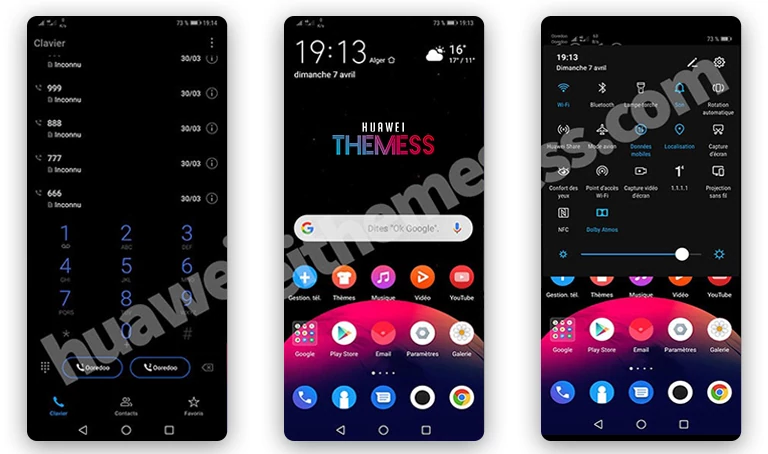
Get ready to elevate your Huawei device with the Android Q theme, a stunning EMUI 9/8/5 and Magic Ui 3/2 makeover that will give you an elite Apple-like experience. With its sleek dark mode, custom icons, and vibrant colors, this theme will revolutionize your phone’s look and feel, making it a true showstopper.
Experience the Android Q EMUI Theme Features
- New Android Q looking
- New Android Q Wallpapers
- New Android Q UI looking, colors
- Great UI, faster phone!
- New Lockscreen
Compatibility and Installation
The Android Q EMUI theme is compatible with EMUI 9/8/5 and Magic Ui 3/2 devices. To install this theme, simply download the .hwt file and move it to the Huawei/Themes folder, then apply it via the Themes app.
Frequently Asked Questions
What is the Android Q EMUI theme and how does it work?
The Android Q EMUI theme is a custom theme designed to give your Huawei device an elite Apple-like experience. It includes a sleek dark mode, custom icons, and vibrant colors, making it a true showstopper. Simply download the .hwt file, move it to the Huawei/Themes folder, and apply it via the Themes app to transform your device.
Can I use the Android Q EMUI theme on my EMUI 9/8/5 device?
Yes, the Android Q EMUI theme is compatible with EMUI 9/8/5 devices. You can download the theme from our website and follow the installation instructions to apply it to your device.
How do I install the Android Q EMUI theme?
First, download the .hwt file and move it to the Huawei/Themes folder, then apply it via the Themes app. Click here to learn in detail



The Android Q EMUI theme is a game-changer for Huawei device users. With its sleek dark mode, custom icons, and vibrant colors, it will give your device an elite Apple-like experience that will leave you speechless. Say goodbye to boring interfaces and hello to a world of customization and style with this stunning theme. Whether you’re a fan of Apple or just want to elevate your Huawei experience, the Android Q EMUI theme is a must-try.