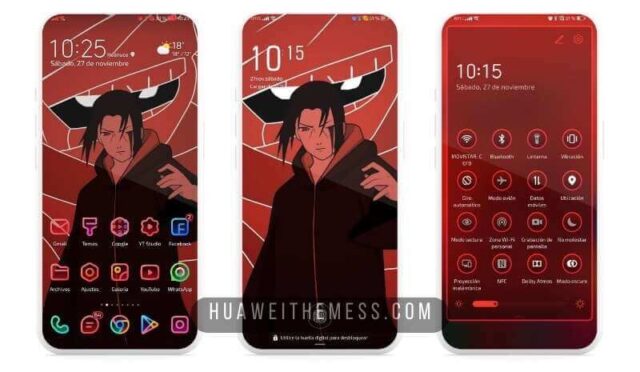
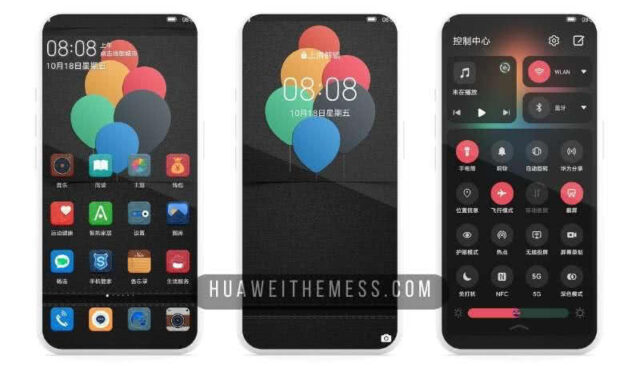
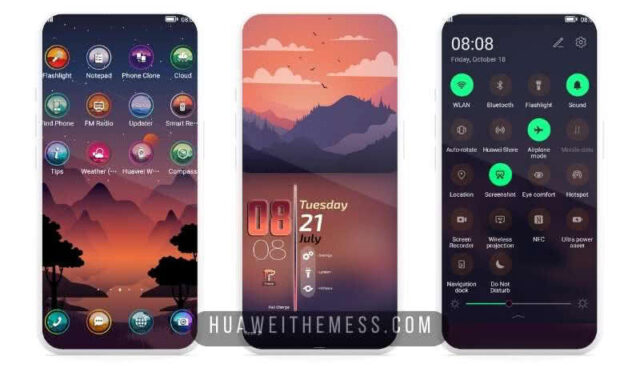
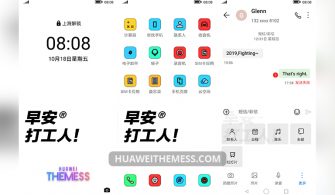
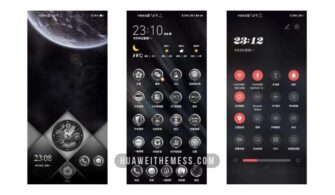
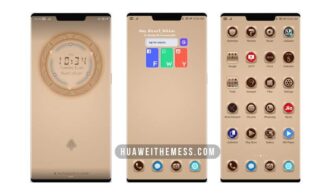
Morning Breeze is a breath of fresh air for EMUI fans, bringing a stunning new look to your Huawei device. With its sleek design and vibrant color scheme, this theme is sure to transform your phone into a stylish companion that reflects your personality.
Unpacking the Morning Breeze EMUI Experience
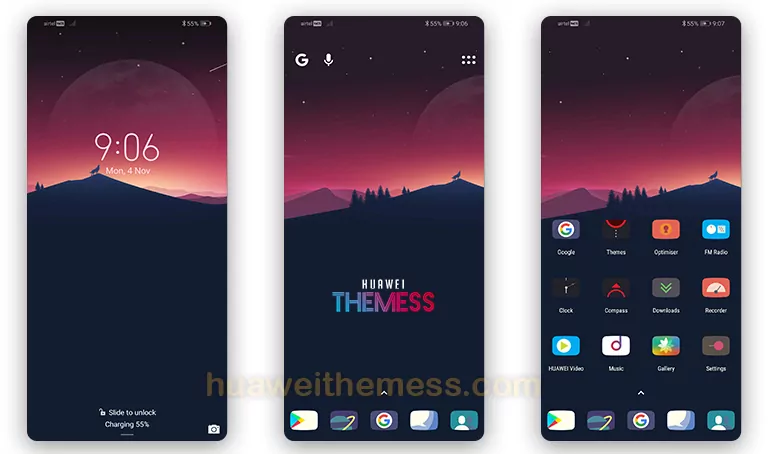
Morning Breeze seamlessly integrates with EMUI 10.1/10/9.1/9.0 and MagicUI 3/2, delivering a premium Apple-inspired aesthetic that’s both elegant and refined. From its stunning flat wallpapers to its cool, flat icons, every detail has been carefully crafted to create a cohesive and immersive experience.
Compatibility Made Easy
Morning Breeze is designed to work seamlessly with EMUI 10.1/10/9.1/9.0 and MagicUI 3/2, ensuring that you can enjoy a smooth and uninterrupted experience on your Huawei device. Whether you’re a fan of the latest EMUI updates or prefer the MagicUI interface, this theme has got you covered.
Frequently Asked Questions
What devices are compatible with the Morning Breeze theme?
Morning Breeze is compatible with Huawei devices running EMUI 10.1/10/9.1/9.0 and MagicUI 3/2.



Can I customize the theme further?
While the theme comes with a range of pre-designed elements, you can further customize the theme to suit your personal style using the built-in EMUI theme editor.
How to install this theme?
First, download the .hwt file and move it to the Huawei/Themes folder, then apply it via the Themes app. Click here to learn in detail.
Morning Breeze is more than just a theme – it’s an experience that will leave you feeling refreshed and revitalized. With its stunning design and seamless integration with EMUI, this theme is a must-try for anyone looking to give their Huawei device a premium makeover.