
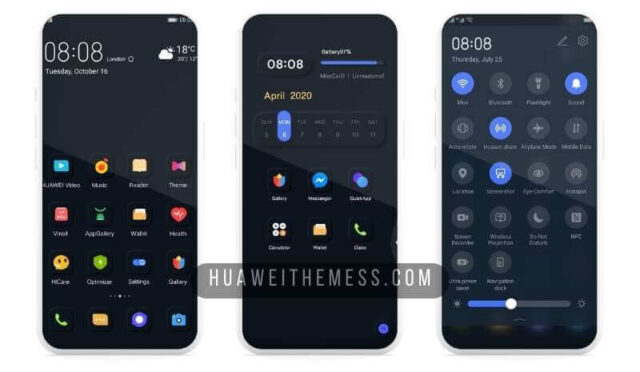
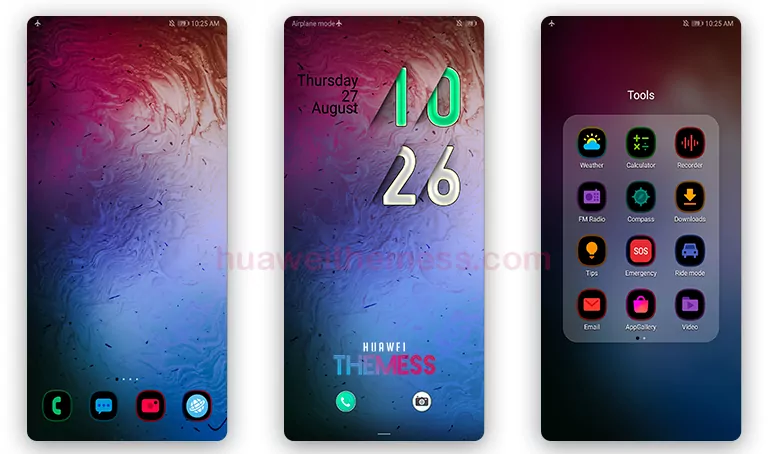
Get ready to elevate your Huawei or Honor device with the sleek and modern iOS 14 theme. This theme is designed to provide an unparalleled clean UI setup, perfect for those who crave a premium Apple-inspired look on their EMUI 10/9 or MagicUI 3/2 device.
iOS 14 EMUI Theme: Bringing the Best of Apple to Your Huawei Device
This iOS 14 theme is specifically crafted for EMUI 10/9 and MagicUI 3/2 users, boasting an impressive array of features that will make your phone stand out from the crowd. From stunning iOS 14 wallpapers to beautifully redesigned icons, this theme has everything you need to give your device a fresh new look.
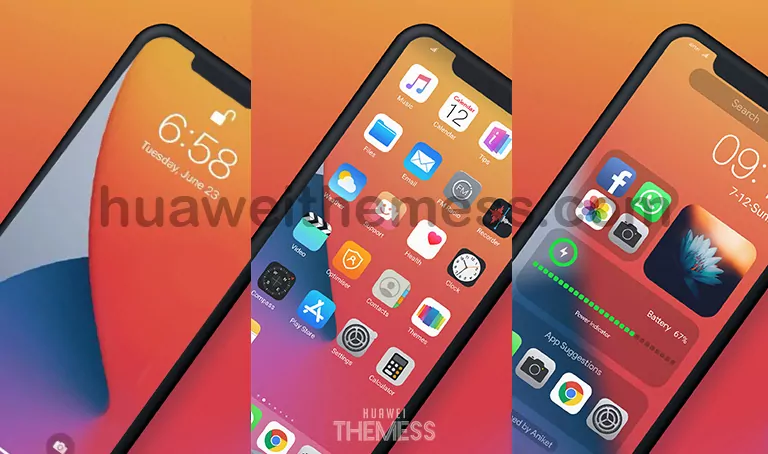
One of the standout features of this theme is its attention to detail. Every aspect of the design has been meticulously crafted to provide a seamless and immersive experience. Whether you’re scrolling through your home screen or interacting with the widgets, every element is designed to provide a premium feel.
Compatibility: What Devices Can Run iOS 14 EMUI Theme?
This iOS 14 theme is compatible with EMUI 10/9 and MagicUI 3/2 devices, ensuring that you can enjoy the best of Apple’s design on your Huawei or Honor phone. Whether you’re running the latest EMUI 10.1 or an older version like EMUI 9.1, this theme will work seamlessly to provide a stunning clean UI setup.
Frequently Asked Questions (FAQ)
What devices are compatible with the iOS 14 EMUI Theme?
This theme is compatible with EMUI 10/9 and MagicUI 3/2 devices, ensuring that you can enjoy the best of Apple’s design on your Huawei or Honor phone.



Do I need to restart my device after applying the theme?
Yes, it’s recommended to restart your device after applying the theme to ensure a seamless and immersive experience.
How to install this theme?
First, download the .hwt file and move it to the Huawei/Themes folder, then apply it via the Themes app. Click here to learn in detail.
With its sleek design, attention to detail, and seamless compatibility, the iOS 14 EMUI theme is a must-try for anyone looking to give their Huawei or Honor device a premium Apple-inspired look. Don’t settle for an ordinary UI – elevate your phone with the best of Apple’s design.



adoro! very cool
it’s not work. i couldnt see .hwt file!
EMUI Theme link has been renewed