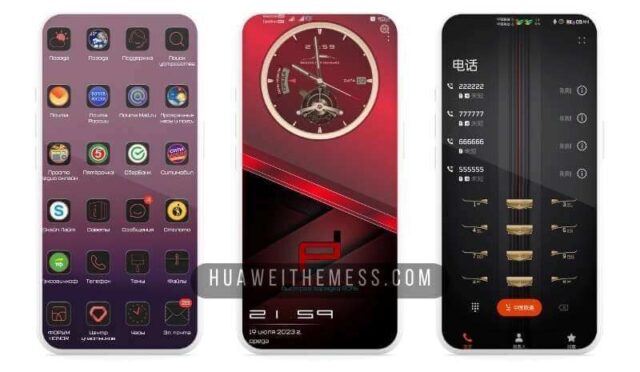
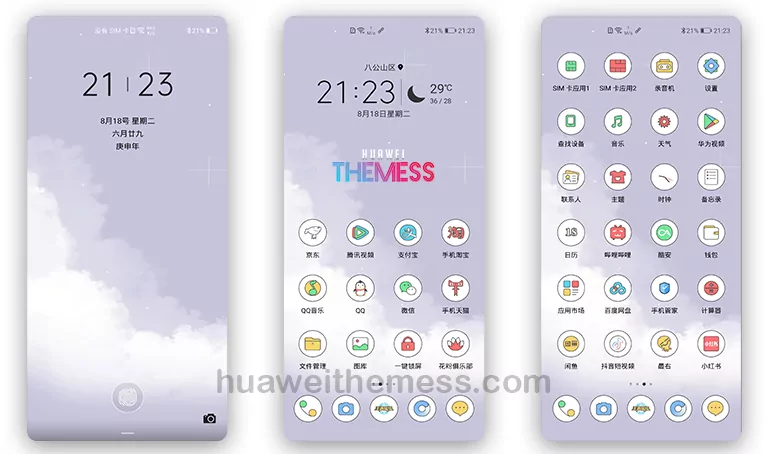
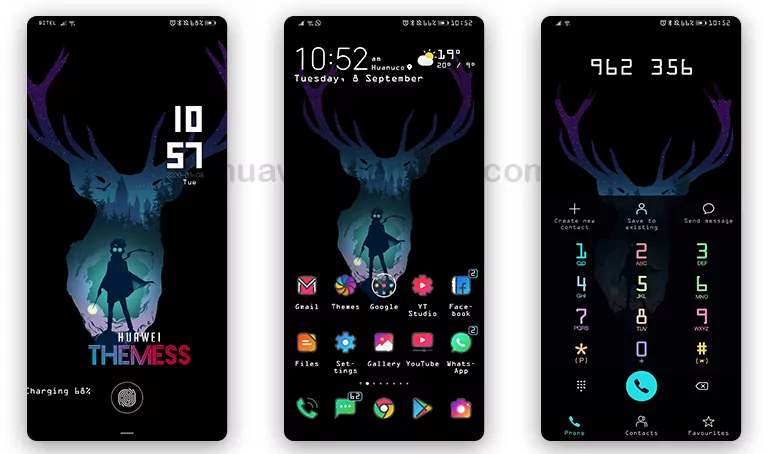
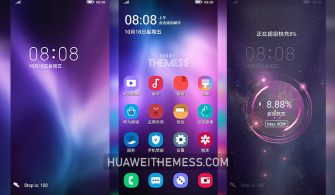
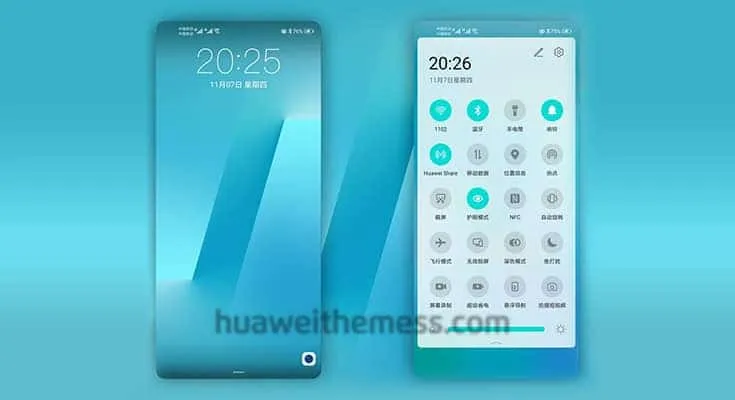
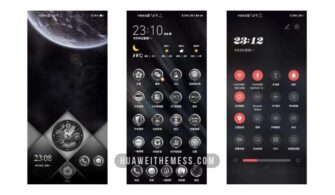
This sleek and modern theme, Mimetic Simplicity, is designed specifically for HarmonyOS 2/1, EMUI 12/11/10/9, and MagicUI 5/4/3/2 users. With its clean and minimalist design, you can give your device a fresh new look and personalize it to suit your taste. By downloading Mimetic Simplicity, you can elevate your phone’s appearance and enjoy a seamless user experience.
Mimetic Simplicity: A Symphony of Clean Lines and Elegant Design
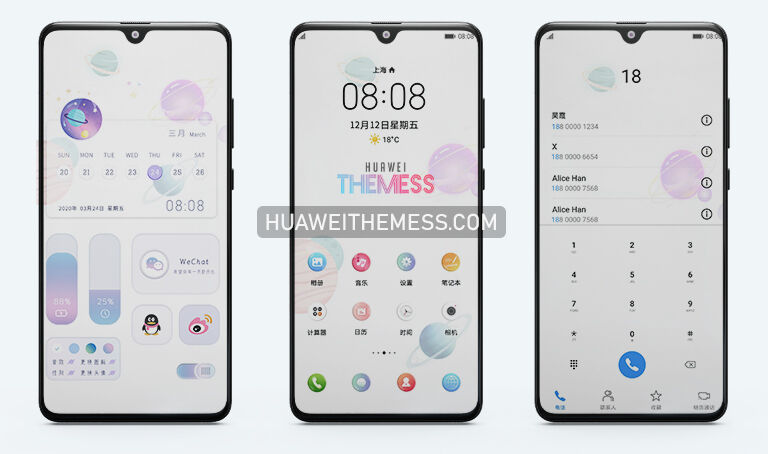
This theme boasts an attractive and intuitive interface, featuring a completely revamped UI, new wallpapers, and stylish app icons. The notification panel has been redesigned with a sleek new status bar, while the settings and other Huawei apps have been optimized for a seamless experience. With Mimetic Simplicity, you can enjoy a truly premium Apple-inspired look on your Huawei device.
Compatibility: Running Smoothly on EMUI 12/11/10/9 and MagicUI 5/4/3/2
Mimetic Simplicity is compatible with HarmonyOS 2/1, EMUI 12/11/10/9, and MagicUI 5/4/3/2, ensuring a seamless experience on your Huawei device. Whether you’re running the latest EMUI version or an older iteration, this theme is designed to work flawlessly.



Frequently Asked Questions (FAQ)
What features does Mimetic Simplicity offer?
This theme boasts a range of features, including new wallpapers, changed app icons, a stylish app look, a cool lockscreen, and a smooth interface. Bugs have also been fixed for an enhanced user experience.
Is Mimetic Simplicity free to use?
Yes, this theme is completely free to use, providing you with a premium look without any additional costs.
How to install this theme?
First, download the .hwt file and move it to the Huawei/Themes folder, then apply it via the Themes app. Click here to learn in detail.
Mimetic Simplicity offers a fresh and modern take on the traditional Huawei look, with its clean lines, elegant design, and seamless user experience. By downloading this theme, you can give your device a premium makeover and enjoy a truly unique appearance.