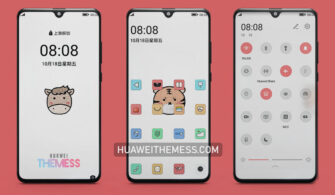
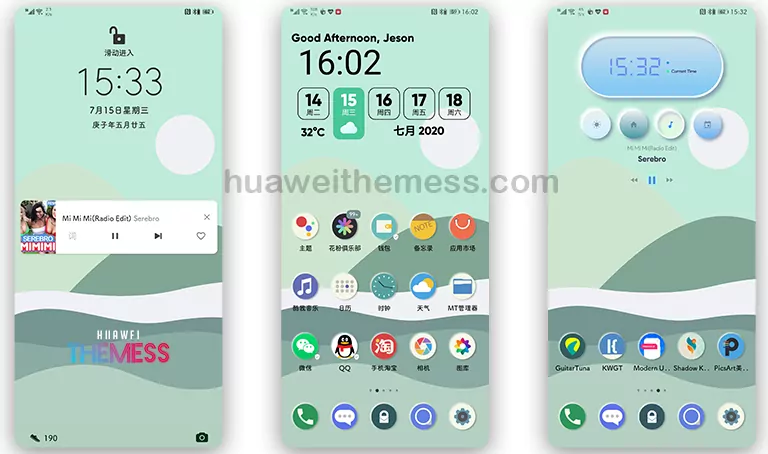
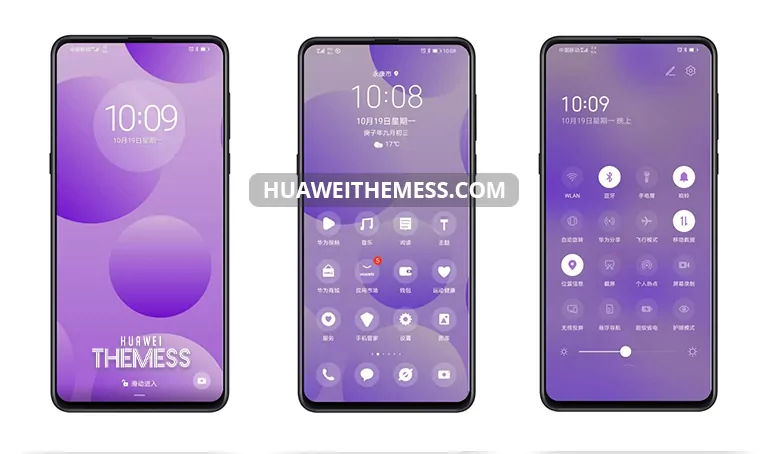
Get ready to revolutionize your Huawei and Honor device’s look with the Dodge Blue Grid theme, a stunning addition to your EMUI 11, 10, 9, HarmonyOS, and MagicUI 4, 3, 2 experience. This theme is designed to give you an awesome look and style that’s sure to turn heads. With the Dodge Blue Grid theme, you can personalize your phone according to your unique taste, making it the perfect choice for those who crave customization.
Dodge Blue Grid EMUI Theme Features
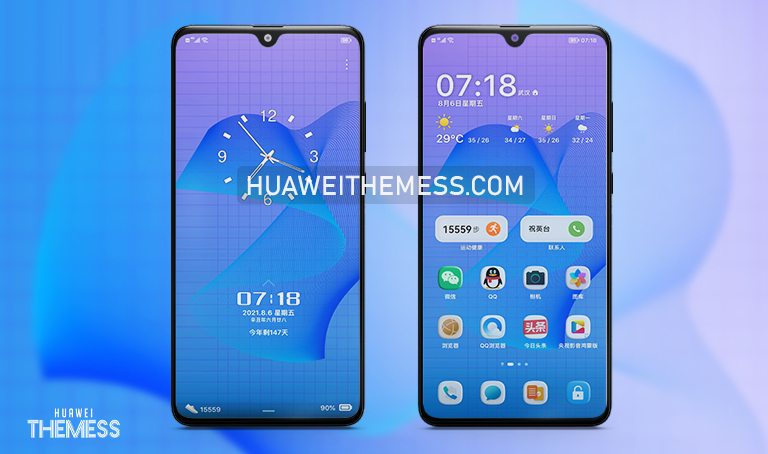
Dodge Blue Grid brings a refreshing twist to your EMUI experience, with a sleek blue grid layout that’s both visually appealing and functional. The theme boasts an array of exciting features, including:
- Abstract wallpapers to give your lock screen a unique look
- A changed lockscreen that’s both stylish and intuitive
- Stylish widgets to keep you informed without cluttering your home screen
- Flat icons that add a touch of elegance to your interface
- Smooth animations that make navigation a seamless experience
- And many more features to explore!
Compatibility: Supported EMUI/MagicOS Versions
Dodge Blue Grid is compatible with a range of EMUI and MagicOS versions, ensuring that you can enjoy its features regardless of your device’s specifications. The theme supports:
* EMUI 11.1, 11, 10.1, 10.0, 9.1, 9.0
* HarmonyOS
* MagicUI 4, 3, 2



Frequently Asked Questions (FAQ)
What devices is the Dodge Blue Grid theme compatible with?
The Dodge Blue Grid theme is compatible with Huawei and Honor devices running EMUI 11, 10, 9, HarmonyOS, and MagicUI 4, 3, 2.
How do I apply the Dodge Blue Grid theme?
To apply the theme, download the .hwt file and move it to the Huawei/Themes folder, then apply it via the Themes app.
Can I customize the Dodge Blue Grid theme further?
While the theme offers a range of customization options, some features may require additional tweaks to achieve your desired look.
How to install this theme?
First, download the .hwt file and move it to the Huawei/Themes folder, then apply it via the Themes app. Click here to learn in detail.
The Dodge Blue Grid theme is a game-changer for EMUI and MagicUI users, offering a unique blend of style and functionality that’s sure to impress. With its sleek blue grid layout, abstract wallpapers, and smooth animations, this theme is the perfect choice for those who crave a premium user experience.