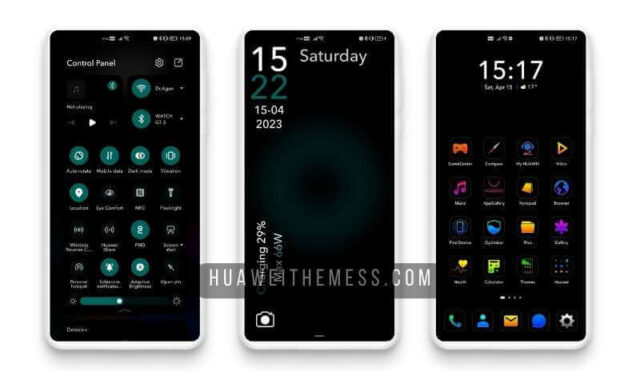
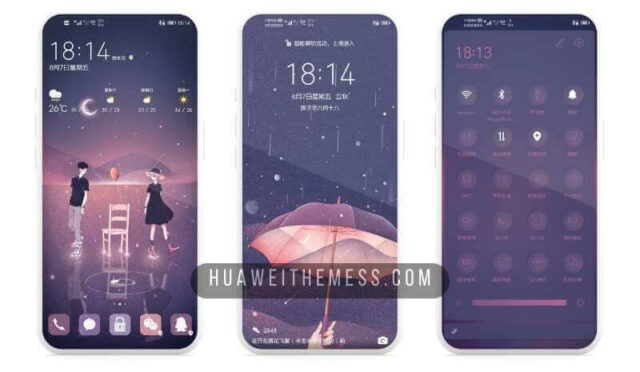
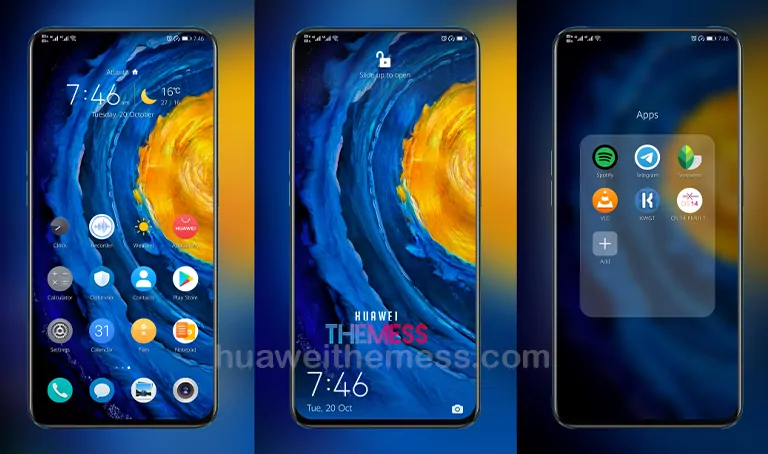
In a world where sleek designs and premium aesthetics take center stage, the iPadOS 14 Theme for EMUI 10/9 and MagicUI 3/2 stands out as a beacon of minimalism. This exceptional theme offers a unique blend of style and functionality, allowing users to personalize their devices according to their taste.
iPadOS 14 Theme: Where Elegance Meets Functionality
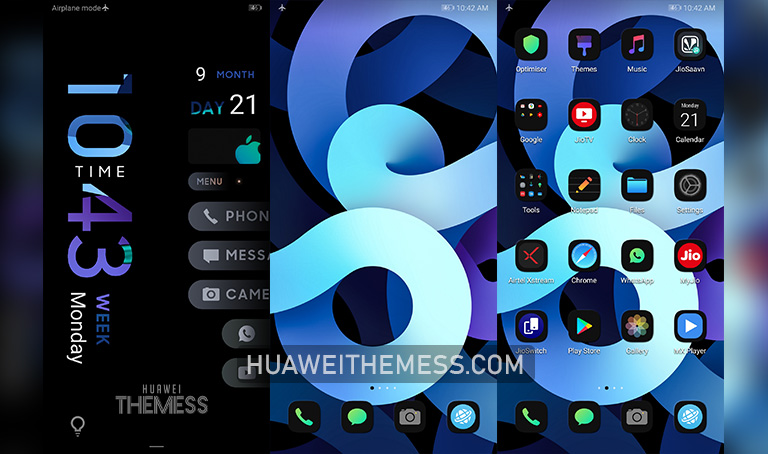
This theme boasts a plethora of impressive features, including a dynamic lockscreen, black icons, cool wallpapers, and stylish app lookings. The result is a visually stunning experience that redefines the boundaries of mobile design.
iPadOS 14 Theme Compatibility
The iPadOS 14 Theme is compatible with EMUI 10.1/10/9.1/9 and MagicUI 3/2, ensuring that users of these operating systems can enjoy the full range of features and benefits that this theme has to offer.



Frequently Asked Questions (FAQ)
What are the system requirements for the iPadOS 14 Theme?
The iPadOS 14 Theme is compatible with EMUI 10.1/10/9.1/9 and MagicUI 3/2, ensuring that users of these operating systems can enjoy the full range of features and benefits that this theme has to offer.
How do I apply the iPadOS 14 Theme?
To apply the iPadOS 14 Theme, simply download the .hwt file, move it to the Huawei/Themes folder, and then apply it via the Themes app.
Is the iPadOS 14 Theme free to download?
Yes, the iPadOS 14 Theme is free to download from our website.
How to install this theme?
First, download the .hwt file and move it to the Huawei/Themes folder, then apply it via the Themes app. Click here to learn in detail.
In conclusion, the iPadOS 14 Theme for EMUI 10/9 and MagicUI 3/2 is a game-changer for anyone looking to take their mobile experience to the next level. With its stunning visuals, intuitive interface, and seamless compatibility, this theme is sure to impress even the most discerning users.