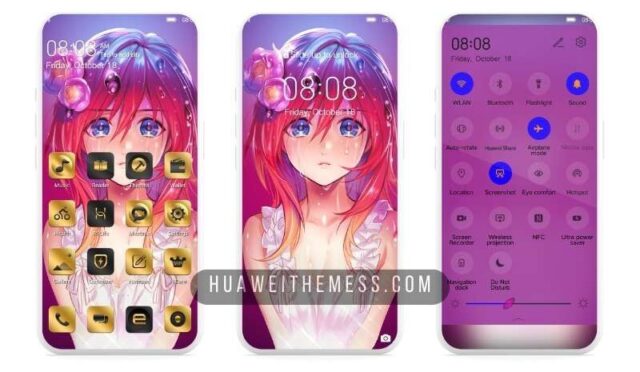
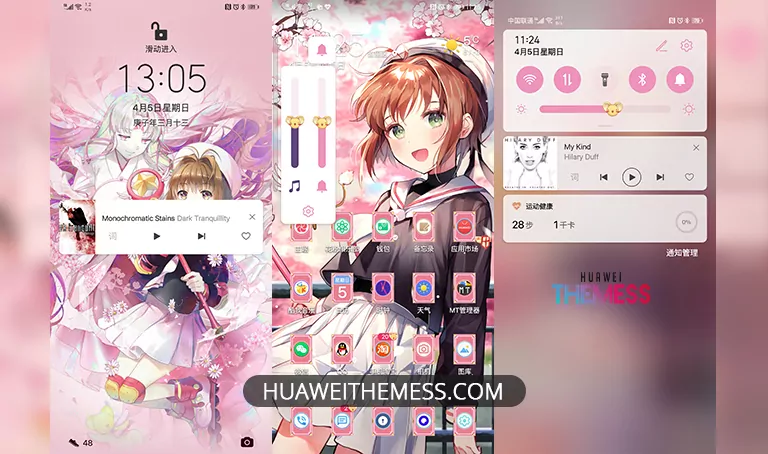
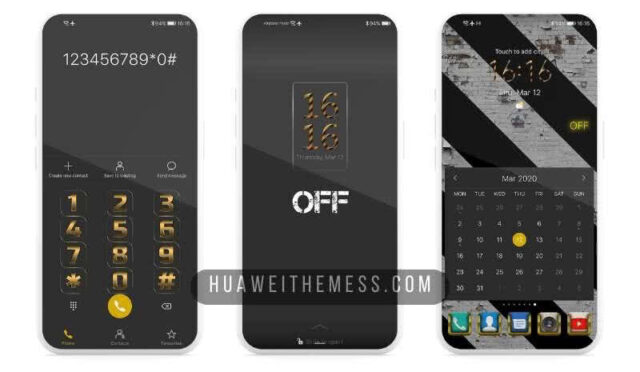
This theme offers an enchanting and immersive experience for Huawei and Honor device users. With its captivating design, Full Moon Theme elevates your device to a new level of aesthetic appeal. It’s the perfect choice for those seeking to personalize their Huawei device with an extraordinary look and style, and it’s available for EMUI 12/11/10/9.0 and MagicUI 6/5/4/3/2 users.
Full Moon Huawei Theme: A Symphony of Style and Functionality
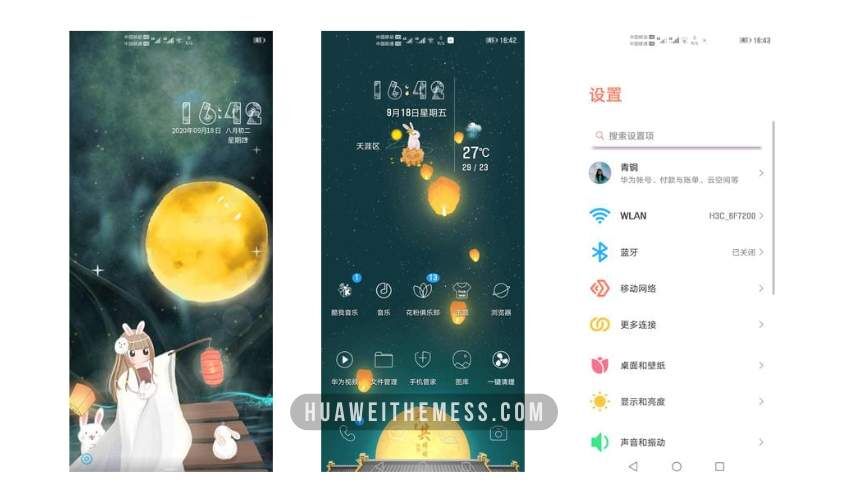
Featuring an array of stunning elements, the Full Moon Theme is a true masterpiece. Its sleek and modern design boasts an array of captivating features, including new wallpapers, changed app icons, a stylish app look, and a dynamic cool lockscreen. With its smooth interface, this theme is sure to captivate your senses and leave you wanting more.
Compatibility and System Requirements
Full Moon Theme is designed to be compatible with a wide range of Huawei and Honor devices running EMUI 12/11/10/9.0 and MagicUI 6/5/4/3/2. Simply download the theme and apply it to your device to unlock its full potential.



Frequently Asked Questions (FAQ)
What devices are compatible with Full Moon Theme?
Full Moon Theme is compatible with a wide range of Huawei and Honor devices running EMUI 12/11/10/9.0 and MagicUI 6/5/4/3/2.
How do I install Full Moon Theme?
To install Full Moon Theme, you’ll need to download the .hwt file and move it to the Huawei/Themes folder, then apply it via the Themes app. Click here to learn in detail.
What features does Full Moon Theme offer?
Full Moon Theme offers a range of features, including new wallpapers, changed app icons, a stylish app look, and a dynamic cool lockscreen, all with a smooth interface.
How do I download Full Moon Theme?
You can download Full Moon Theme from our website or by clicking on the link provided below.
How do I install this theme?
First, download the .hwt file and move it to the Huawei/Themes folder, then apply it via the Themes app. Click here to learn in detail.
Full Moon Theme is a must-have for anyone seeking to elevate their Huawei device to a new level of style and functionality. With its captivating design and array of features, this theme is sure to captivate your senses and leave you wanting more. Whether you’re looking for a stunning new look or a way to personalize your device, Full Moon Theme is the perfect choice.