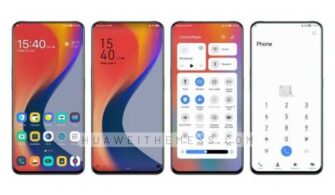
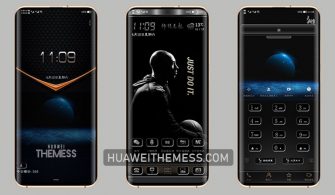
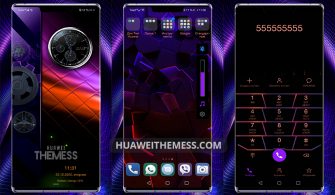
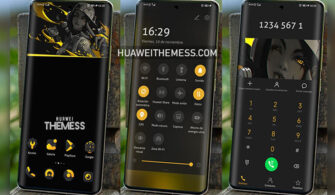
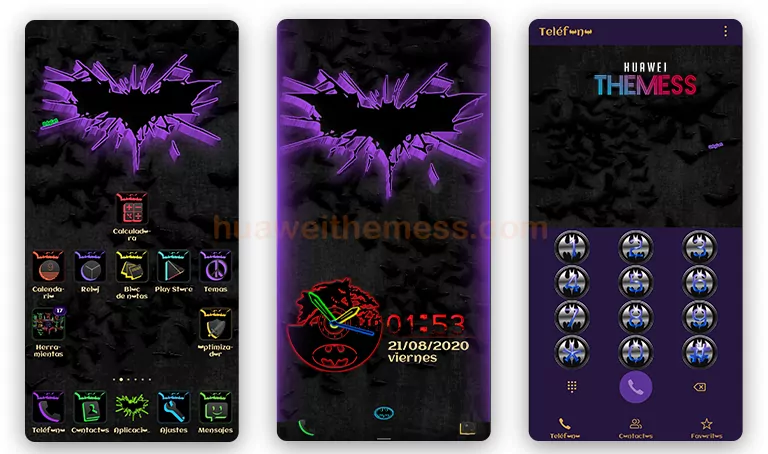
Get ready to immerse yourself in the captivating world of Batman, where sophistication and elegance reign supreme. The Batman Style theme brings a premium aesthetic to your Huawei device, inspired by the iconic Apple design, now available on EMUI 10 and MagicUI. This theme is a must-have for any Batman fan, offering a seamless and immersive experience that will leave you feeling like the Dark Knight himself.
Where Dark Knight Elegance Meets EMUI Sophistication
The Batman Style theme is a masterclass in dark and mysterious design, perfectly capturing the essence of Gotham City. From the iconic Bat symbol on the lockscreen to the sleek black and purple app look, every detail has been meticulously crafted to create a truly immersive experience. With its stylish icons, changed font, and new widgets, this theme is a game-changer for any Batman fan.
Compatibility: Where EMUI and MagicUI Unite
This theme is designed to bring the best of both worlds, offering seamless compatibility with EMUI 10 and MagicUI 3/2 devices. Whether you’re running the latest EMUI 10.1 or the previous versions, this theme will adapt to your device’s unique needs, ensuring a smooth and enjoyable experience. Say goodbye to compatibility issues and hello to a seamless Batman experience.



Frequently Asked Questions (FAQ)
What devices are compatible with this theme?
This theme is compatible with EMUI 10.1/10/9.1/9.0 and MagicUI 3/2 devices.
Can I customize this theme to my liking?
Yes, you can customize the theme to your liking by adjusting the settings to fit your personal preferences.
How do I install this theme?
First, download the .hwt file and move it to the Huawei/Themes folder, then apply it via the Themes app. Click here to learn in detail.
The Batman Style theme is a must-have for any Batman fan, offering a premium experience that will transport you to a world of sophistication and elegance. With its sleek design, immersive experience, and seamless compatibility, this theme is the perfect addition to your Huawei device.