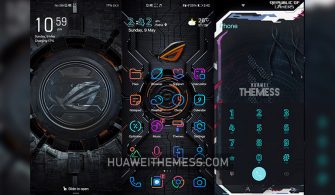
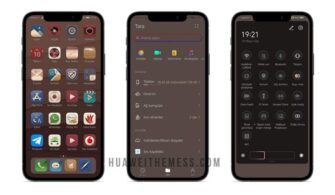
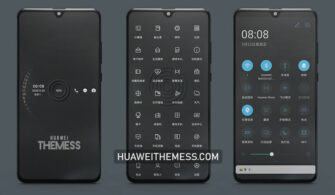
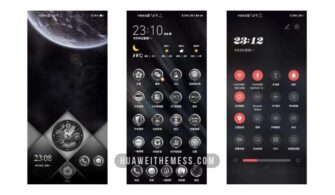
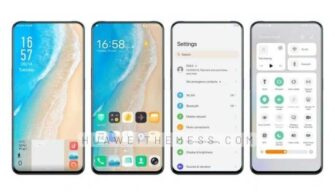
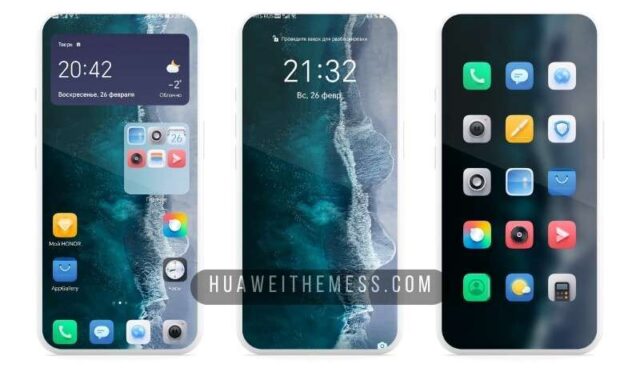
Get ready to immerse yourself in a world of breathtaking beauty with the Liuli theme, specifically designed for EMUI 11.1/11/10.1/10.0/9.1/9.0, HarmonyOS, and MagicUI 4/3/2 users. This stunning theme is a masterclass in elegance, with a unique blend of vibrant colors and sleek design elements that will transform your device into a work of art.
Liuli Theme: A Symphony of Style and Functionality
Restart the device after applying the theme.
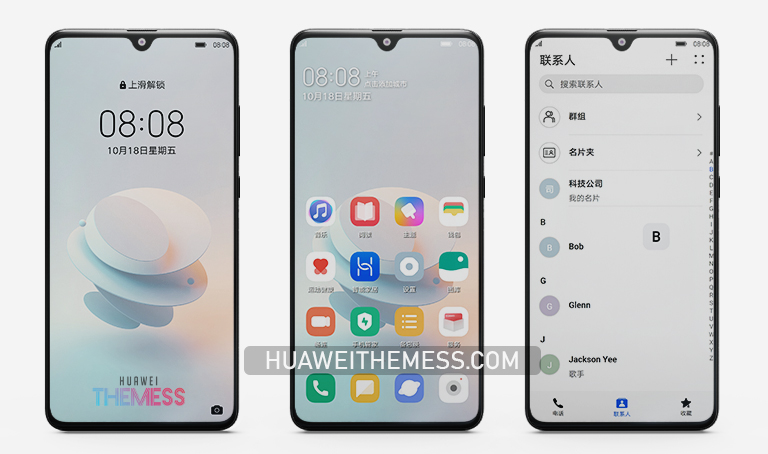
This theme boasts a seamless user interface, complete with cool abstract wallpapers, stock Huawei icons, and a stable EMUI and HarmonyOS design. The result is a visually stunning experience that is both beautiful and functional.
Compatibility: Unlock the Full Potential of Your Device
Liuli theme is compatible with a wide range of EMUI and HarmonyOS versions, ensuring that you can enjoy its stunning visuals and features on your device. Whether you’re running EMUI 11.1, 11, 10.1, 10.0, 9.1, or 9.0, or HarmonyOS, MagicUI 4, 3, or 2, this theme is the perfect choice for you.



Frequently Asked Questions (FAQ)
What are the system requirements for the Liuli theme?
EMUI 11.1/11/10.1/10.0/9.1/9.0, HarmonyOS, MagicUI 4/3/2
How do I install the Liuli theme on my device?
First, download the .hwt file and move it to the Huawei/Themes folder, then apply it via the Themes app. Click here to learn in detail
Can I customize the theme to my liking?
Yes, you can customize the theme to your liking by adjusting the settings and preferences to suit your taste.
How do I reset the theme to its default settings?
To reset the theme to its default settings, go to the settings menu and select the “Reset” option.
How to install this theme?
First, download the .hwt file and move it to the Huawei/Themes folder, then apply it via the Themes app. Click here to learn in detail
The Liuli theme is a breath of fresh air for EMUI and HarmonyOS users, offering a unique blend of style and functionality that will transform your device into a stunning work of art. With its vibrant colors, sleek design elements, and seamless user interface, this theme is a must-have for anyone looking to elevate their mobile experience.