
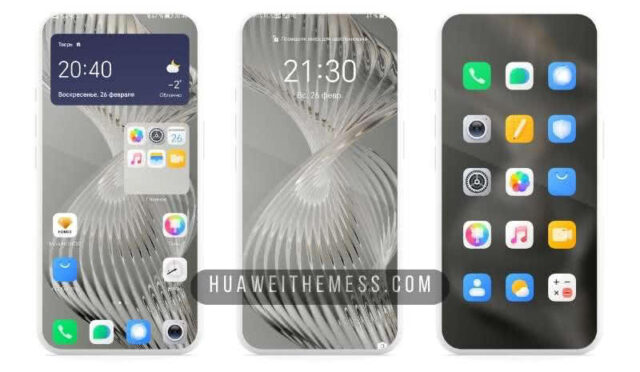
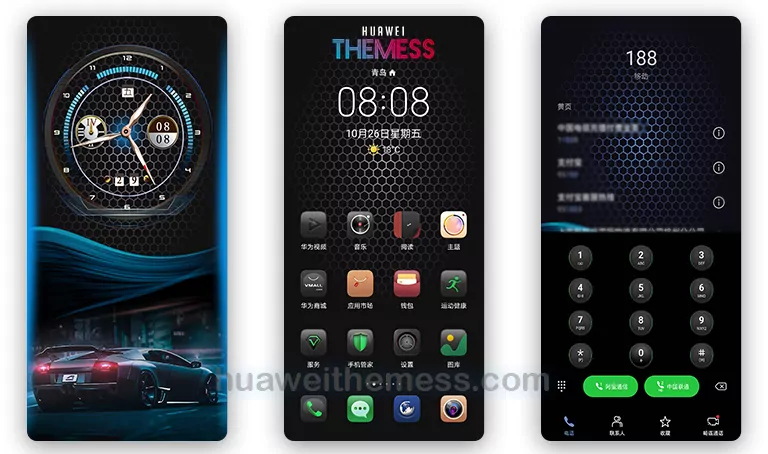
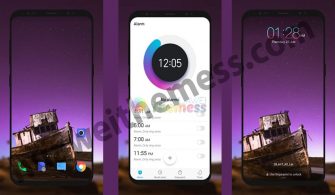
Get ready to transform your Huawei or Honor device into a premium Android experience with the Xioami Edition EMUI theme. This stunning theme brings the vibrant and colorful design of MIUI to your EMUI 9.0, 9.1, or 10 interface, complete with MIUI icons, a stylish look, and colorful apps.
Xioami Edition EMUI Theme: A Vibrant and Stylish Experience
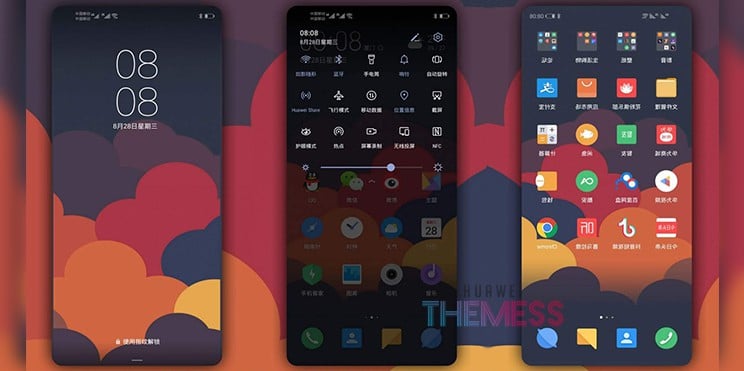
The Xioami Edition theme is not just a skin-deep makeover; it’s a comprehensive overhaul of your device’s UI, bringing the best of MIUI to your Huawei or Honor phone. With its colorful apps, stylish look, and MIUI icons, this theme is perfect for those who want to add a touch of excitement to their device’s interface.
Compatibility and Supported EMUI Versions
The Xioami Edition theme is compatible with EMUI 9.0, 9.1, and 10, making it a great choice for users of these versions. The theme is designed to work seamlessly with these versions, ensuring that you get the best possible experience with this stunning UI makeover.
Frequently Asked Questions (FAQ)
What are the system requirements for this theme?
This theme is compatible with EMUI 9.0, 9.1, and 10, and is designed to work seamlessly with these versions.

How do I apply this theme?
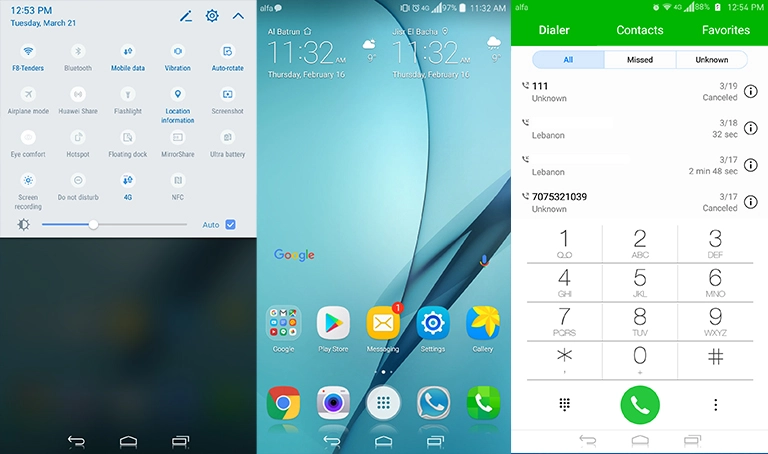
To apply this theme, simply download the .hwt file and move it to the Huawei/Themes folder. Then, apply it via the Themes app.
How do I install this theme?
First, download the .hwt file and move it to the Huawei/Themes folder, then apply it via the Themes app. Click here to learn in detail.
With the Xioami Edition theme, you can experience the best of MIUI on your Huawei or Honor device. Whether you’re looking to add a touch of excitement to your device’s interface or simply want to try out a new look, this theme is a great choice. So why wait? Download this stunning theme today and see the difference for yourself.



Thanks for sharing such a nice thought, paragraph is
good, thats why i have read it entirely