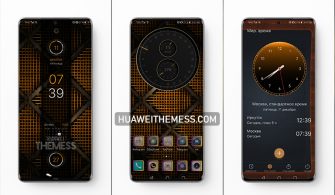
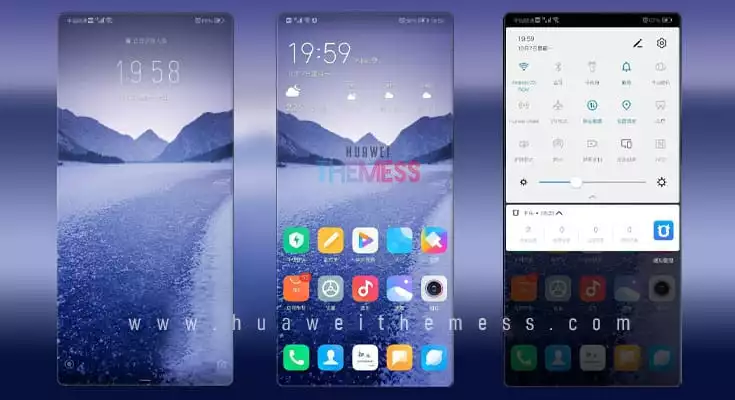
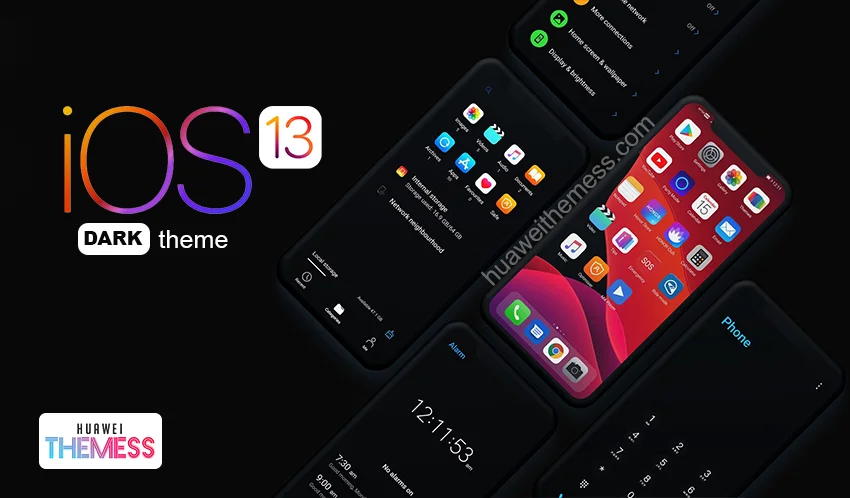
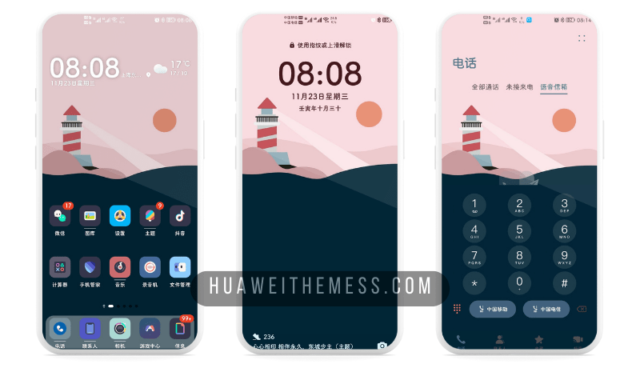
Publishers of Battle Royale games are famous for their visually stunning and immersive experiences. Similarly, a new EMUI theme has emerged, bringing the PUBG vibe to your Huawei device. This theme, called PBG MOD, is specifically designed for EMUI 12, 11, 10, and 9.0, as well as Magic UI 6, 5, 4, 3, and 2 users. With this theme, you can transform your Huawei device into a sleek and powerful gaming machine.
PBG MOD Huawei Theme Features
This theme offers a range of exciting features that will enhance your gaming experience. Some of the key features include:
- New Wallpapers Added
- Changed App Icons
- Stylish App Looking
- Dynamic Cool Lockscreen
- Smooth Interface
- Bugs Fixed
- and more features…
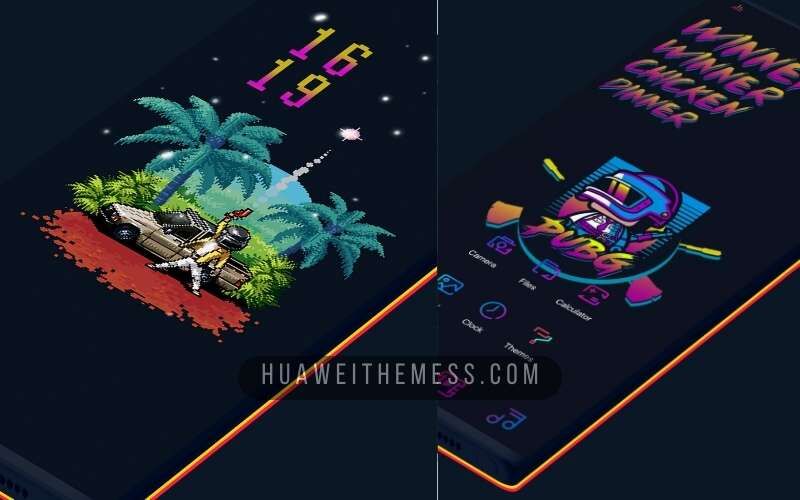
Apart from its stunning looks, this theme also provides a seamless gaming experience with its smooth interface and dynamic lockscreen.
Compatibility
This theme is compatible with EMUI 12, 11, 10, and 9.0, as well as Magic UI 6, 5, 4, 3, and 2. This means that you can easily install and enjoy this theme on your Huawei device, regardless of its operating system.



Frequently Asked Questions
What is the file size of the theme?
The file size of the theme is 38.25MB.
Is this theme compatible with my device?
This theme is compatible with EMUI 12, 11, 10, and 9.0, as well as Magic UI 6, 5, 4, 3, and 2.
How to install this theme?
First, download the .hwt file and move it to the Huawei/Themes folder, then apply it via the Themes app. Click here to learn in detail.
Say goodbye to boring screens and hello to a thrilling gaming experience with the PBG MOD EMUI theme. Download now and experience the power of PUBG on your Huawei device!