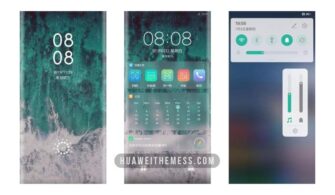
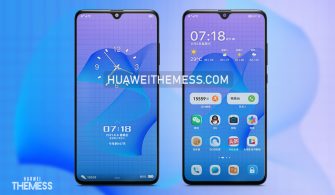
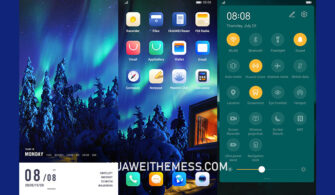
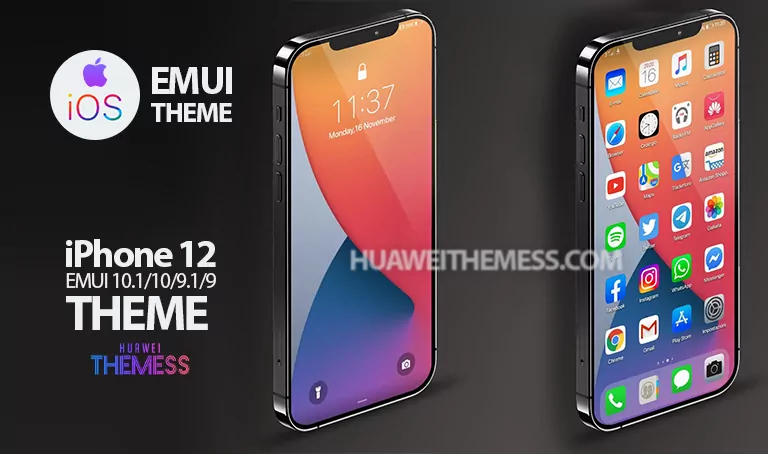
This sleek and modern EMUI theme, aptly named Black Tiger, is here to revolutionize your Huawei or Honor device’s look and feel. With its bold, edgy design and vibrant colors, Black Tiger is the perfect choice for those who crave a premium, high-end aesthetic without the hefty price tag.
Unleashing the Black Tiger Huawei Theme Features
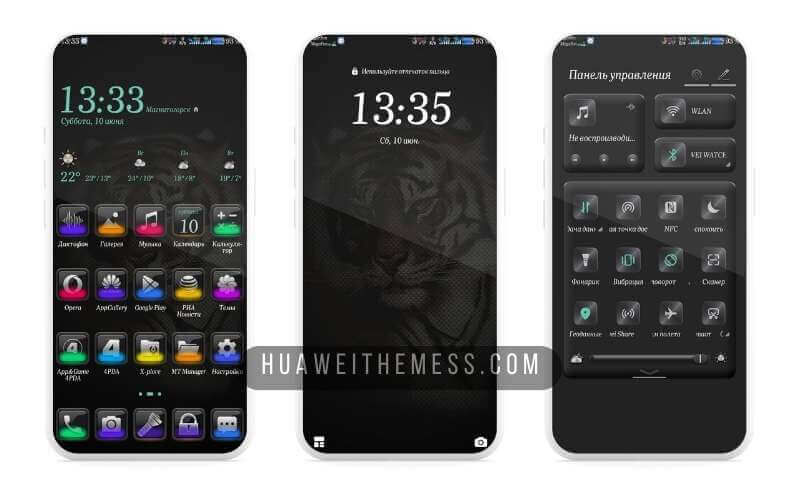
At the heart of Black Tiger lies a robust set of features designed to elevate your device’s user experience. From the striking new wallpapers to the dynamic cool lockscreen, every aspect of this theme is crafted to provide a seamless and visually stunning experience.
Wide Compatibility: EMUI and HarmonyOS
One of the standout features of Black Tiger is its compatibility with a wide range of EMUI and HarmonyOS versions, ensuring that this theme can be enjoyed by a vast majority of Huawei and Honor device users. Whether you’re running EMUI 12 or HarmonyOS, Black Tiger has got you covered.



Frequently Asked Questions (FAQ)
What devices are compatible with Black Tiger?
How do I install Black Tiger on my Huawei device?
First, download the .hwt file and move it to the Huawei/Themes folder, then apply it via the Themes app. Click here to learn in detail
Can I customize the theme further?
Yes, as with any Huawei theme, you can customize the Black Tiger theme further to suit your personal preferences. You can change the wallpapers, icon packs, and even the lockscreen settings to give your device a unique look.
How to install this theme?
First, download the .hwt file and move it to the Huawei/Themes folder, then apply it via the Themes app. Click here to learn in detail
In conclusion, Black Tiger is a game-changing EMUI theme that offers a unique blend of style, functionality, and ease of use. With its wide compatibility and seamless installation process, it’s the perfect choice for anyone looking to elevate their Huawei or Honor device’s user experience.