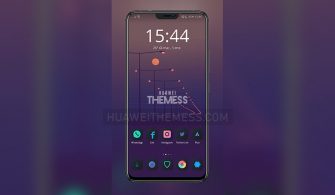
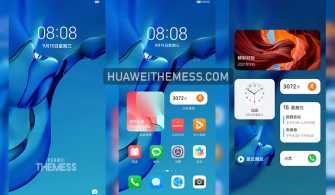
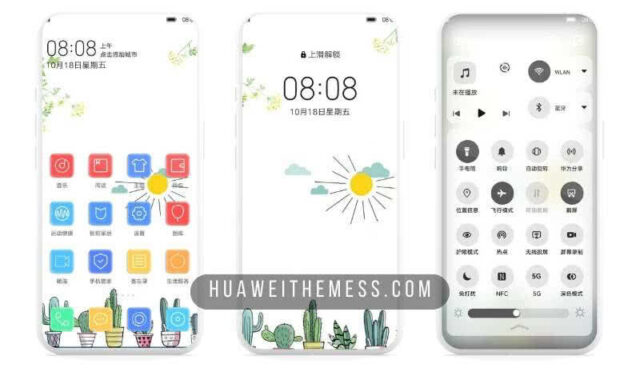
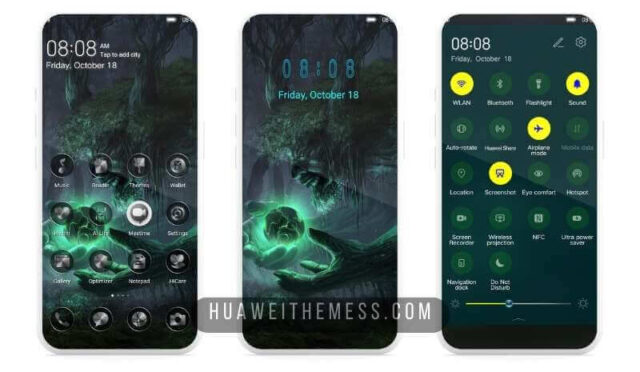
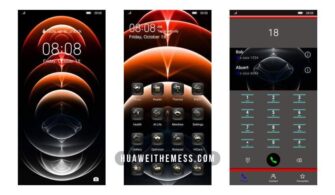
Get ready to transform your Huawei or Honor device into a sleek and sophisticated smartphone with the BiMax theme. This stylish EMUI theme is designed to provide an immersive experience, complete with a fresh new look and feel.
Unlock the Full Potential of BiMax on Your EMUI Device
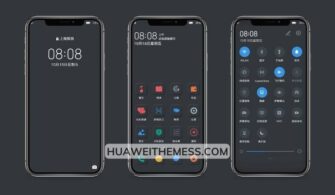
BiMax brings a premium Apple vibe to your Huawei or Honor device, complete with a stunning new interface, icons, and wallpapers that will leave you mesmerized. The theme’s sleek and modern design will elevate your user experience to new heights.
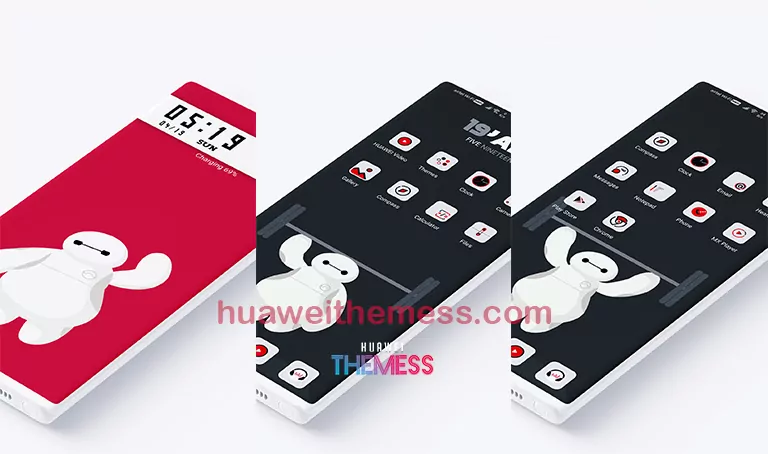
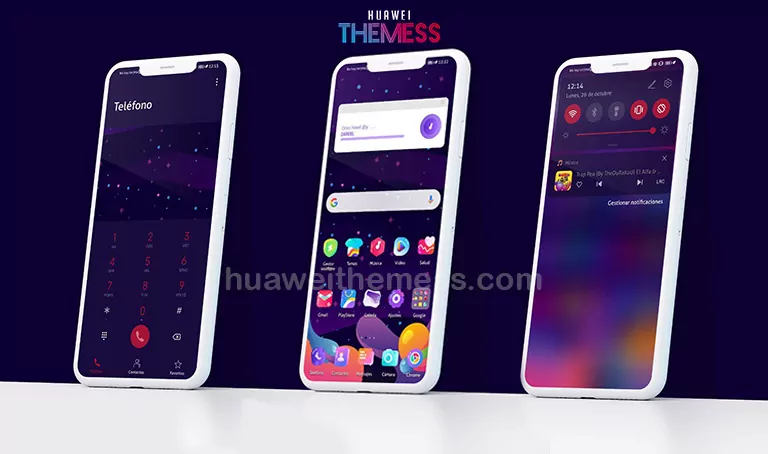
With BiMax, you can personalize your phone to suit your unique style and preferences. The theme offers a wide range of customization options, allowing you to tailor your device to fit your needs.
Compatibility and System Requirements
BiMax is compatible with EMUI 10.1/10/9.1/9.0 and MagicUI 3/2 devices. To ensure seamless installation and functionality, please make sure your device is running on one of these supported versions.



Frequently Asked Questions
What devices is BiMax compatible with?
BiMax is designed for Huawei and Honor devices running EMUI 10.1/10/9.1/9.0 and MagicUI 3/2.
Can I customize the BiMax theme?
Yes, BiMax offers a range of customization options to let you personalize your phone to suit your unique style and preferences.
How to install this theme?
First, download the .hwt file and move it to the Huawei/Themes folder, then apply it via the Themes app. Click here to learn in detail.
With BiMax, you can experience a whole new level of style and sophistication on your Huawei or Honor device. Whether you’re looking to upgrade your user interface or simply want to add some visual flair to your phone, BiMax has got you covered. So go ahead, download BiMax today and discover a world of limitless possibilities![/p]