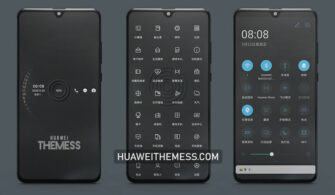
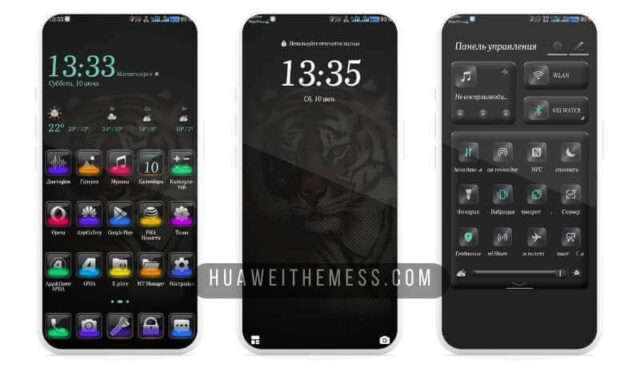
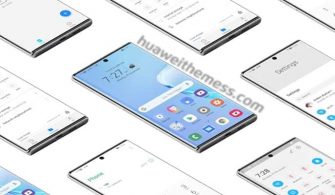
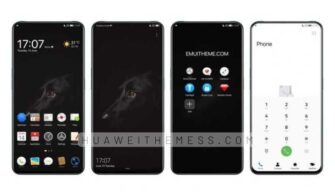
Rabbit Theme is a breath of fresh air for EMUI enthusiasts, offering a unique blend of style and sophistication that sets it apart from the rest. This theme is designed for users who crave a personalized experience that reflects their individuality, and with its impressive array of features, it’s sure to captivate anyone looking to elevate their device’s aesthetic.
Rabbit Theme: A Perfect Blend of Whimsy and Elegance
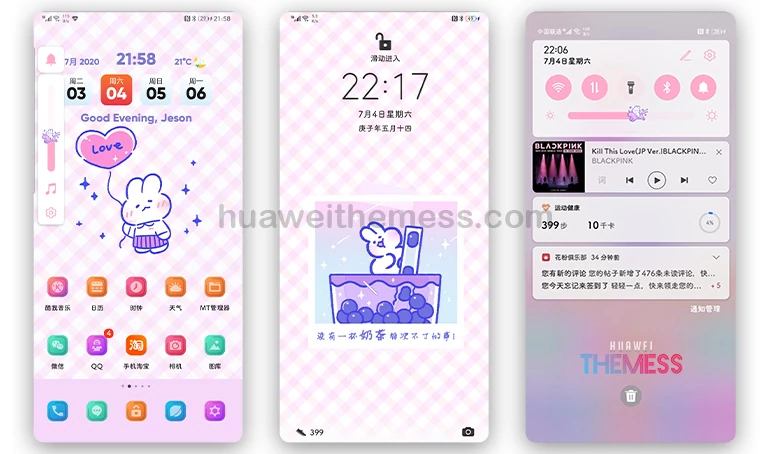
The Rabbit Theme boasts a delightful palette of pink and purple hues, creating a visually stunning experience that’s both playful and refined. The theme’s new font and carefully crafted widgets add a touch of sophistication, making it perfect for users who want to express their personality without sacrificing functionality.
Compatibility: What You Need to Know
Rabbit Theme is designed to work seamlessly with EMUI 10/9.1/9.0 and Magic UI 3/2, ensuring that users can enjoy a smooth and hassle-free experience. Whether you’re running the latest firmware or an earlier version, this theme has got you covered.
Frequently Asked Questions
What's new in the Rabbit Theme?
The Rabbit Theme introduces a range of exciting features, including stock Huawei Themes Icons, a new font, and changed widgets, all designed to enhance your device’s overall look and feel.



Is the Rabbit Theme compatible with my device?
The Rabbit Theme supports EMUI 10/9.1/9.0 and Magic UI 3/2, ensuring that users can enjoy a seamless experience on their Huawei or Honor device.
How to install this theme?
First, download the .hwt file and move it to the Huawei/Themes folder, then apply it via the Themes app. Click here to learn in detail.
Rabbit Theme is a masterclass in balancing whimsy and elegance, creating a truly unique experience that’s sure to captivate anyone looking to elevate their device’s aesthetic. With its impressive array of features and compatibility with EMUI 10/9 and Magic UI 3/2, it’s an absolute must-try for anyone seeking a fresh and exciting new look.