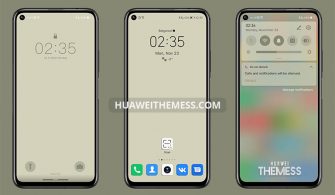
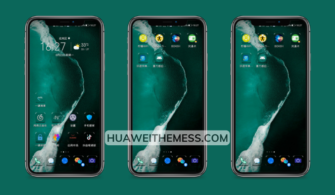
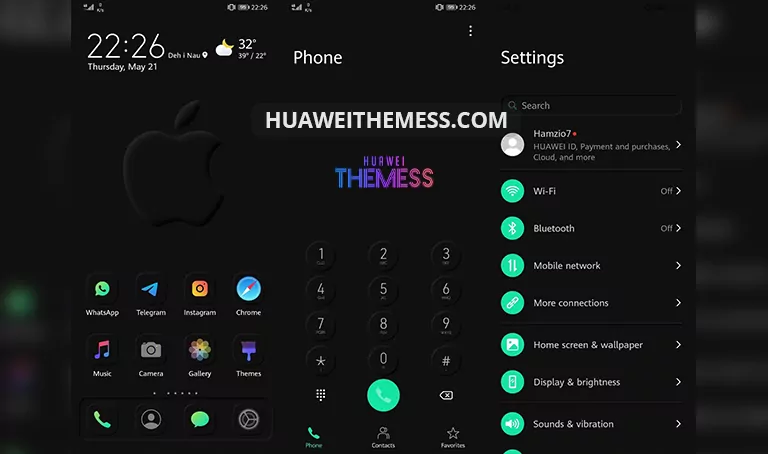
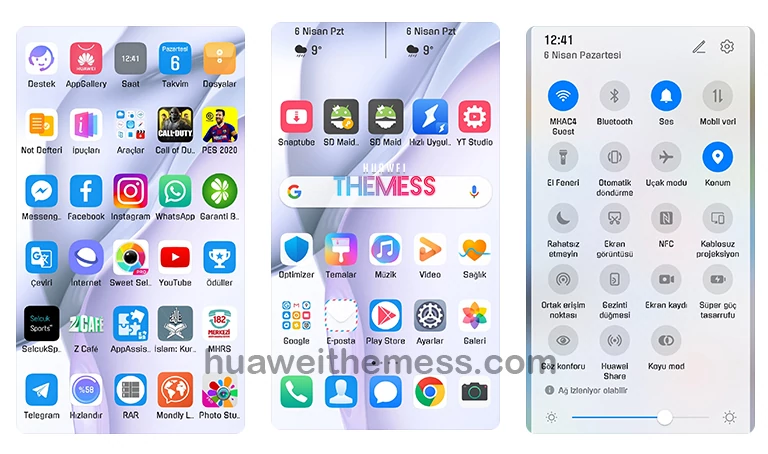
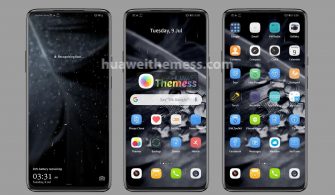
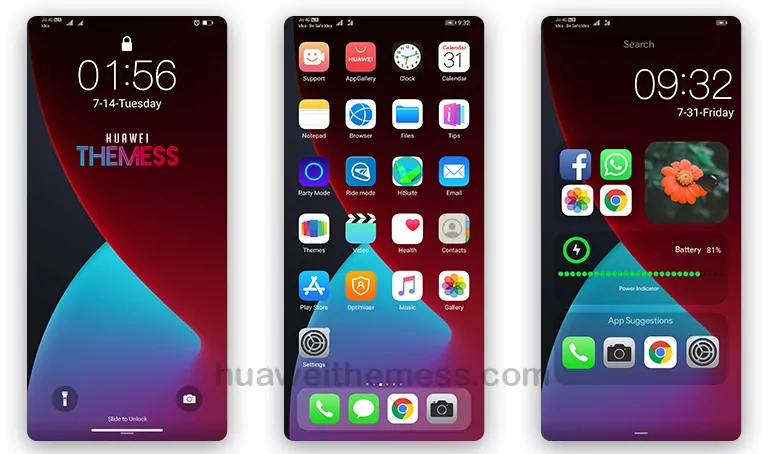
Xiaomi MIUI Dark Theme brings a breath of fresh air to Huawei devices, offering an unparalleled clean UI setup that will leave you mesmerized. By embracing the sleek and modern design of Xiaomi MIUI, you’ll be able to personalize your Huawei device to perfection, giving it a unique look that’s both stylish and sophisticated.
Xiaomi MIUI Dark Huawei Theme Features: Elevating Your Device’s Aesthetic
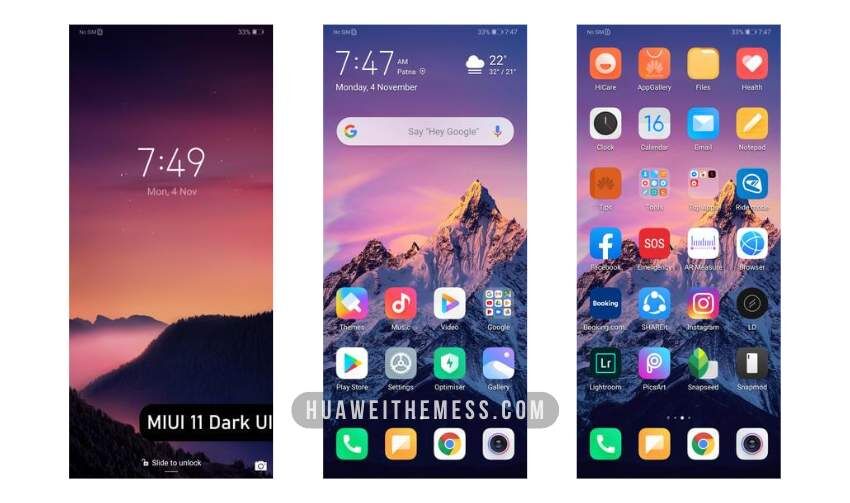
This theme boasts an impressive array of features, including new wallpapers, changed app icons, and a dynamic cool lockscreen that will keep your device looking fresh and exciting. With its smooth interface and attention to detail, Xiaomi MIUI Dark Huawei Theme is the perfect choice for anyone looking to give their Huawei device a premium makeover.
- New Wallpapers Added
- Changed App Icons
- Stylish App Looking
- Dynamic Cool Lockscreen
- Smooth Interface
- Bugs Fixed
- and more features…
Compatibility: Running Smoothly on EMUI, HarmonyOS, and Magic UI
Xiaomi MIUI Dark Huawei Theme is designed to work seamlessly with EMUI 12/11/10/9, HarmonyOS, and Magic UI 6/5/4/3/2, ensuring that your device runs smoothly and efficiently. Whether you’re using a flagship model or a more budget-friendly option, this theme will bring a touch of elegance and sophistication to your Huawei device.
Frequently Asked Questions (FAQ)
What devices are compatible with Xiaomi MIUI Dark Huawei Theme?
This theme is designed to work with EMUI 12/11/10/9, HarmonyOS, and Magic UI 6/5/4/3/2, making it compatible with a wide range of Huawei devices.



How do I install Xiaomi MIUI Dark Huawei Theme?
To install this theme, simply download the .hwt file and move it to the Huawei/Themes folder, then apply it via the Themes app. Click here to learn in detail.
Will this theme slow down my device?
No, Xiaomi MIUI Dark Huawei Theme is designed to run smoothly and efficiently, without slowing down your device. Its lightweight design ensures that your device remains fast and responsive.
How do I uninstall Xiaomi MIUI Dark Huawei Theme?
To uninstall this theme, simply go to the Themes app, select the theme, and click the uninstall button. Your device will then revert back to its original settings.
How to install this theme?
First, download the .hwt file and move it to the Huawei/Themes folder, then apply it via the Themes app. Click here to learn in detail.
Xiaomi MIUI Dark Huawei Theme is a game-changer for anyone looking to give their Huawei device a premium makeover. With its sleek design, attention to detail, and seamless compatibility, this theme is the perfect choice for anyone looking to elevate their device’s aesthetic. So why wait? Download Xiaomi MIUI Dark Huawei Theme today and experience the ultimate clean UI setup for yourself!