
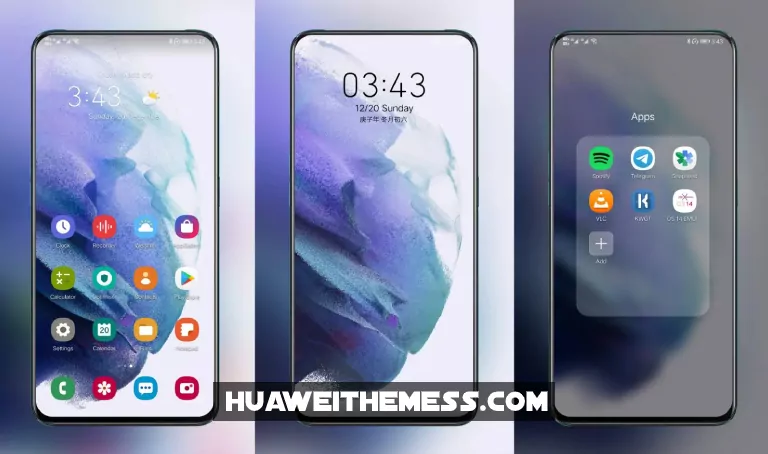
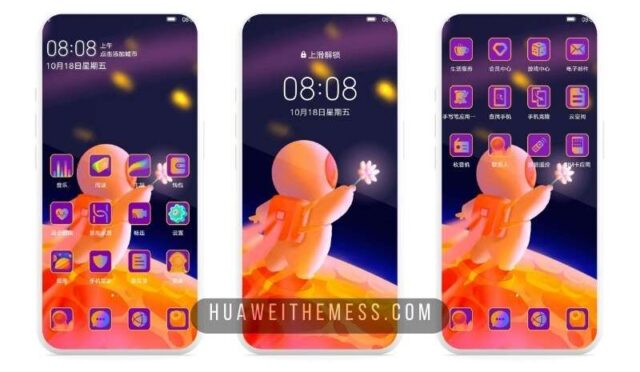
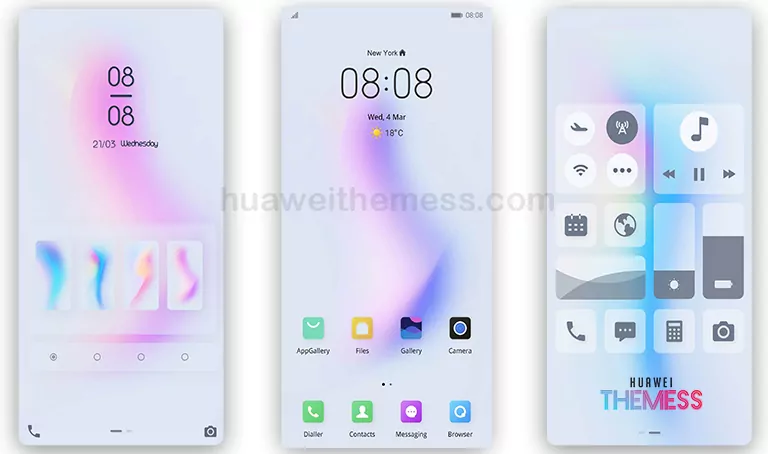
Get ready to elevate the look of your Huawei device with the Flyme EMUI 10/9.1 theme, a beautifully crafted design that brings a touch of elegance to your EMUI 9/Magic Ui experience. This stunning theme is perfect for those who want to add a pop of color and style to their home screen.
Flyme EMUI Theme: Where Clean Lines Meet Vibrant Colors
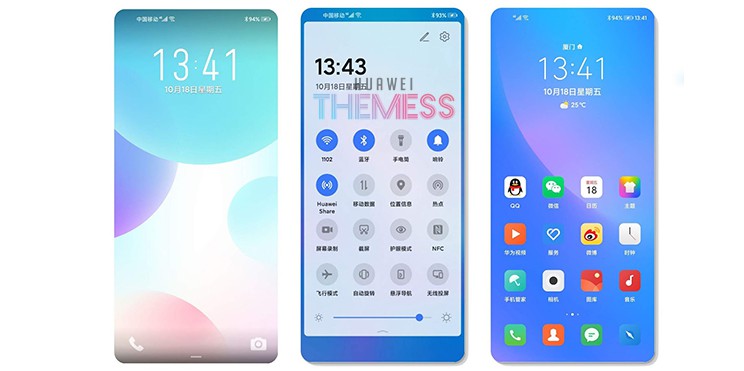
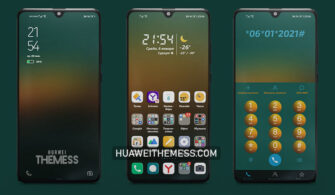
The Flyme EMUI theme boasts a range of exciting features, including a new lock screen, changed icons inspired by MIUI, and notification sounds that will leave you wanting more. The app look has been revamped to give it a more material-inspired feel, while bug fixes ensure a seamless user experience.
Compatibility: EMUI 10/9.1 and Magic Ui Supported
This theme is compatible with EMUI 10/9.1 and Magic Ui, making it a great choice for those who want to customize their Huawei device without worrying about compatibility issues. With its sleek design and vibrant colors, the Flyme EMUI theme is sure to impress.
Frequently Asked Questions
What is the Flyme EMUI theme and what features does it offer?
[The Flyme EMUI theme is a beautifully crafted design that brings a touch of elegance to your EMUI 9/Magic Ui experience. It offers a range of exciting features, including a new lock screen, changed icons inspired by MIUI, and notification sounds that will leave you wanting more. The app look has been revamped to give it a more material-inspired feel, while bug fixes ensure a seamless user experience.][/*

How do I download and install the Flyme EMUI theme?
[To download and install the Flyme EMUI theme, click on the download button below. Find the “HWT” extension (blabla.hwt) you downloaded from the download site. Copy or move the theme file you find in the file manager and copy or move the folder HWThemes. Follow the guide below to install the theme successfully.][/*
Will the Flyme EMUI theme slow down my device?
[The Flyme EMUI theme is designed to be lightweight and efficient, ensuring that it does not slow down your device. With its optimized code and minimalistic design, you can enjoy a seamless user experience without compromising on performance.][/*
How to install this theme?
[First, download the .hwt file and move it to the Huawei/Themes folder, then apply it via the Themes app. Click here to learn in detail.][/*
The Flyme EMUI theme is a game-changer for Huawei device users, offering a fresh and exciting design that is sure to impress. With its vibrant colors, clean lines, and optimized code, this theme is a must-try for anyone looking to take their EMUI 9/Magic Ui experience to the next level.



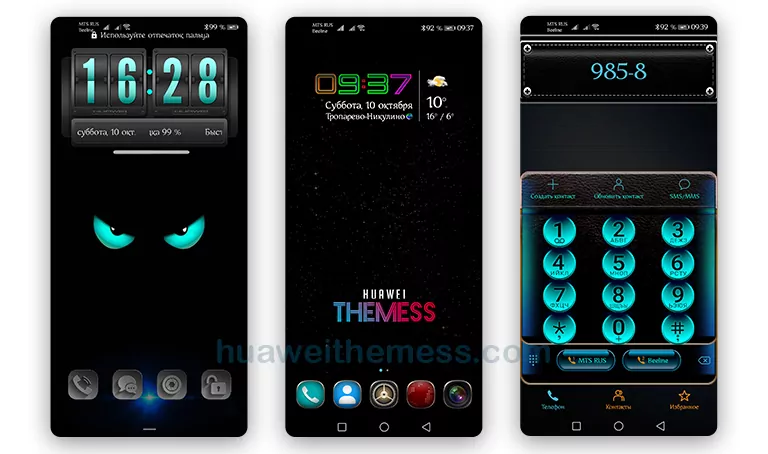
Best Theme ever I used in EMUI 10 Theme