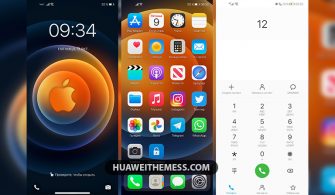
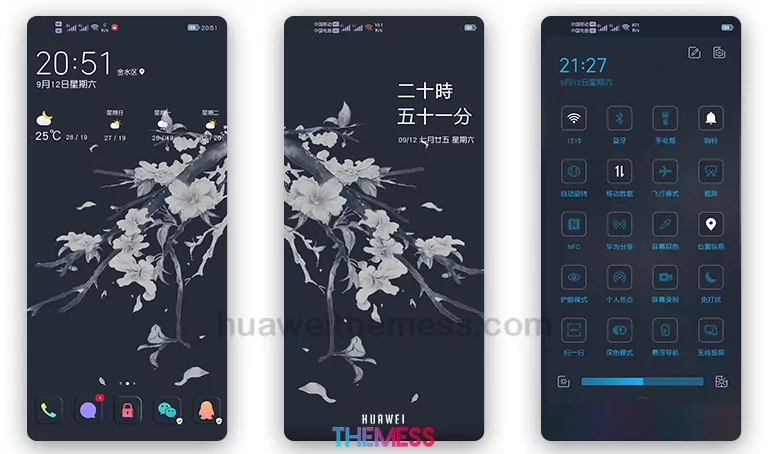
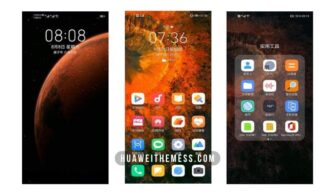
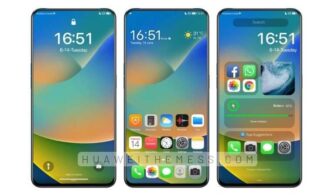
Prepare to be amazed by the Super Amoled theme, a stunning clean UI setup designed specifically for EMUI 10/9 and Magic UI 3/2 users. This innovative theme takes your Huawei device to new heights, offering a plethora of customization options to personalize your phone’s look and feel to suit your unique style.
Unleash the Premium Aesthetic of Super Amoled: EMUI Theme Features
The Super Amoled theme boasts an impressive array of features, including:
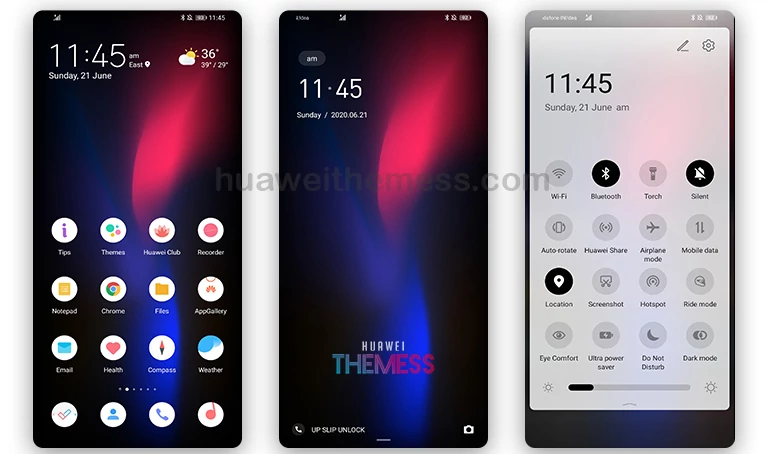 Flat Pixel Icons that add a touch of sophistication to your device
- Amoled Wallpapers that bring your device to life with vibrant colors and stunning visuals
- White and Black App Lookings that provide a seamless visual experience, elevating your device’s aesthetic to new heights
- Changed Fonts that enhance readability and aesthetics, making it a breeze to navigate through your device
- Bugs Fixed for a smooth and hassle-free experience, ensuring that your device runs like a charm
- and more
Super Amoled EMUI Theme: Compatibility and Support
The Super Amoled theme is compatible with EMUI 10/9 and Magic UI 3/2, ensuring a seamless installation process that won’t disrupt your device’s functionality. With this theme, you can enjoy a premium look and feel on your Huawei device, without worrying about compatibility issues.
Frequently Asked Questions (FAQ)
Is Super Amoled EMUI theme compatible with my device?
Yes, the Super Amoled theme is designed for Huawei devices running EMUI 10/9 and Magic UI 3/2, making it the perfect choice for your device.
Can I customize the Super Amoled theme?
Yes, the Super Amoled theme offers a range of customization options, allowing you to personalize your phone’s look and feel to suit your unique style.



Do I need to restart my device after applying the Super Amoled theme?
Yes, it’s recommended to restart your device after applying the theme to ensure a smooth and seamless experience.
How do I install the Super Amoled theme?
First, download the .hwt file and move it to the Huawei/Themes folder, then apply it via the Themes app. Click here to learn in detail.
The Super Amoled theme is a game-changer for Huawei device users, offering a sleek and modern look that’s sure to turn heads. With its impressive array of features and seamless installation process, this theme is a must-try for anyone looking to elevate their device’s aesthetic.