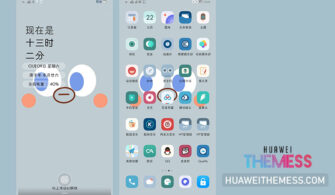
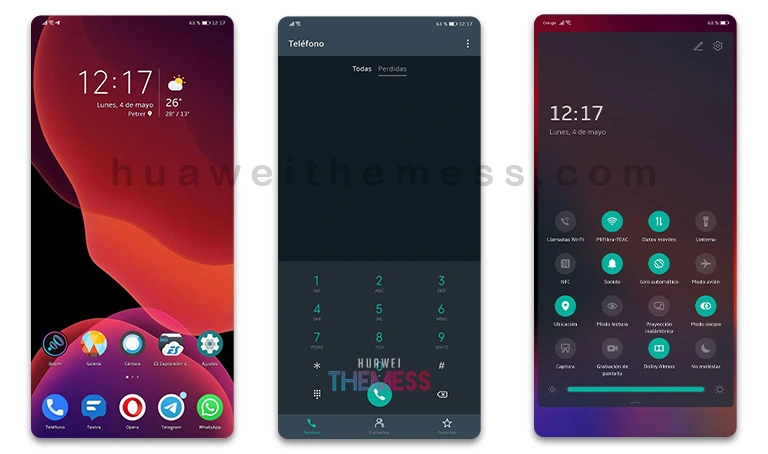
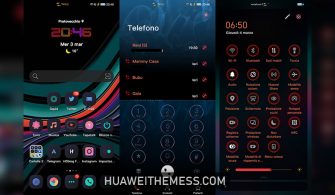
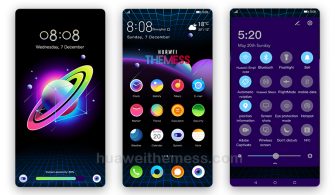
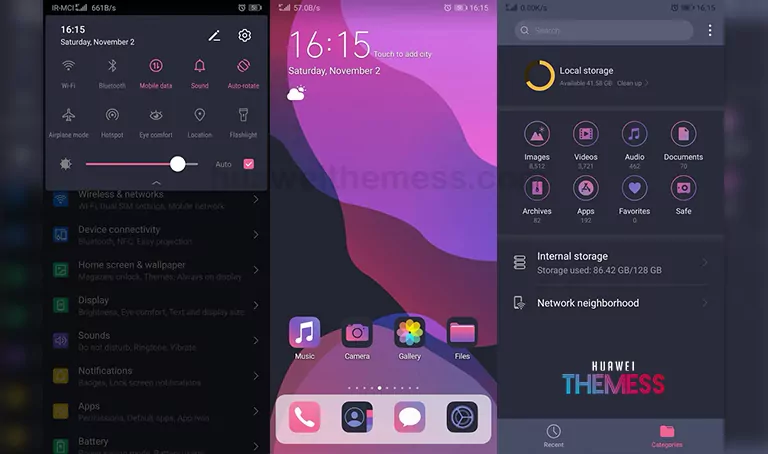
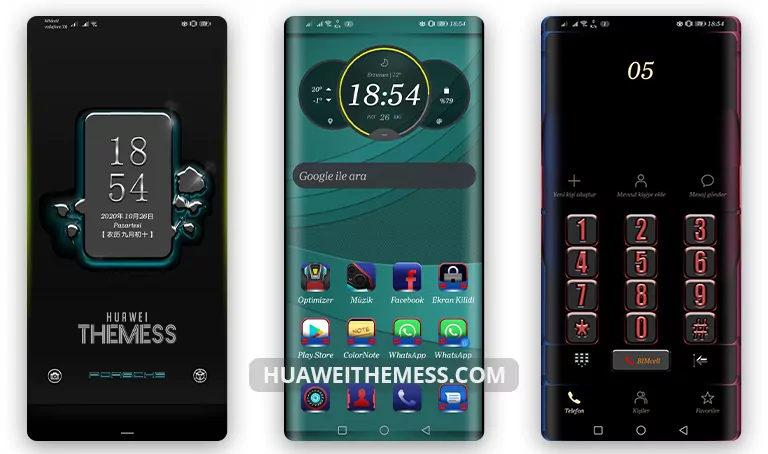
Get ready to indulge in a world of vibrant color and sleek design with the Honey Powder theme. This stunning EMUI 11/10 and MagicUI 4/3 theme is the perfect way to elevate your device’s visual appeal and experience a unique blend of style and elegance.
Unlock the Honey Powder Charm on Your Huawei/Honor Device
This enchanting theme transports you to a world of serenity and style with its delicate pink gradient wallpapers, refreshing lockscreen style, and cool app lookings. Whether you’re looking to add a touch of whimsy to your device or simply want to experience a premium Apple-like experience on your Huawei/Honor device, the Honey Powder theme is a must-have.
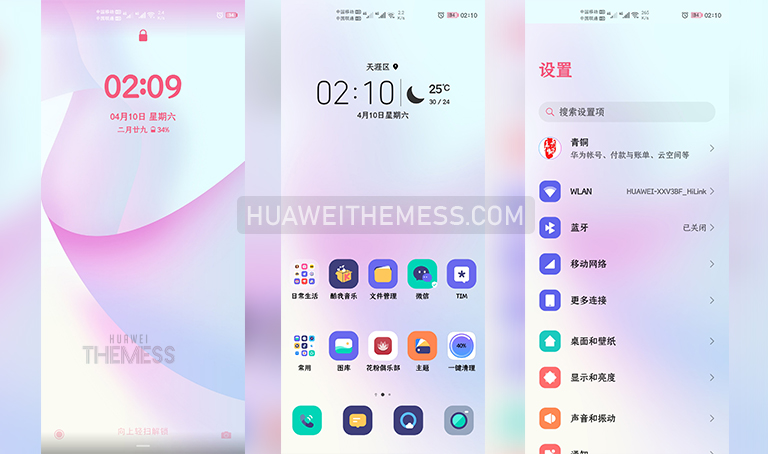
The Honey Powder theme’s subtle yet striking design elements will captivate your senses and leave you wanting more. Its vibrant colors and sleek design make it the perfect way to add some excitement to your EMUI experience.
Compatiblity Made Easy: EMUI and MagicUI Support
The Honey Powder theme is carefully crafted to work seamlessly with EMUI 11.1/11/10.1/10 and MagicUI 4/3, ensuring a smooth and glitch-free experience. With our theme’s compatibility, you can enjoy the Honey Powder charm without worrying about compatibility issues.



Frequently Asked Questions
What makes the Honey Powder theme so unique?
The Honey Powder theme stands out with its unique blend of pink gradient wallpapers, a fresh lockscreen style, and cool app lookings, making it a must-have for anyone looking to elevate their device’s visual appeal.
Is the Honey Powder theme compatible with my device?
The Honey Powder theme is carefully crafted to work seamlessly with EMUI 11.1/11/10.1/10 and MagicUI 4/3, ensuring a smooth and glitch-free experience.
How do I install the Honey Powder theme?
First, download the .hwt file and move it to the Huawei/Themes folder, then apply it via the Themes app. Click here to learn in detail.
Indulge in the sweet, smooth, and vibrant world of the Honey Powder theme, and discover a new way to experience EMUI 11/10 and MagicUI 4/3. With its unique blend of style and elegance, this theme is sure to delight even the most discerning user.