
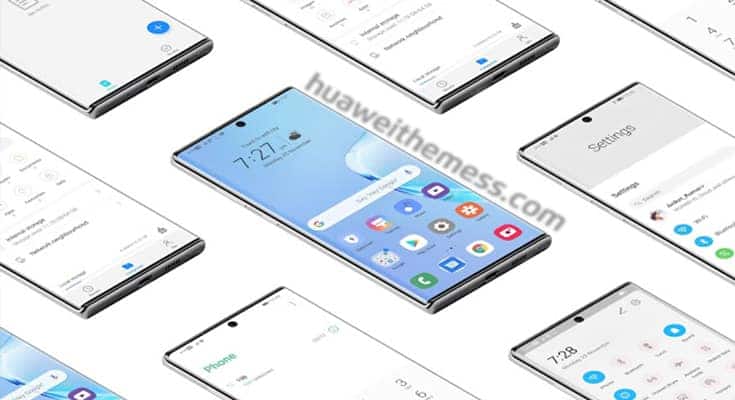
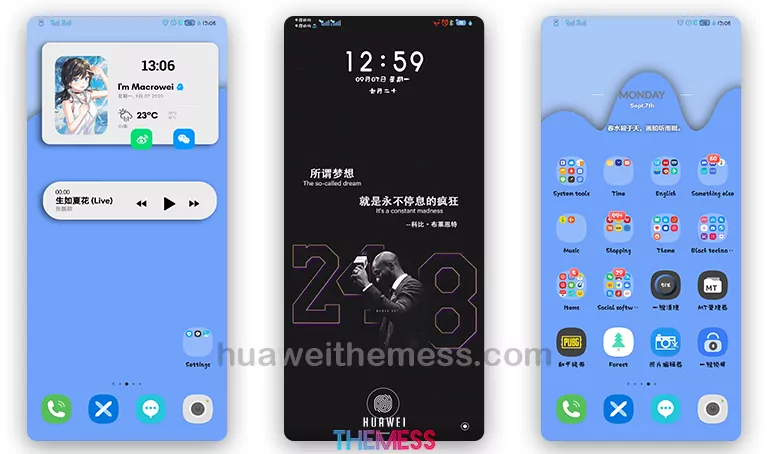
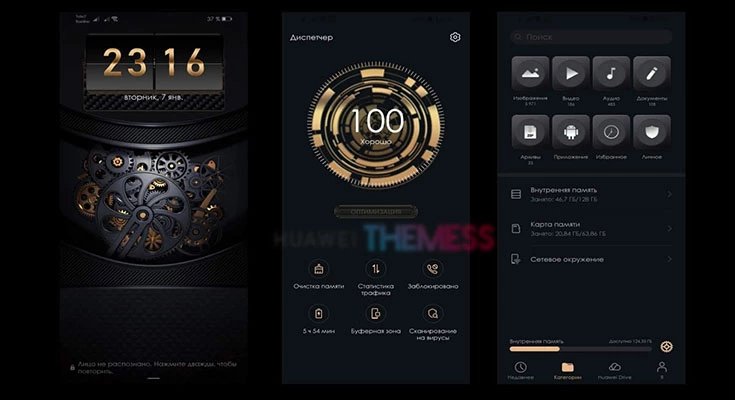
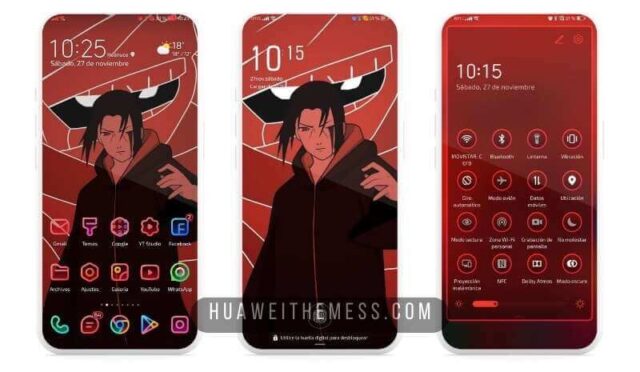
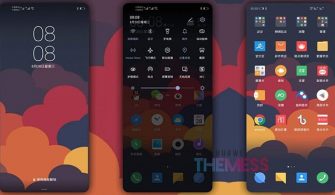
Get ready to transform your Huawei device into a sleek and modern Samsung One-UI inspired masterpiece. This stunning EMUI 10 theme brings the best of Samsung’s design to your HarmonyOS-powered phone, packing a punch with its vibrant colors and clean UI elements.
Samsung One-UI EMUI 10: Elevate Your Android Experience
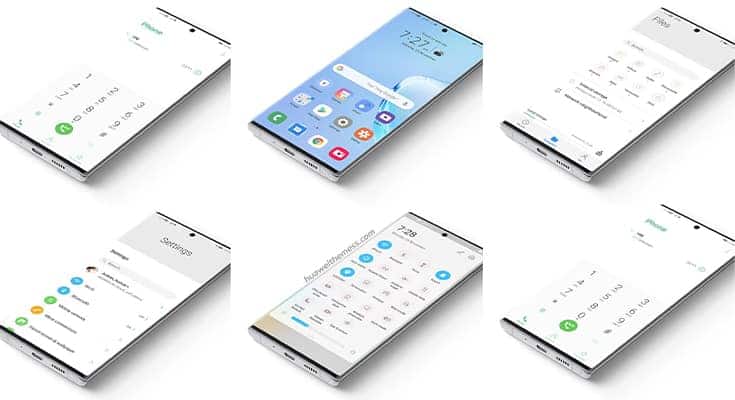
This theme is not just a skin-deep makeover; it’s a comprehensive redesign that reimagines the way you interact with your Huawei device. From the iconic One-UI icons to the stunning Samsung wallpapers, every element has been carefully crafted to deliver a seamless and immersive experience.
Compatibility and System Requirements
This theme is specifically designed for EMUI 10 and MagicOS users, ensuring a smooth and glitch-free experience. Whether you’re running the latest software or an older version, this theme is compatible with a wide range of Huawei and Honor devices.
Frequently Asked Questions (FAQ)
What are the system requirements for this theme?
This theme is compatible with EMUI 10 and MagicOS, and supports a wide range of Huawei and Honor devices.



How do I install this theme?
First, download the .hwt file and move it to the Huawei/Themes folder, then apply it via the Themes app. Click here to learn in detail.
Experience the best of Samsung’s design on your Huawei device with this stunning EMUI 10 theme. With its clean UI elements, vibrant colors, and iconic One-UI icons, you’ll be transported to a world of premium Android experience. Don’t miss out on this opportunity to elevate your device’s look and feel.



The problem has been fixed. Thanks for Comment!
Theme links have been updated again.