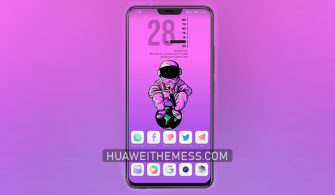
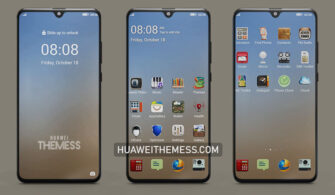
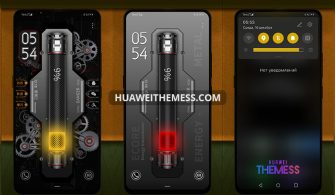
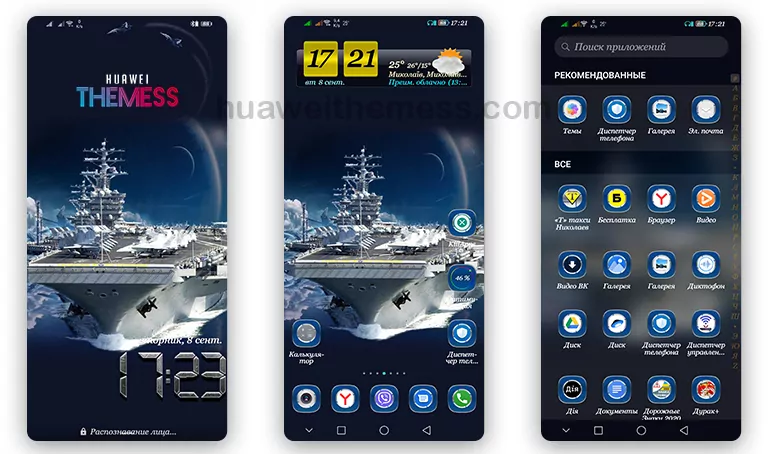
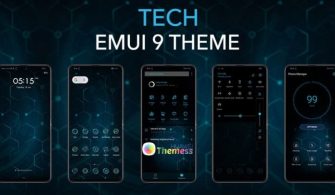
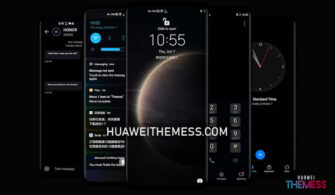
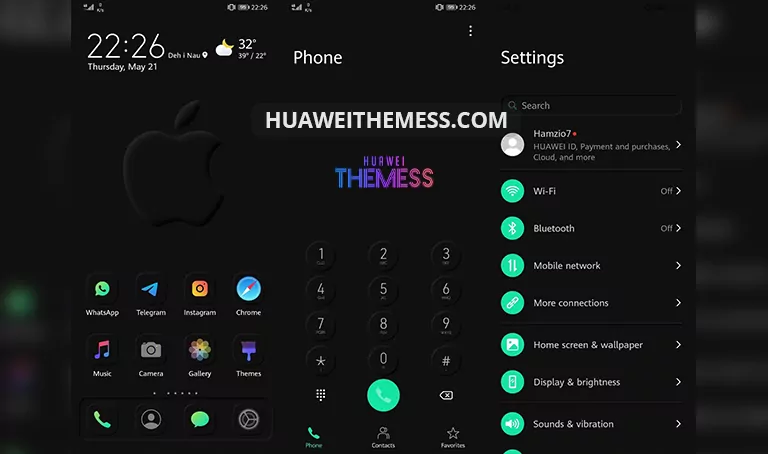
This sleek new theme is poised to revolutionize the way you interact with your Huawei and Honor devices, offering a refreshing take on the traditional EMUI interface. With its clean and minimalist design, the New Mimicry Text Clock theme empowers users to personalize their device to their heart’s content, redefining the boundaries of user experience.
New Mimicry Text Clock EMUI Theme: A Symphony of Style and Functionality
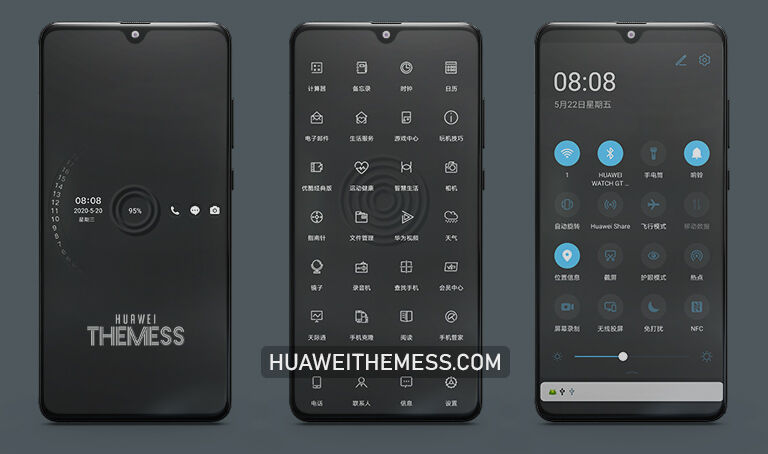
Boasting an array of cutting-edge features, the New Mimicry Text Clock theme is a masterpiece of design and functionality. From its striking app icons to its dynamic lockscreen, this theme has been crafted to provide a seamless and intuitive experience. The notification panel has been meticulously designed to provide a clutter-free look, while the settings panel has been optimized for ease of use.
- New & stylish app icons
- Revamped notification panel for a clean look
- Intuitive settings panel for effortless navigation
- Dynamic lockscreen for a mesmerizing visual experience
- Smooth and responsive interface
- Bugs fixed for a hassle-free experience
- and many more innovative features…
Compatibility: EMUI 12/11/10/9 and MagicUI 5/4/3/2
The New Mimicry Text Clock theme is compatible with a wide range of Huawei and Honor devices running EMUI 12/11/10/9 and MagicUI 5/4/3/2, ensuring a seamless transition for users. Whether you’re using the latest flagship model or a more budget-friendly option, this theme is sure to elevate your device to new heights.
Frequently Asked Questions (FAQ)
Is the New Mimicry Text Clock theme compatible with my device?
Yes, the New Mimicry Text Clock theme is compatible with Huawei and Honor devices running EMUI 12/11/10/9 and MagicUI 5/4/3/2.



How do I apply the New Mimicry Text Clock theme?
To apply the theme, simply download the .hwt file and move it to the Huawei/Themes folder, then apply it via the Themes app.
Is the New Mimicry Text Clock theme free to use?
Yes, the New Mimicry Text Clock theme is completely free to use.
How to install this theme?
First, download the .hwt file and move it to the Huawei/Themes folder, then apply it via the Themes app. Click here to learn in detail.
The New Mimicry Text Clock theme is a game-changer for anyone looking to take their Huawei or Honor device to the next level. With its sleek design and user-friendly interface, this theme is sure to impress even the most discerning users. Whether you’re looking to personalize your device or simply want a fresh new look, the New Mimicry Text Clock theme is the perfect choice.