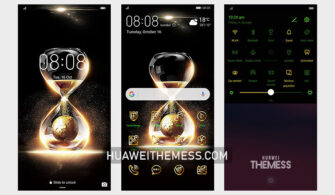
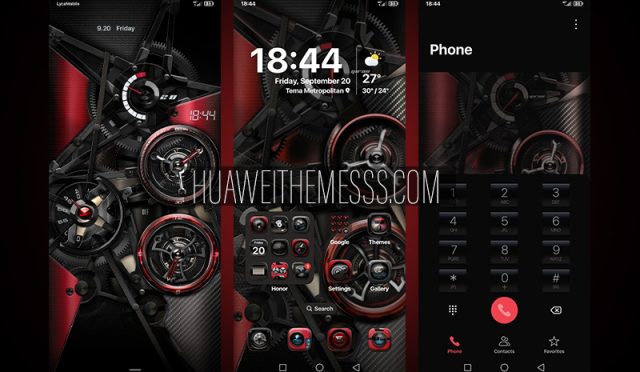
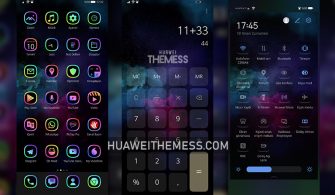
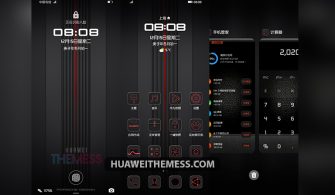
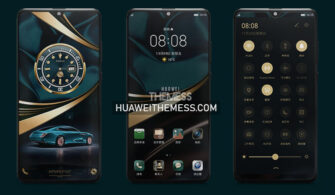
Get ready to revolutionize your Huawei device’s look and feel with the stunning King Red theme, perfect for EMUI 12/11 and MagicUI 5/4 users. This theme is designed to bring a touch of elegance and sophistication to your smartphone, making it stand out from the crowd.
King Red EMUI Theme: A Symphony of Style and Functionality
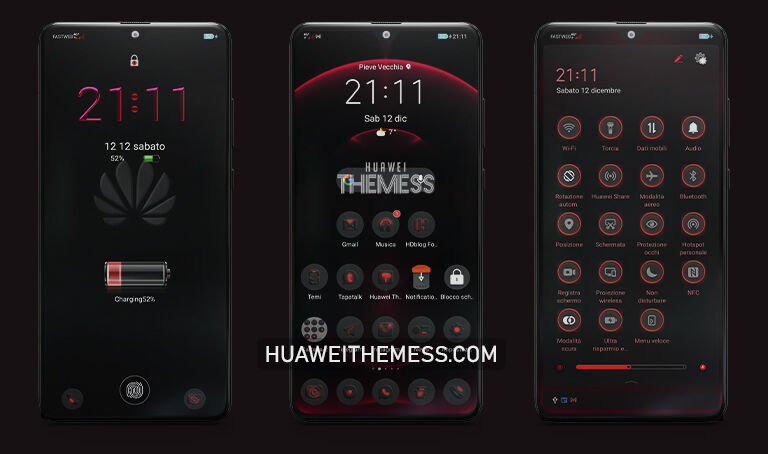
The King Red theme is a masterclass in design, offering a sleek and modern aesthetic that is sure to impress. With a focus on clean lines, vibrant colors, and intuitive navigation, this theme is perfect for those who want to elevate their Huawei experience without sacrificing functionality.
From the moment you apply the theme, you’ll be greeted by a stunning wallpaper that sets the tone for the rest of the experience. The app icons are redesigned to be more visually appealing, and the notification panel has been revamped to provide a more streamlined interface. Even the settings app has been given a fresh new look, making it easier to navigate and customize your device to your liking.
King Red EMUI Theme Compatibility
The King Red theme is compatible with EMUI 12/11 and MagicUI 5/4, ensuring that you can enjoy the full benefits of this stunning theme on your Huawei device. Whether you’re running the latest software or an earlier version, this theme is designed to work seamlessly with your device, providing a consistent and high-quality user experience.



Frequently Asked Questions
What devices is the King Red theme compatible with?
[The King Red theme is compatible with EMUI 12/11 and MagicUI 5/4 devices, making it perfect for a wide range of Huawei smartphones and tablets.]
Is the King Red theme free to use?
[Yes, the King Red theme is completely free to use, with no hidden costs or subscription fees.]
How do I install the King Red theme?
[First, download the .hwt file and move it to the Huawei/Themes folder, then apply it via the Themes app. Click here to learn in detail.]
The King Red theme is a game-changer for anyone looking to elevate their Huawei experience. With its stunning design, intuitive navigation, and seamless compatibility, this theme is sure to impress even the most discerning users. Whether you’re looking to make a statement or simply want a more enjoyable user experience, the King Red theme is the perfect choice for anyone who wants to take their Huawei device to the next level.