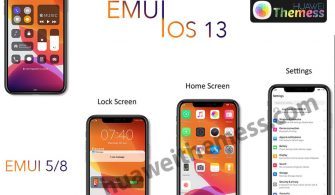
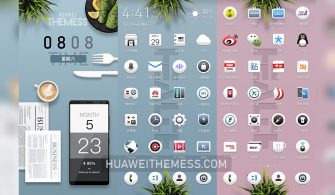
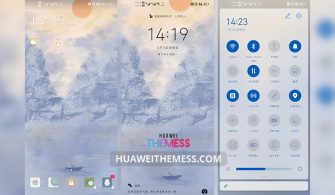
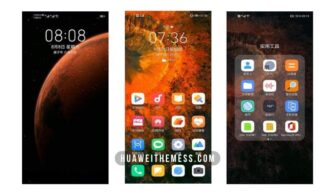
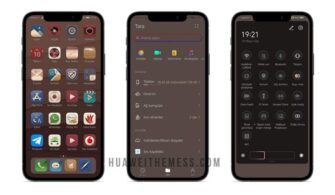
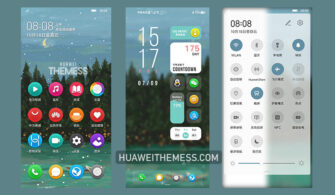
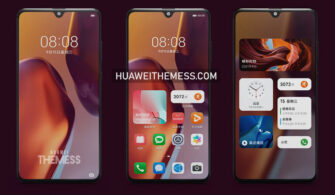
Looking to elevate your Huawei device to the next level? EMUI 11 Dark is the perfect solution for you. This stunning theme offers an immersive dark mode experience that’s reminiscent of the premium Apple aesthetic, minus the hefty price tag. With its sleek and modern design, EMUI 11 Dark is sure to transform your device into a sleek and powerful powerhouse.
Experience the Best of EMUI 11 on Your Device
Get ready to be blown away by the stunning features of EMUI 11 Dark, including:
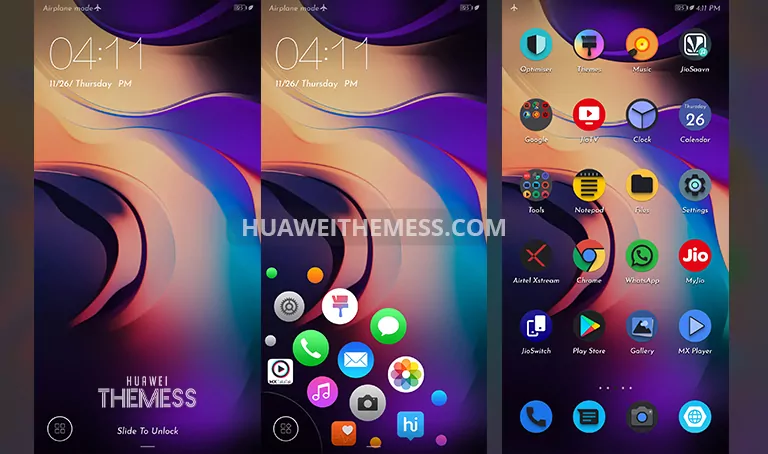
- Abstract wallpapers that transport you to a world of serenity and tranquility
- Dark cool icons that exude sophistication and style
- Lockscreen apps shortcut feature for easy access to your favorite apps
- A seamless dark app experience that’s identical to EMUI 11
- Bugs fixed for a smooth and glitch-free experience
- And many more exciting features to discover!
Compatibility Made Easy
Don’t worry about compatibility issues with your device. EMUI 11 Dark is designed to work seamlessly with EMUI 10.1/10/9.1/9.0 and MagicUI 3/2. Whether you’re rocking a brand-new device or an older model, this theme has got you covered.



Frequently Asked Questions
What devices is EMUI 11 Dark compatible with?
EMUI 11 Dark is compatible with EMUI 10.1/10/9.1/9.0 and MagicUI 3/2 devices.
How do I apply the theme?
To apply the theme, download the .hwt file and move it to the Huawei/Themes folder, then apply it via the Themes app.
What if I encounter bugs or issues?
Don’t worry, our team has fixed all known bugs and issues to ensure a smooth experience. If you encounter any problems, feel free to reach out to us for assistance.
How to install this theme?
First, download the .hwt file and move it to the Huawei/Themes folder, then apply it via the Themes app. Click here to learn in detail.
Get ready to immerse yourself in the stunning world of EMUI 11 Dark. With its sleek design, premium aesthetic, and seamless performance, this theme is a game-changer for any Huawei device owner. Don’t miss out on the opportunity to elevate your device to the next level – download EMUI 11 Dark today!