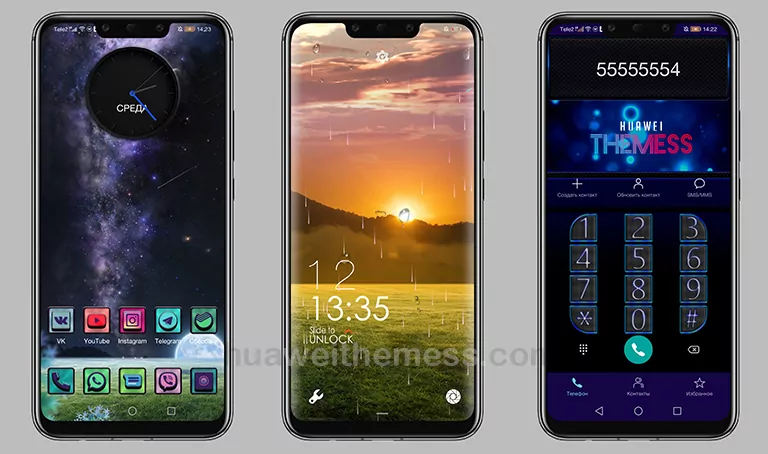
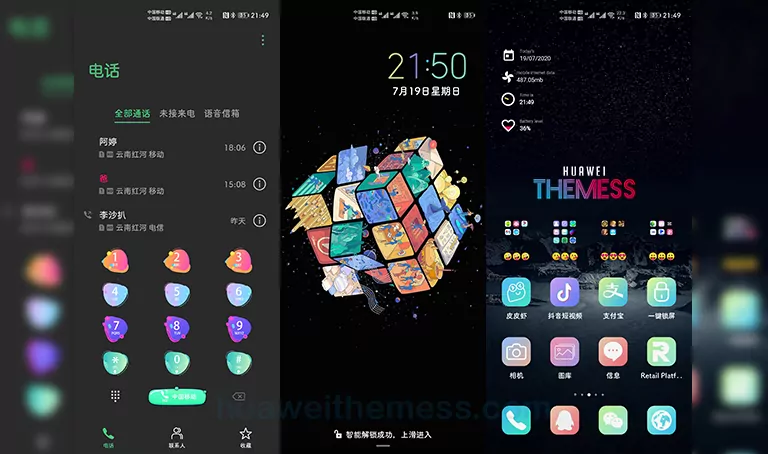
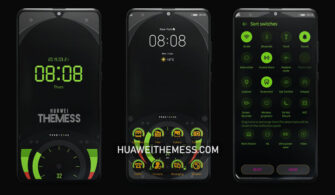
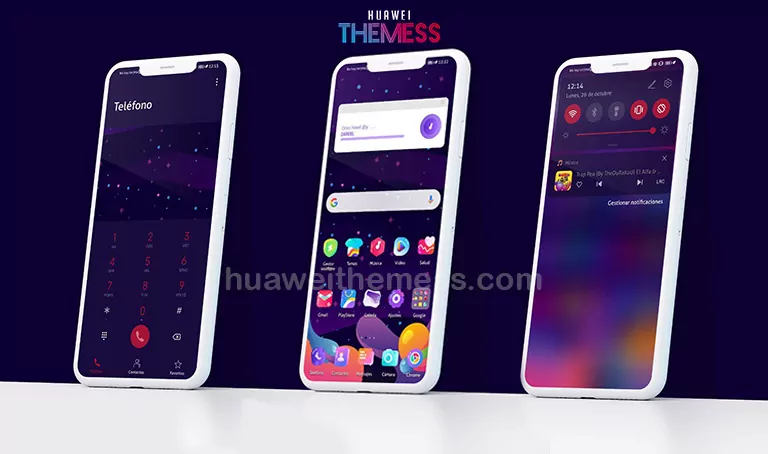
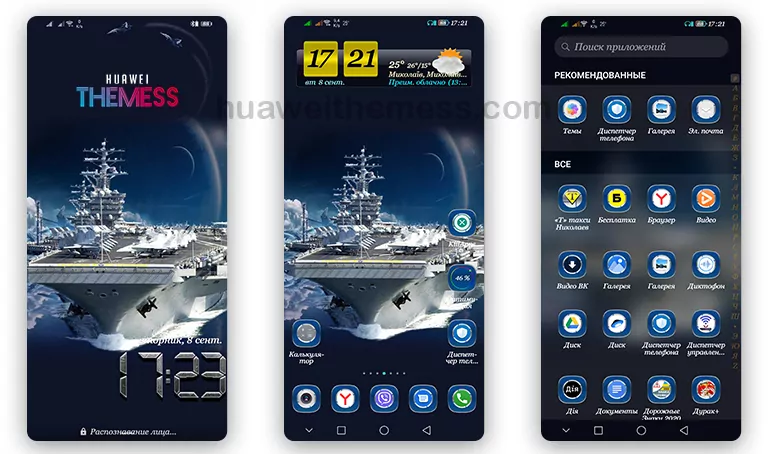
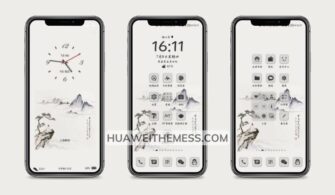
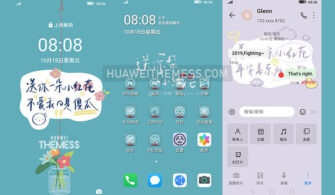
This revolutionary Change Theme is a must-try for any Huawei or Honor device owner. By applying this sleek and modern theme, users can give their device a bold new look that’s both visually stunning and highly functional. A “Change” theme for EMUI 12/11/10/9.0 and MagicUI 6/5/4/3/2 users, this theme offers an unparalleled level of customization and personalization.
Change Huawei Theme Features
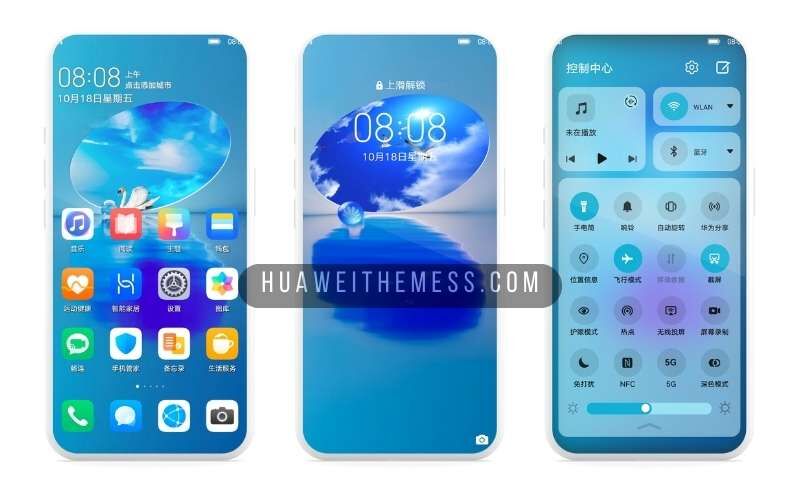
The Change Theme boasts an impressive array of features that make it stand out from the crowd. With new wallpapers, changed app icons, and a stylish app look, this theme is sure to impress even the most discerning users. The dynamic cool lockscreen and smooth interface only add to the theme’s appeal, making it the perfect choice for those who want a seamless and engaging user experience.
- New Wallpapers Added
- Changed App Icons
- Stylish App Looking
- Dynamic Cool Lockscreen
- Smooth Interface
- Bugs Fixed
- and more features…
Compatibility
With its wide range of compatibility options, the Change Theme is perfect for users of EMUI 12/11/10/9.0 and MagicUI 6/5/4/3/2 devices. Whether you’re running the latest version of EMUI or an older variant, this theme will look and perform beautifully on your device. Additionally, its compatibility with HarmonyOS ensures that users of these devices can also enjoy the benefits of this fantastic theme.
Frequently Asked Questions (FAQ)
What makes the Change Theme so special?
The Change Theme stands out from the crowd due to its unique combination of style and functionality. With its sleek and modern design, this theme is sure to impress even the most discerning users. Its dynamic cool lockscreen and smooth interface only add to the theme’s appeal, making it the perfect choice for those who want a seamless and engaging user experience.



Is the Change Theme compatible with my device?
Yes, the Change Theme is compatible with a wide range of Huawei and Honor devices running EMUI 12/11/10/9.0 or MagicUI 6/5/4/3/2. Its compatibility with HarmonyOS ensures that users of these devices can also enjoy the benefits of this fantastic theme.
How do I install this theme on my Huawei device?
First, download the .hwt file and move it to the Huawei/Themes folder, then apply it via the Themes app. For more detailed instructions, please refer to our guide.
How to install this theme?
First, download the .hwt file and move it to the Huawei/Themes folder, then apply it via the Themes app. For more detailed instructions, please refer to our guide.
The Change Theme is a game-changer for Huawei and Honor device owners. With its sleek design, dynamic features, and wide range of compatibility options, this theme is sure to please even the most discerning users. Whether you’re looking for a bold new look or a seamless user experience, the Change Theme is the perfect choice for you.