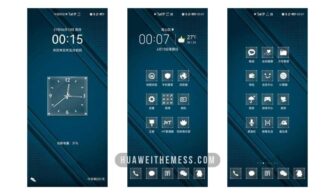
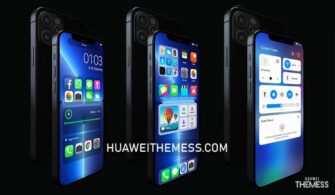
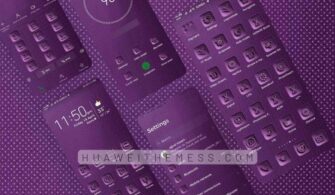
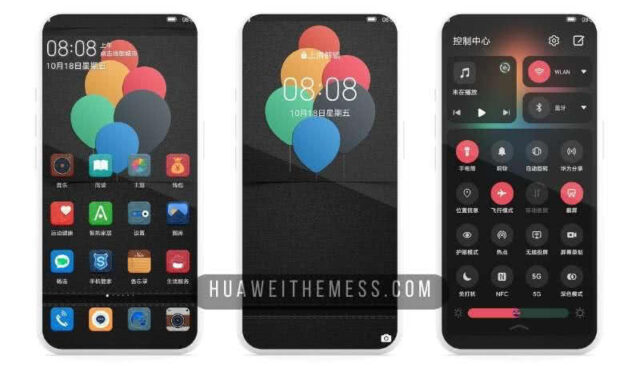
Get ready to immerse yourself in a stunning underwater world with the Blue Sea theme for EMUI 10/9.1/9/Magic Ui users. This breathtaking design will transform your device into a mesmerizing oceanic experience, complete with an array of captivating visuals and soothing colors that are sure to captivate your senses.
Discover the Allure of Blue Sea: Vibrant Interface and Elegant Design
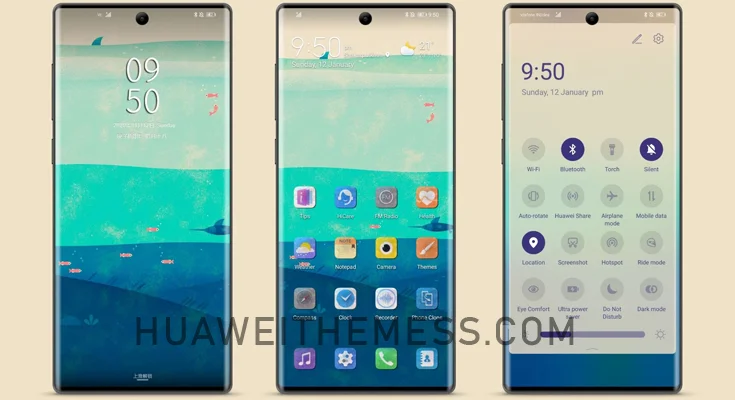
With its vibrant interface and elegant design, Blue Sea is the perfect choice for those seeking a unique and captivating theme. The combination of soothing blue hues and crisp white accents creates a breathtaking visual experience that will leave you in awe.
Wide Compatibility: Blue Sea Theme for EMUI 10/9.1/9
The Blue Sea theme is carefully crafted to be compatible with EMUI 10/9.1/9, ensuring a seamless and hassle-free installation process. Whether you’re running the latest EMUI 10 or the robust EMUI 9.1, this theme is sure to deliver a premium experience that meets your expectations.
Frequently Asked Questions
What devices are compatible with the Blue Sea theme?
Blue Sea is compatible with Huawei and Honor devices running EMUI 10/9.1/9/Magic Ui.
How do I install the Blue Sea theme?
First, download the .hwt file and move it to the Huawei/Themes folder, then apply it via the Themes app. Click here to learn in detail.
Can I customize the theme?
While the Blue Sea theme offers a range of customization options, some features may not be editable. You can explore the theme’s settings to discover the available customization options.
How to install this theme?
First, download the .hwt file and move it to the Huawei/Themes folder, then apply it via the Themes app. Click here to learn in detail.
Immerse yourself in the captivating world of Blue Sea, where vibrant hues and elegant design come together to create a truly unforgettable experience. With its wide compatibility and seamless installation process, this theme is sure to delight users of all levels.