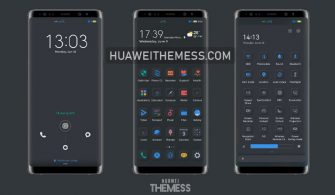
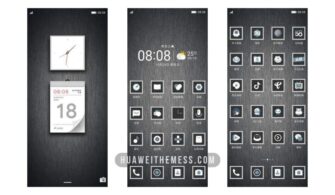
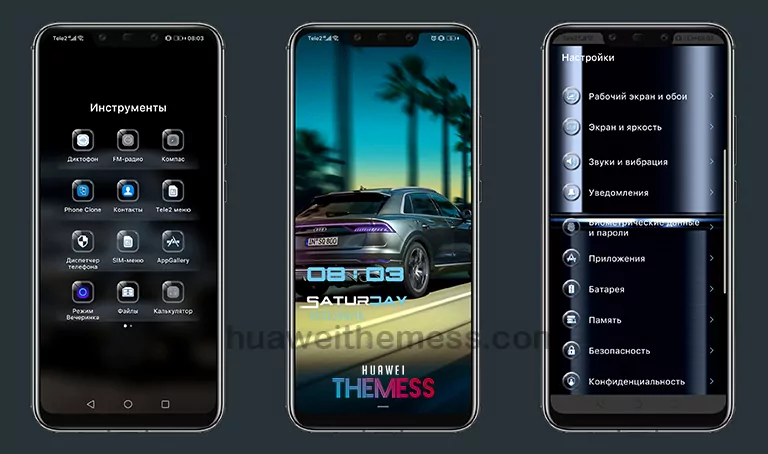
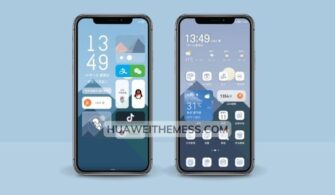
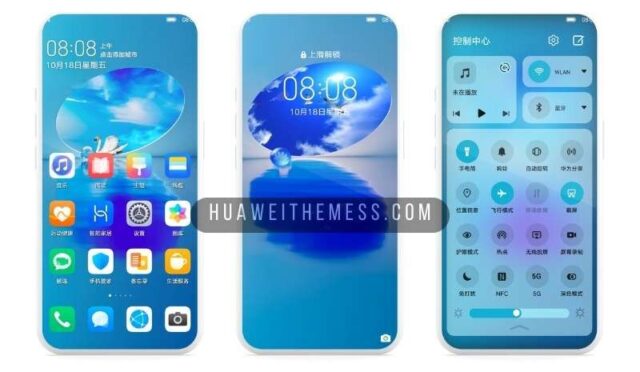
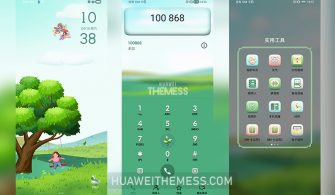
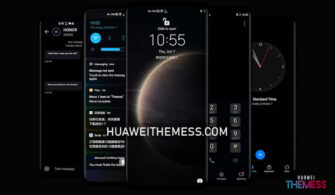
For those who crave the quintessential EMUI experience, the Stock Mod theme is a must-try. With its sleek and modern design, this theme is perfect for users who want to personalize their Huawei device without deviating from the stock aesthetic.
Stock Mod EMUI Theme Features
The Stock Mod theme boasts a range of stylish features that will elevate your EMUI experience. From its vibrant wallpapers to its dark app lookings, this theme is designed to provide a seamless and premium experience.
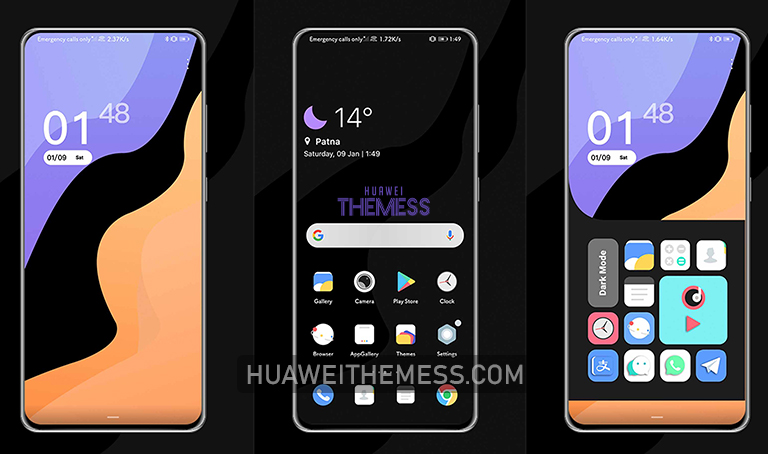
- Stylish Wallpapers
- Cool Lockscreen
- Dark App Lookings
- Material Icons
- Bugs Fixed
- and more…
The Stock Mod theme is compatible with EMUI 10.1/10.0/9.1/9.0 and MagicUI 3/2 devices, ensuring a seamless integration with your existing software.
Compatibility
The Stock Mod theme is designed to work flawlessly with EMUI 10.1/10.0/9.1/9.0 and MagicUI 3/2 devices. Simply download the theme and apply it to your device for an instant premium look and feel.



Frequently Asked Questions (FAQ)
What devices is the Stock Mod theme compatible with?
The Stock Mod theme is compatible with EMUI 10.1/10.0/9.1/9.0 and MagicUI 3/2 devices.
Is the Stock Mod theme free to download?
Yes, the Stock Mod theme is free to download from our website.
How do I install the Stock Mod theme?
First, download the .hwt file and move it to the Huawei/Themes folder, then apply it via the Themes app. Click here to learn in detail.
The Stock Mod theme is a game-changer for EMUI enthusiasts. With its sleek design and seamless integration, this theme is a must-try for anyone looking to level up their Huawei device’s aesthetic.