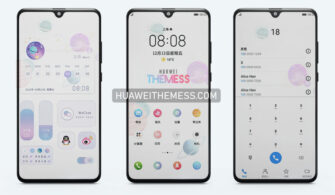
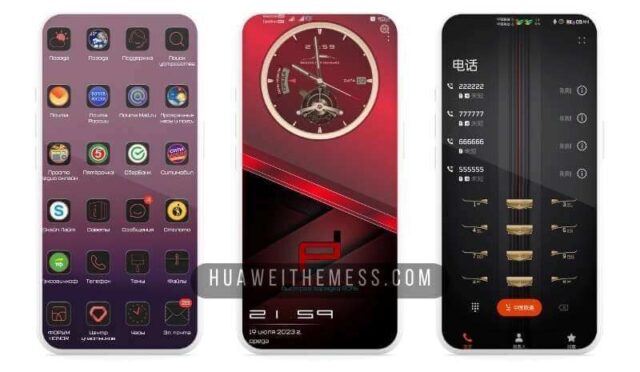
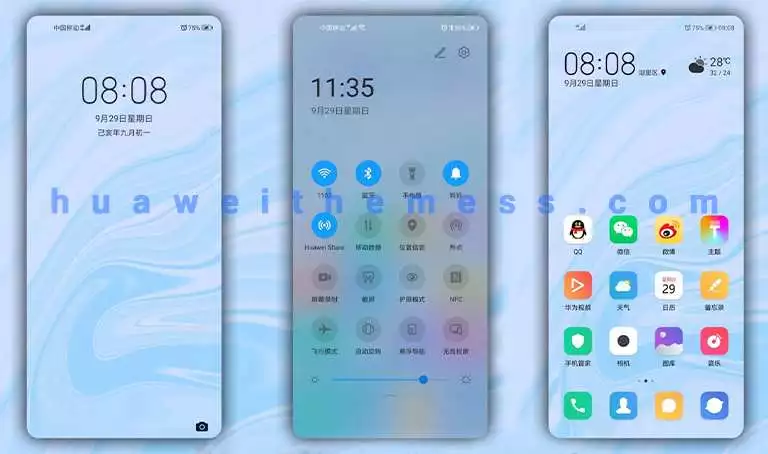
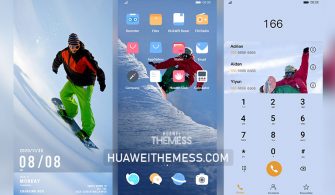
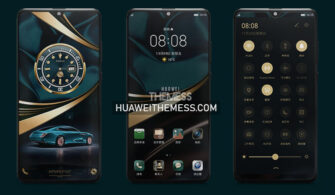
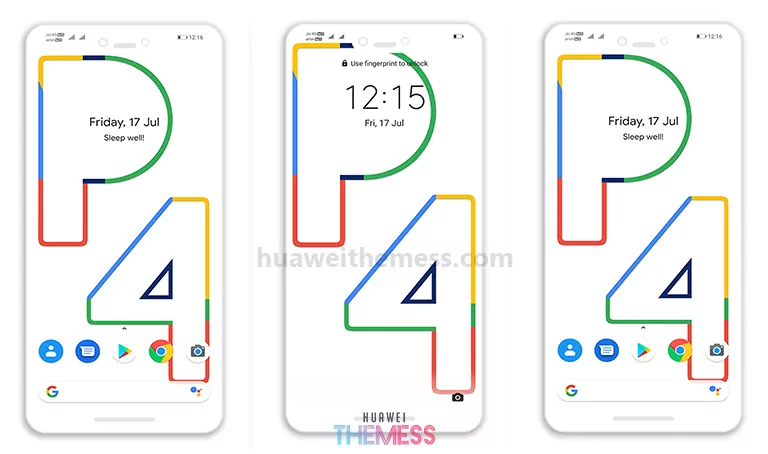
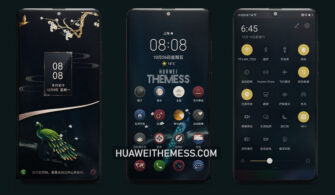
The hunt for the perfect EMUI theme is over, folks! Introducing Classic Gray Designer, a stunning UI setup that brings an air of sophistication to your device. This elegant theme is compatible with EMUI 10.1/10.0/9.1/9.0 and MagicUI 3/2, making it the perfect choice for anyone seeking a premium design experience.
Classic Gray Designer: Elevating Your EMUI Experience
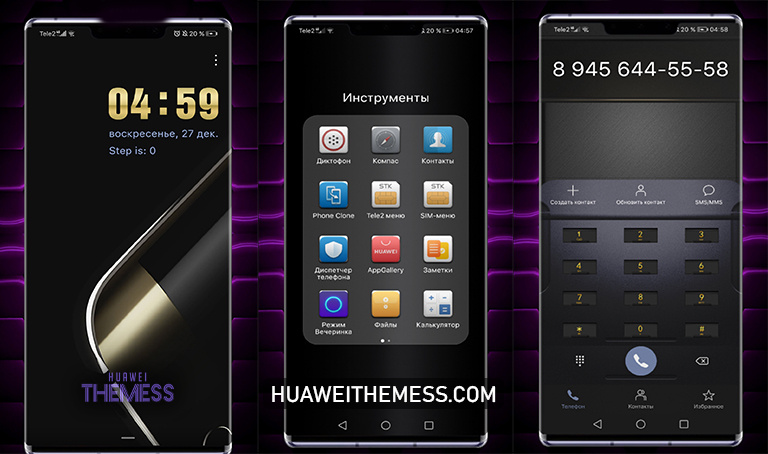
With its sleek and modern aesthetic, Classic Gray Designer is the epitome of style and functionality. The theme boasts a range of impressive features, including:
- Stunning wallpapers that set the tone for a sophisticated look
- A cool lockscreen that adds a touch of class to your device
- Dark app lookings that create a seamless and immersive experience
- Material icons that add a touch of modernity to your UI
- And many more exciting features to discover
Compatibility: Ensuring a Smooth Experience
Classic Gray Designer is designed to work seamlessly with EMUI 10.1/10.0/9.1/9.0 and MagicUI 3/2, ensuring that you get the best possible experience. Whether you’re running the latest EMUI version or an older one, this theme has got you covered.



Frequently Asked Questions (FAQ)
What devices are compatible with Classic Gray Designer?
Classic Gray Designer is designed to work with EMUI 10.1/10.0/9.1/9.0 and MagicUI 3/2 devices.
How to install Classic Gray Designer theme?
First, download the .hwt file and move it to the Huawei/Themes folder, then apply it via the Themes app. Click here to learn in detail.
What if I encounter any issues while installing the theme?
If you encounter any issues while installing the theme, please ensure that you have the latest version of EMUI or MagicOS installed. Additionally, try restarting your device and then attempt to install the theme again.
How to uninstall Classic Gray Designer theme?
To uninstall the theme, go to the Themes app, select Classic Gray Designer, and choose the uninstall option.
How to install this theme?
First, download the .hwt file and move it to the Huawei/Themes folder, then apply it via the Themes app. Click here to learn in detail.
Classic Gray Designer is the perfect blend of style and functionality, making it an excellent choice for anyone seeking a premium EMUI experience. With its sleek and modern aesthetic, this theme is sure to elevate your device to the next level.