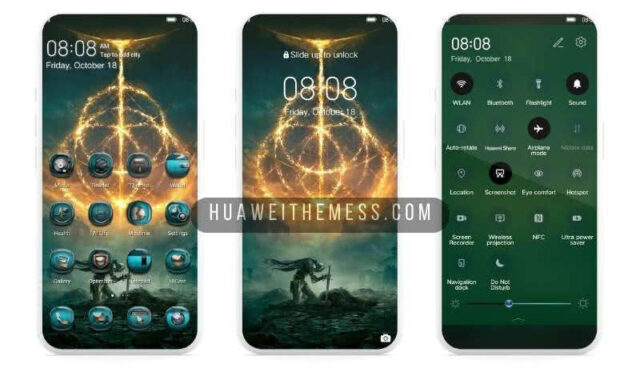
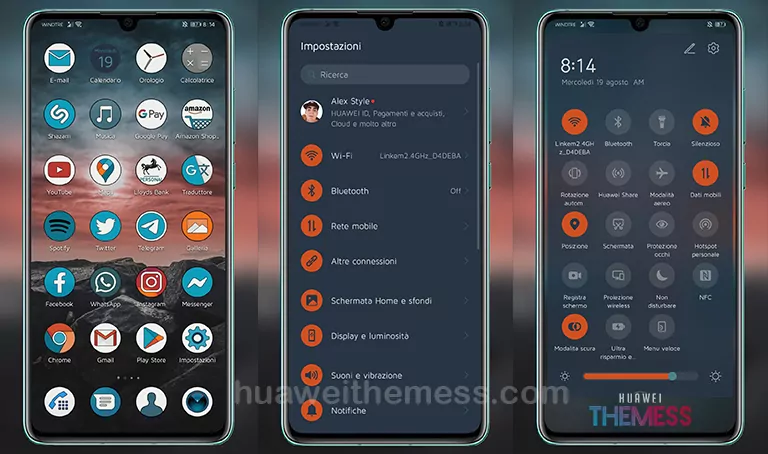
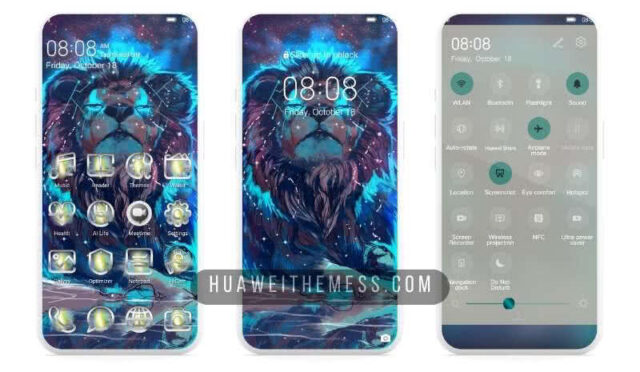
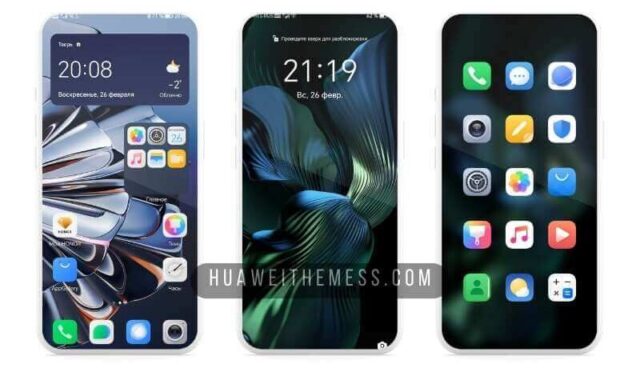
Get ready to transform your EMUI 10/9 or MagicOS 3/2 device into a sleek, premium haven with the Vast Theme. This stunning UI setup is designed to provide an immersive experience, combining a minimalist aesthetic with cutting-edge features that elevate your phone’s performance.
Vast Theme: Elevating Your EMUI Experience on Your Huawei Device
The Vast Theme boasts a sophisticated design language, characterized by classic icons, a negative control menu, and a charging animation that adds a touch of elegance to your device’s interface. With its minimalist design and vibrant color palette, this theme is perfect for those who crave a clean and streamlined look.
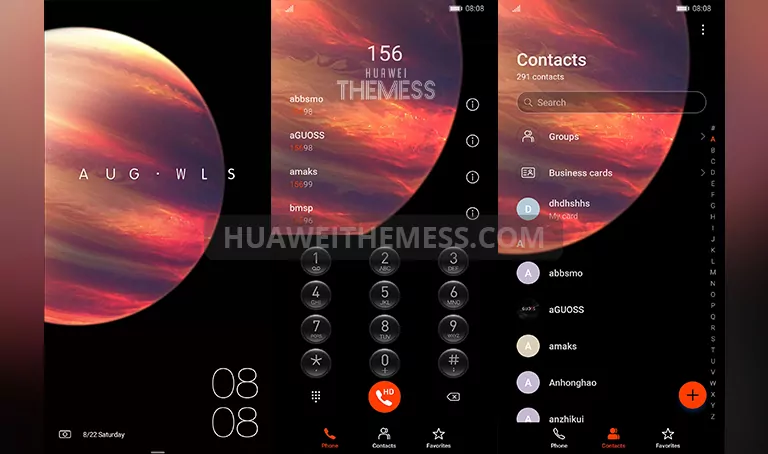
Compatibility and System Requirements
The Vast Theme is compatible with EMUI 10.1/10/9.1/9.0 and MagicOS 3/2, ensuring that you can enjoy its features without worrying about compatibility issues. This theme is designed to work seamlessly with your device’s operating system, providing a hassle-free experience.



Frequently Asked Questions (FAQ)
What devices are compatible with the Vast Theme?
The Vast Theme is compatible with Huawei and Honor devices running EMUI 10/9 and MagicOS 3/2.
How do I apply the Vast Theme to my device?
To apply the Vast Theme, download the .hwt file and move it to the Huawei/Themes folder, then apply it via the Themes app. Click here to learn in detail.
What features can I expect from the Vast Theme?
The Vast Theme offers a range of features, including classic icons, a negative control menu, and a charging animation, as well as a minimalist design and vibrant color palette.
How do I troubleshoot issues with the Vast Theme?
If you encounter any issues with the Vast Theme, restart your device and try applying it again. If the problem persists, contact our support team for assistance.
How to install this theme?
First, download the .hwt file and move it to the Huawei/Themes folder, then apply it via the Themes app. Click here to learn in detail.
The Vast Theme is a game-changer for anyone looking to elevate their EMUI experience. With its sleek design, cutting-edge features, and seamless compatibility, this theme is sure to impress even the most discerning users. Whether you’re a fan of minimalism or just want to give your device a fresh new look, the Vast Theme is an excellent choice.