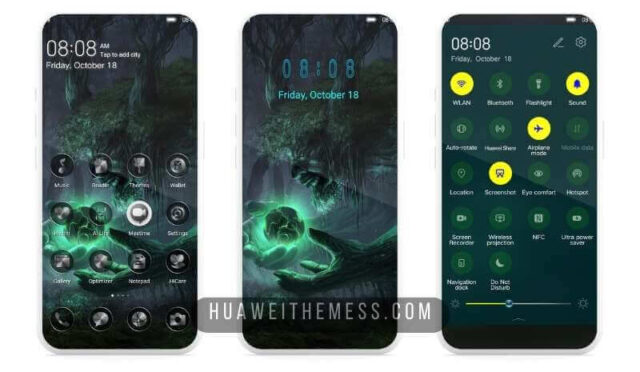
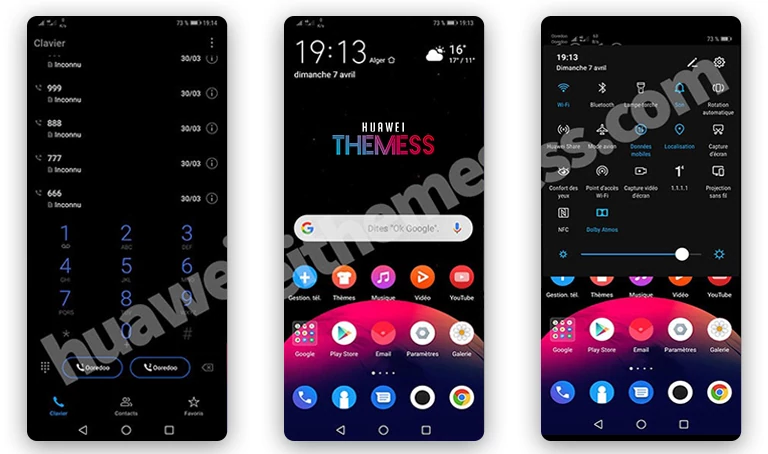
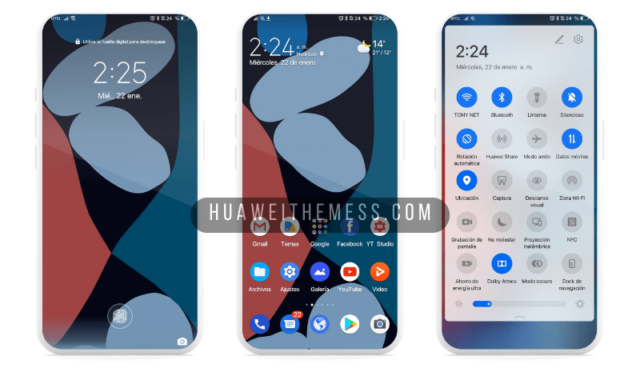
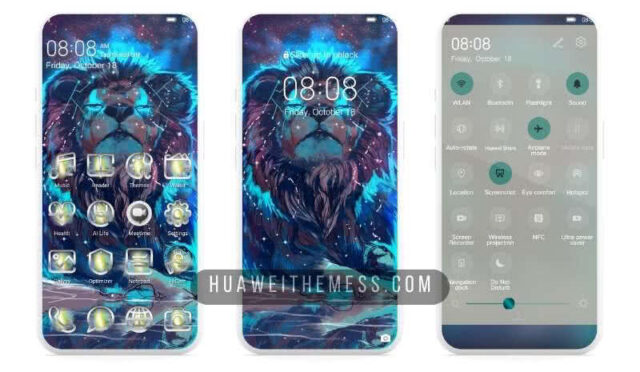
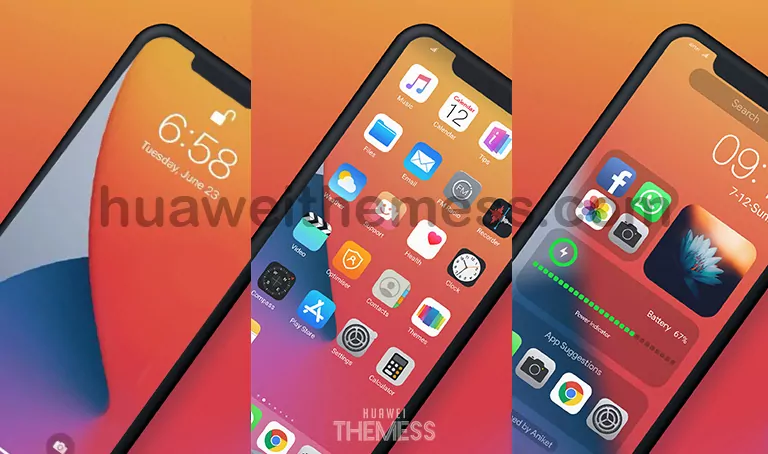
Get ready to elevate your Huawei device’s aesthetic with the Blue Cups theme, designed specifically for EMUI 10.1/10/9.1/9.0 and MagicUI 3/2 users. With its unique blend of style and functionality, this theme is perfect for those who want to personalize their phone to their taste.
Unveiling the Blue Cups EMUI Theme: A Symphony of Design Elements
The Blue Cups theme boasts an array of impressive features, including a stunning Porsche-inspired wallpaper, sleek app looks, transparent icons, and a stylish lockscreen design. The attention to detail is evident in every aspect of this theme, making it a standout choice for those who crave a premium aesthetic.
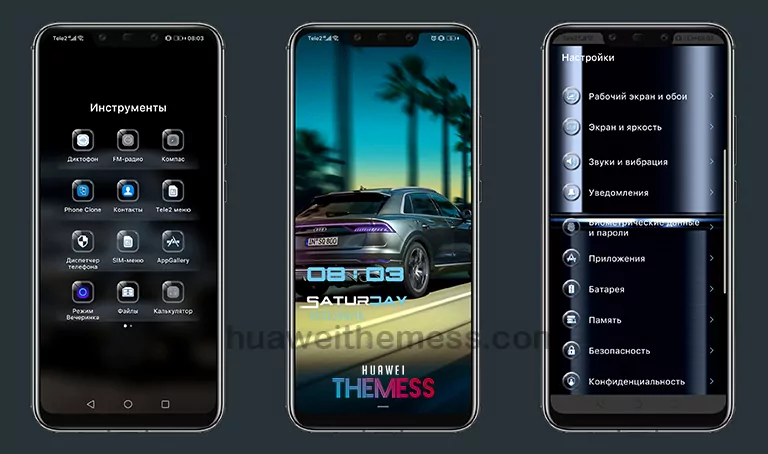
From the moment you apply the theme, you’ll be greeted by a refreshing blue hue that sets the tone for a serene and calming user experience. The Blue Cups theme is a masterclass in design, where every element works in harmony to create a visually stunning package.
Compatibility and System Requirements
The Blue Cups theme is compatible with EMUI 10.1/10/9.1/9.0 and MagicUI 3/2, ensuring that you can enjoy its features without worrying about compatibility issues. This theme is specifically designed to work seamlessly with your Huawei device, providing a smooth and lag-free experience.



Frequently Asked Questions
What devices is the Blue Cups theme compatible with?
The Blue Cups theme is designed for EMUI 10.1/10/9.1/9.0 and MagicUI 3/2 devices, ensuring that you can enjoy its features without worrying about compatibility issues.
Can I customize the theme to my liking?
While the Blue Cups theme is designed to provide a unique aesthetic, you can still customize certain elements to suit your preferences. However, please note that some features may be locked or restricted to ensure a seamless user experience.
How do I install the Blue Cups theme?
To install the Blue Cups theme, download the .hwt file and move it to the Huawei/Themes folder, then apply it via the Themes app. For a detailed guide on how to install the theme, click here.
How do I uninstall the Blue Cups theme?
To uninstall the Blue Cups theme, go to the Themes app, select the theme, and choose the “Uninstall” option. This will remove the theme from your device, and you can then install a different theme or revert to your default EMUI or MagicUI theme.
How to install this theme?
First, download the .hwt file and move it to the Huawei/Themes folder, then apply it via the Themes app. Click here to learn in detail.
In conclusion, the Blue Cups theme is a must-have for anyone looking to elevate their Huawei device’s aesthetic. With its stunning design elements, seamless compatibility, and user-friendly interface, this theme is sure to impress even the most discerning users. Whether you’re a fan of Porsche-inspired design or simply looking for a fresh new look, the Blue Cups theme is an excellent choice for your Huawei device.