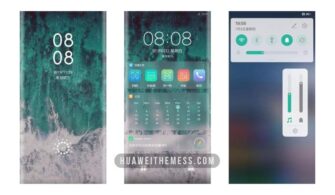
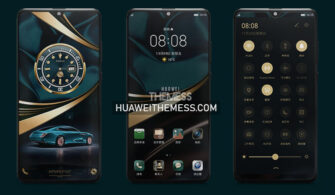
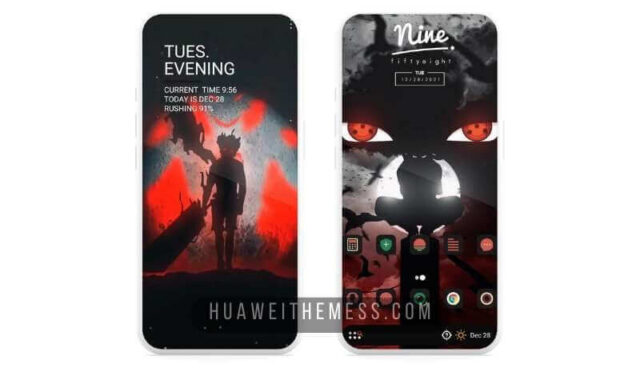
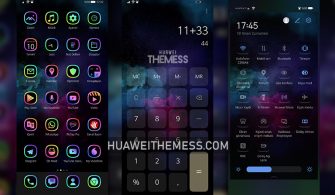
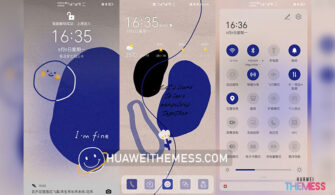
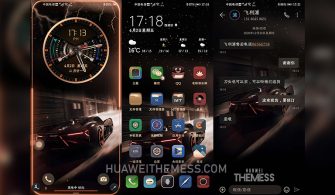
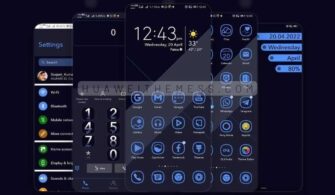
Get ready to unlock the full potential of your Huawei device with the HUIJI theme, a cutting-edge design that seamlessly integrates style and functionality. This exceptional theme is tailored to perfection, boasting a unique blend of modern aesthetics and intuitive interface that will leave you wanting more.
HUIJI Theme Features: Unleashing the Art of Minimalism
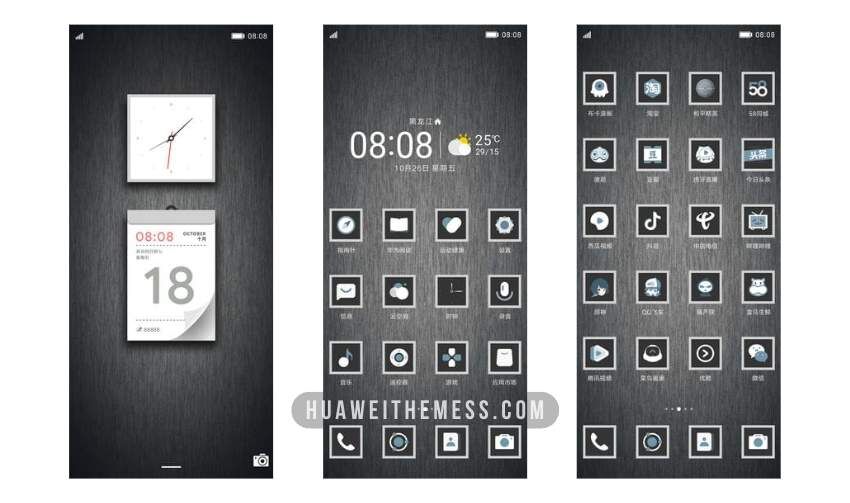
This remarkable HUIJI theme is packed with innovative features that will transform your device into a true masterpiece. From its stunning HD wallpapers to its sleek app icons, dynamic lockscreen, and seamless interface, every detail has been meticulously crafted to provide an unparalleled user experience.
- New Wallpapers Added
- Customizable App Icons
- Stylish App Layout
- Dynamic Lockscreen Animation
- Seamless Interface Transition
- Bug Fixes and Optimizations
- and more features…
Compatibility: A Wide Range of Huawei Devices Supported

The HUIJI theme is designed to work seamlessly with a wide range of Huawei devices, including those running EMUI 12, EMUI 11, EMUI 10, EMUI 9, HarmonyOS, and Magic UI 6, 5, 4, 3, and 2.



Frequently Asked Questions
What are the system requirements for the HUIJI theme?
The HUIJI theme is compatible with EMUI 12, EMUI 11, EMUI 10, EMUI 9, HarmonyOS, and Magic UI 6, 5, 4, 3, and 2 devices.
How do I install the HUIJI theme on my Huawei device?
First, download the .hwt file and move it to the Huawei/Themes folder, then apply it via the Themes app. Click here to learn in detail
Can I customize the HUIJI theme to suit my preferences?
Yes, you can customize the HUIJI theme to suit your preferences. The theme allows you to personalize various elements, such as wallpapers, icons, and lockscreen designs.
How to install this theme?
First, download the .hwt file and move it to the Huawei/Themes folder, then apply it via the Themes app. Click here to learn in detail
The HUIJI theme is a masterpiece of modern design, perfectly balancing style and functionality to create a truly unique user experience. With its stunning visuals, seamless interface, and customizability, this theme is sure to leave you impressed. So, what are you waiting for? Download the HUIJI theme today and discover a new level of mobile design.