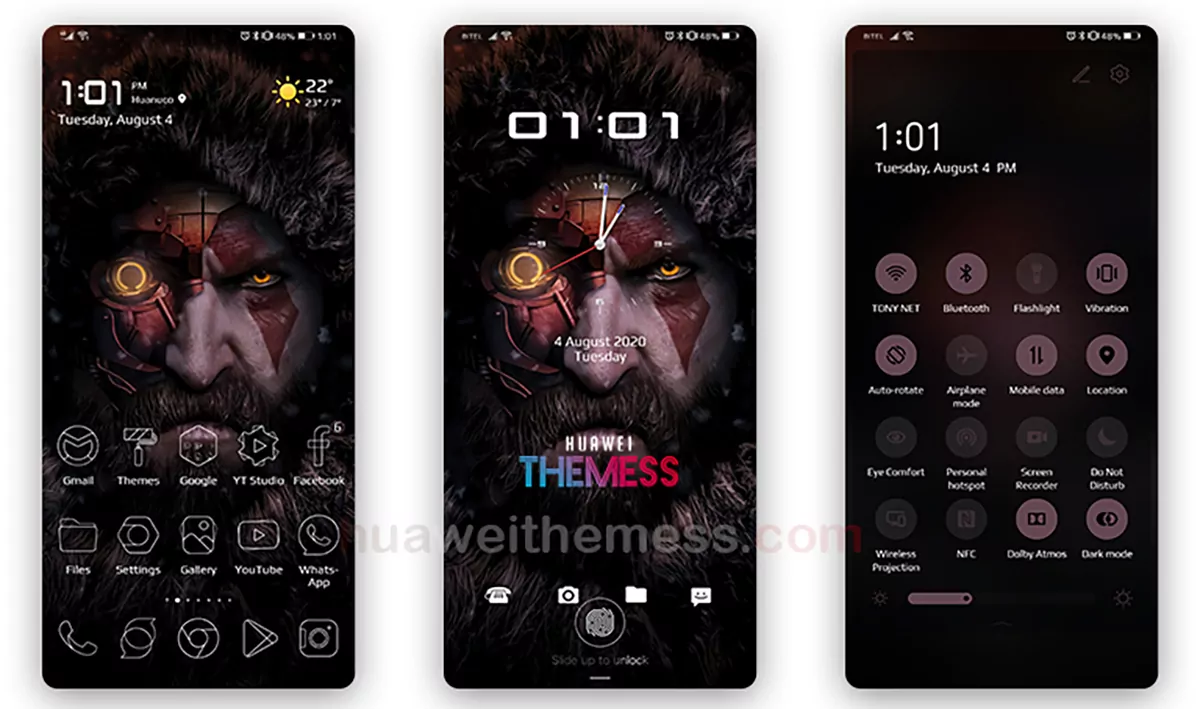
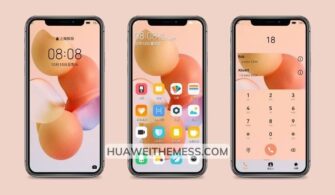
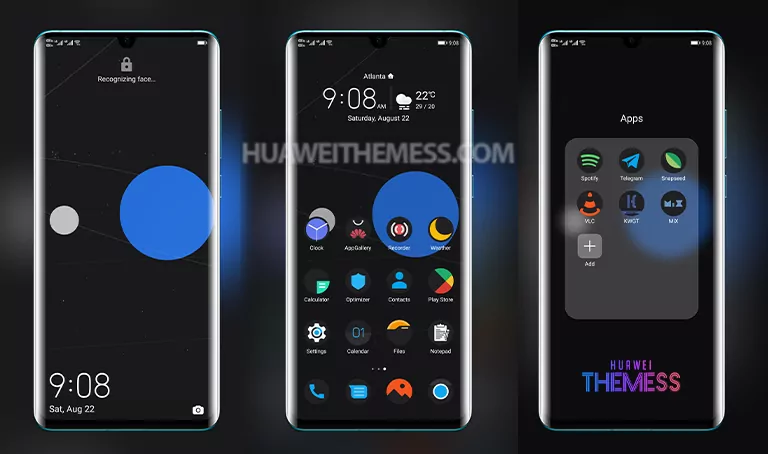
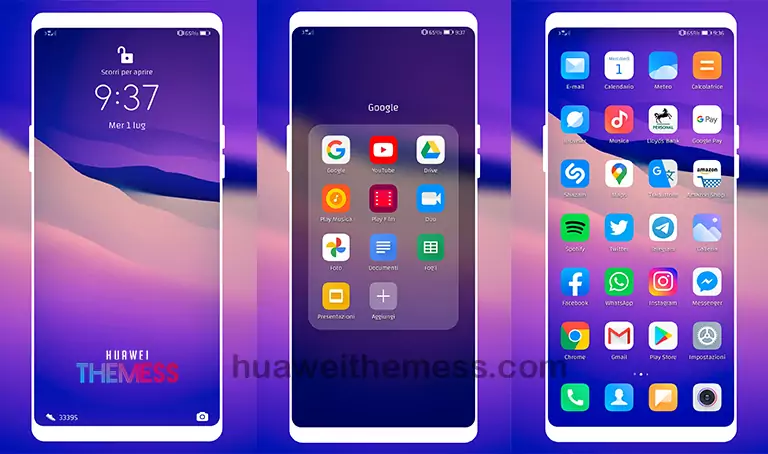
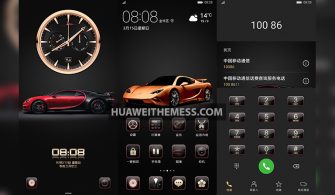
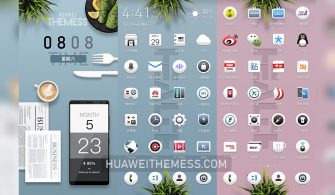
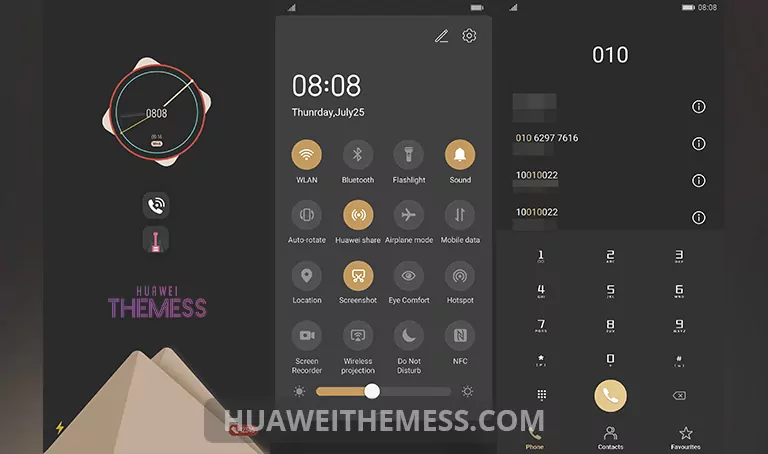
This Predetor Theme is a game-changer for Huawei device enthusiasts, offering an unparalleled level of customization and sophistication. With its sleek design and cutting-edge features, it’s a must-try for anyone looking to elevate their device’s aesthetic.
Predetor Huawei Theme Features: Elevating Your Device’s Premium Vibe
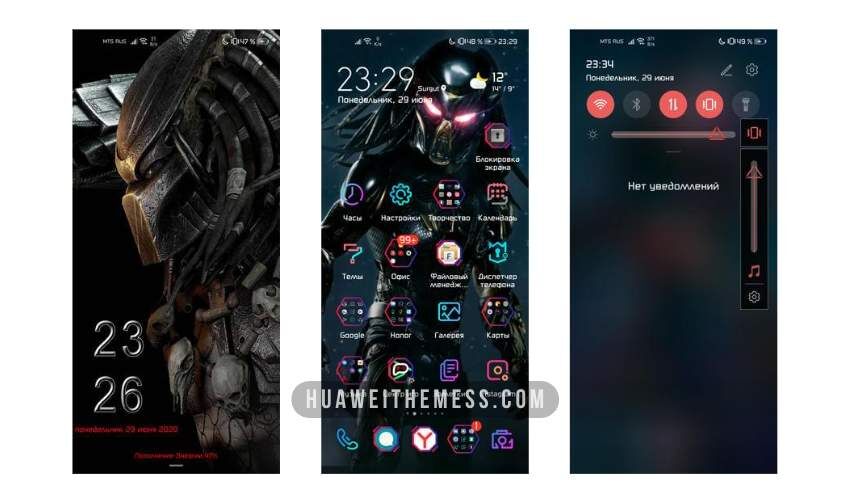
This theme boasts an impressive array of features, including new wallpapers, changed app icons, a stylish app layout, and a dynamic cool lockscreen. With its smooth interface, you’ll be able to navigate your device with ease and finesse.
- New Wallpapers Added
- Changed App Icons
- Stylish App Looking
- Dynamic Cool Lockscreen
- Smooth Interface
- Bugs Fixed
- and more features…
Compatibility: Seamlessly Integrating with Your EMUI and HarmonyOS
The Predetor Theme is designed to work seamlessly with EMUI 12/11/10/9.0 and HarmonyOS, ensuring that you can enjoy its premium features without any compatibility issues. Whether you’re running the latest OS or an older version, this theme has got you covered.



Frequently Asked Questions (FAQ)
Is the Predetor Theme compatible with my EMUI version?
The Predetor Theme is compatible with EMUI 12/11/10/9.0. You can check the compatibility by visiting the theme’s download page or by following the installation guide.
Can I customize the theme to fit my personal style?
Yes, the Predetor Theme offers a high level of customization, allowing you to personalize your device to fit your unique style and preferences.
How do I install this theme?
First, download the .hwt file and move it to the Huawei/Themes folder, then apply it via the Themes app. Click here to learn in detail
The Predetor Theme is a standout choice for anyone looking to elevate their Huawei device’s aesthetic. With its sleek design, cutting-edge features, and seamless compatibility with EMUI and HarmonyOS, it’s a must-try for enthusiasts and casual users alike.