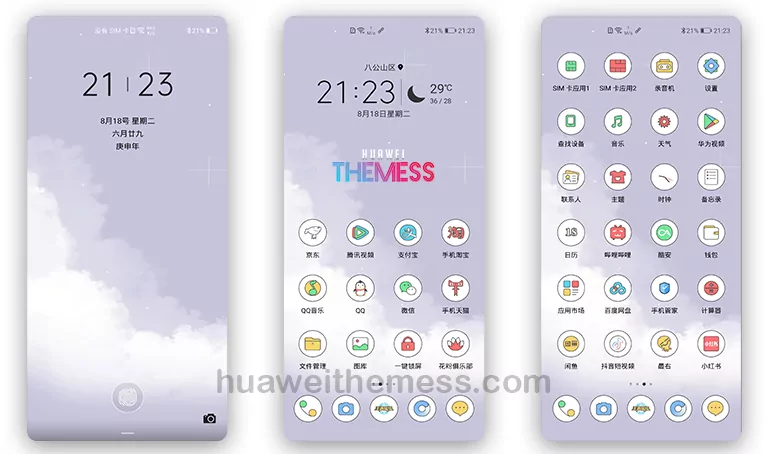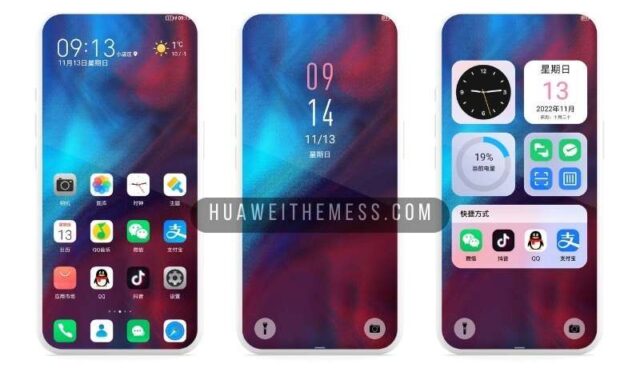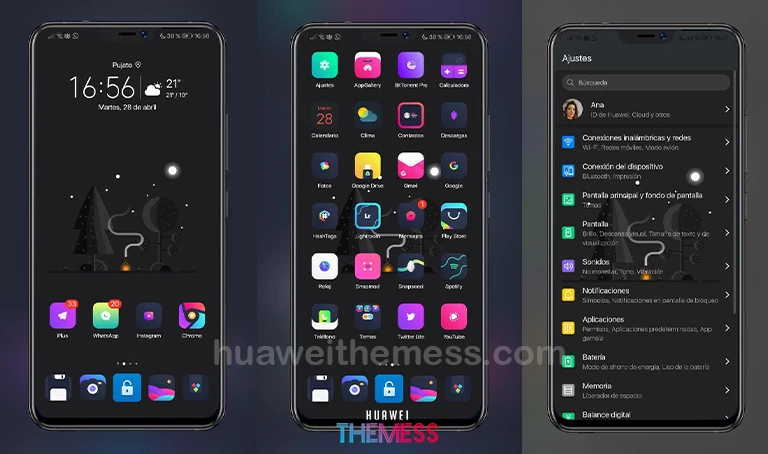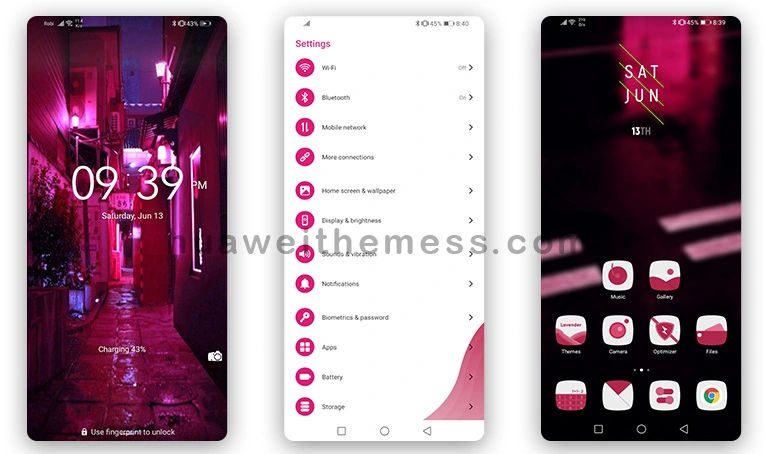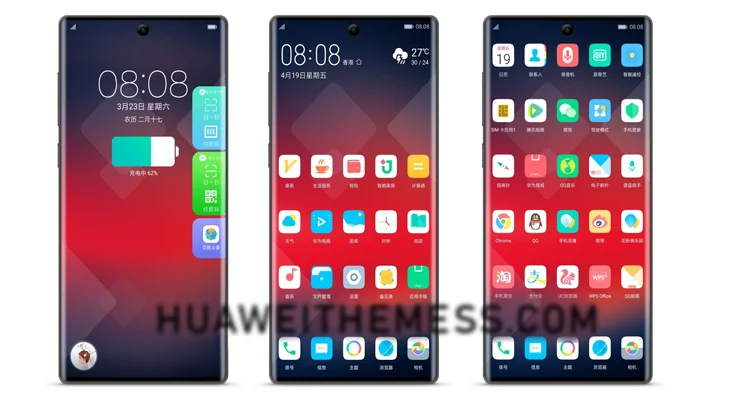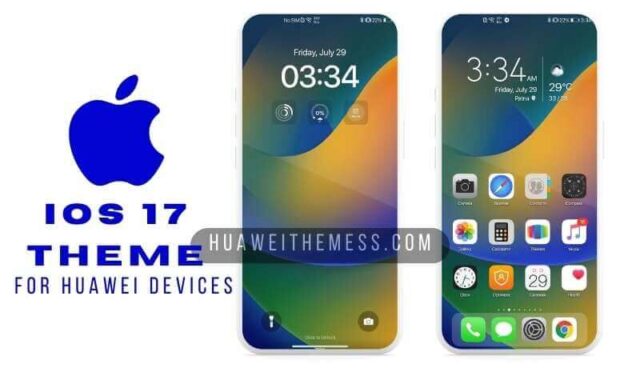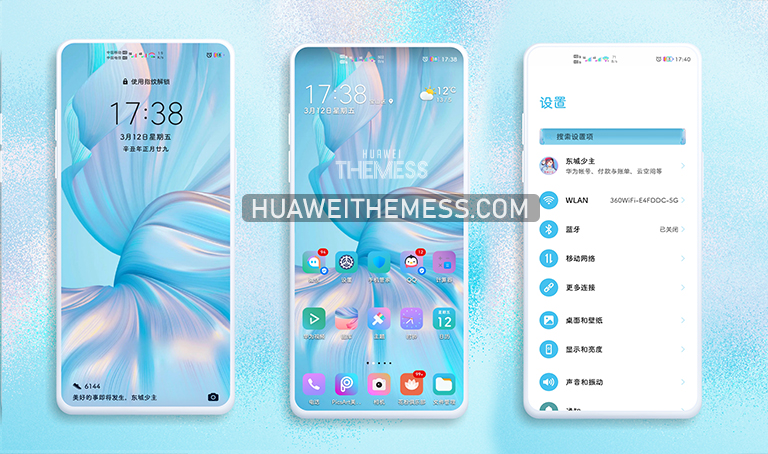
The Ambilight theme offers a unique and visually appealing way to personalize your Huawei device. With its sleek design and customizable features, this theme is perfect for users who want to add a touch of elegance to their device.
Ambilight EMUI Theme: Elevating Your Device’s Visuals
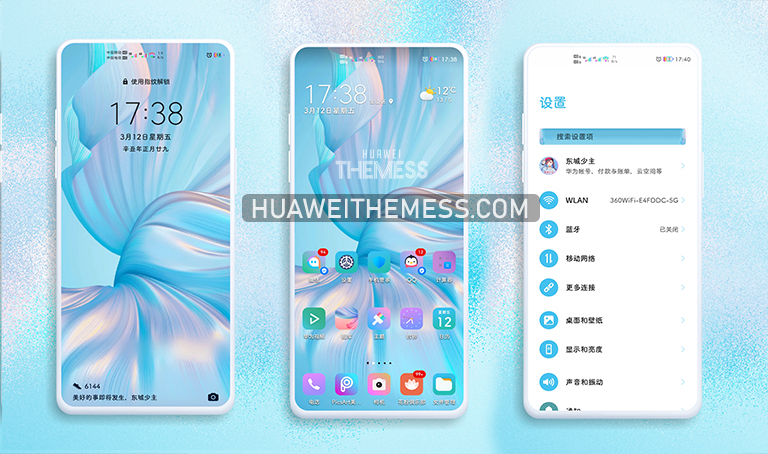
The Ambilight theme boasts a range of features that make it stand out from other EMUI themes. With its blue color accent, new widgets, and dynamic lockscreen, this theme offers a premium Apple vibe on your Huawei device. The sleek design and attention to detail make it a must-try for users who want to elevate their device’s visuals.
Compatibility and System Requirements
The Ambilight theme is compatible with EMUI 10.1/10/9.1/9 and MagicUI 3/2. To ensure seamless performance, it is recommended to use this theme on Huawei devices with the latest software updates installed.



Frequently Asked Questions (FAQ)
What are the key features of the Ambilight theme?
[The Ambilight theme offers a range of features, including blue color accent, new widgets, dynamic lockscreen, and a premium Apple vibe on your Huawei device.]
Is the Ambilight theme compatible with EMUI 10.1/10/9.1/9 and MagicUI 3/2?
[Yes, the Ambilight theme is compatible with EMUI 10.1/10/9.1/9 and MagicUI 3/2.]
How to install this theme?
[First, download the .hwt file and move it to the Huawei/Themes folder, then apply it via the Themes app. Click here to learn in detail]
The Ambilight theme offers a unique and visually appealing way to personalize your Huawei device. With its sleek design and customizable features, this theme is perfect for users who want to add a touch of elegance to their device. Whether you’re looking to elevate your device’s visuals or simply want to try something new, the Ambilight theme is definitely worth checking out.