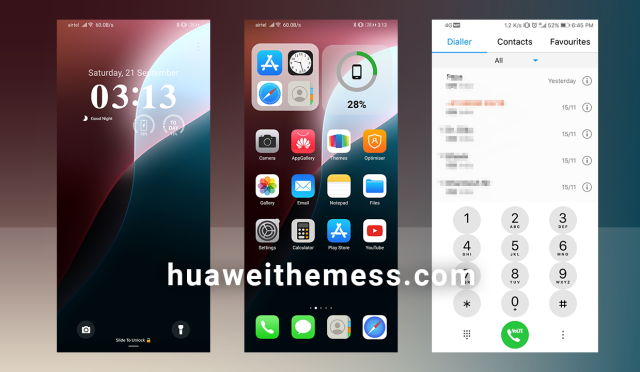
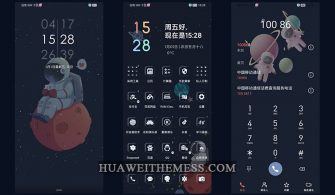
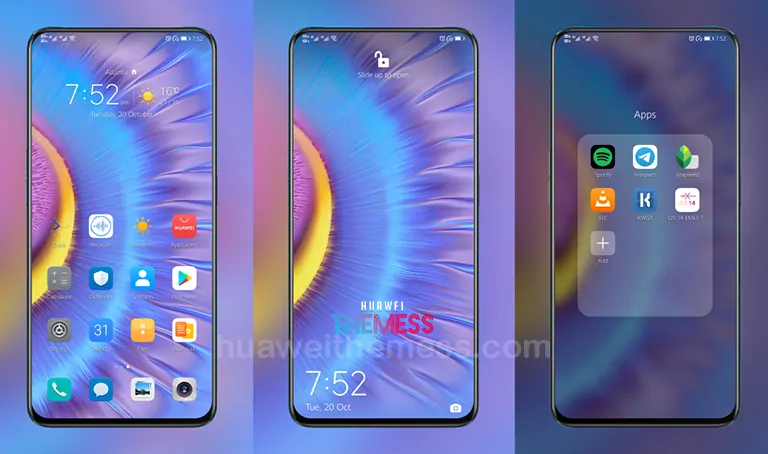
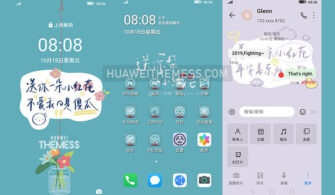
Get ready to elevate your Huawei device’s visual appeal with the stunning Origin OS theme, now available for EMUI 10.1/10/9.1/9.0 and MagicUI 3/2 users. This sleek and modern design will breathe new life into your phone’s interface, allowing you to personalize your device according to your unique style and preferences.
Unveiling the Origin OS Theme: A Masterpiece of Minimalism
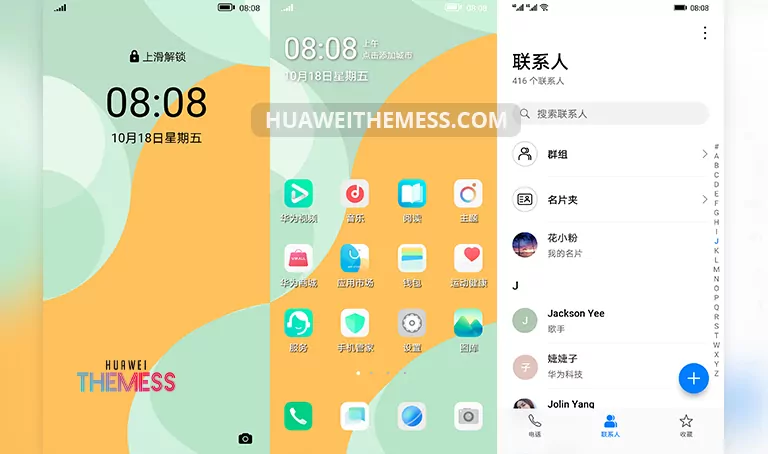
Origin OS is more than just a theme – it’s an immersive experience that wraps your device in a premium, elegant aura. With its clean lines, soothing colors, and expertly crafted UI elements, this theme will transport you to a world of refined sophistication.
Compatibility and System Requirements
Origin OS is compatible with EMUI 10.1/10/9.1/9.0 and MagicUI 3/2 devices, ensuring a seamless integration with your existing system. Whether you’re running the latest EMUI 10.1 or an earlier version, this theme will adapt to your device’s unique requirements, guaranteeing a smooth and glitch-free experience.
Frequently Asked Questions (FAQ)
What are the system requirements for Origin OS?
Origin OS is compatible with EMUI 10.1/10/9.1/9.0 and MagicUI 3/2 devices.



Can I customize the theme to suit my preferences?
Yes, Origin OS allows you to personalize your device according to your unique style and preferences.
How do I install the Origin OS theme?
First, download the .hwt file and move it to the Huawei/Themes folder, then apply it via the Themes app. Click here to learn in detail.
Origin OS is more than just a theme – it’s a statement piece that elevates your Huawei device’s aesthetic to new heights. With its elegant design, seamless integration, and unparalleled customizability, this theme is a must-have for anyone looking to take their device’s visual appeal to the next level. Whether you’re a fan of minimalism or a sucker for bold, eye-catching designs, Origin OS has something for everyone.