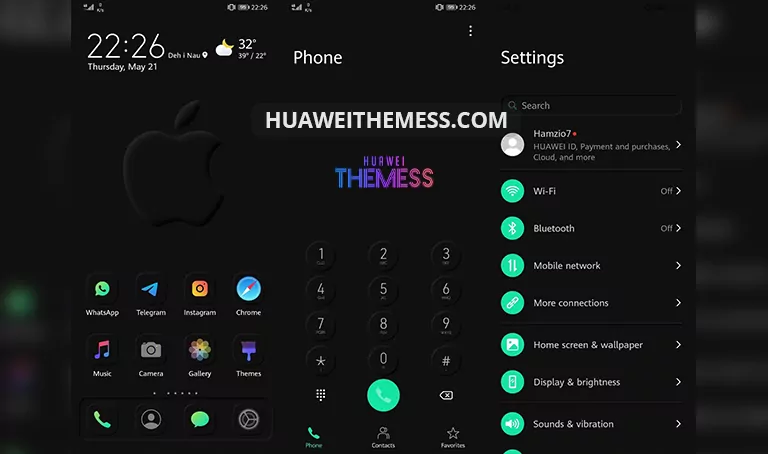
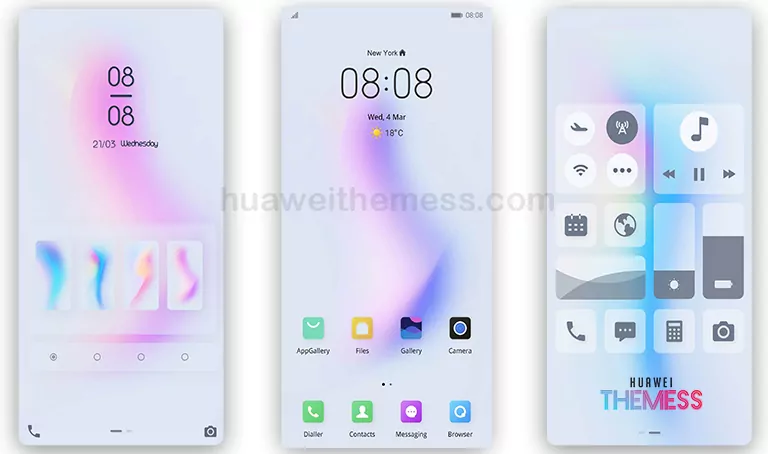
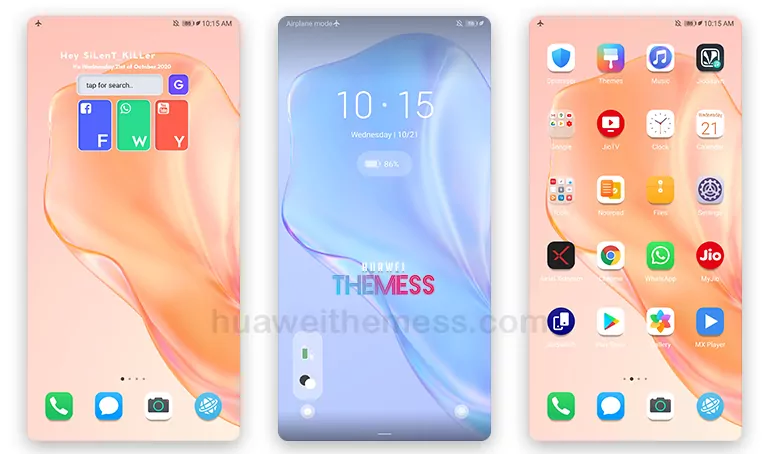
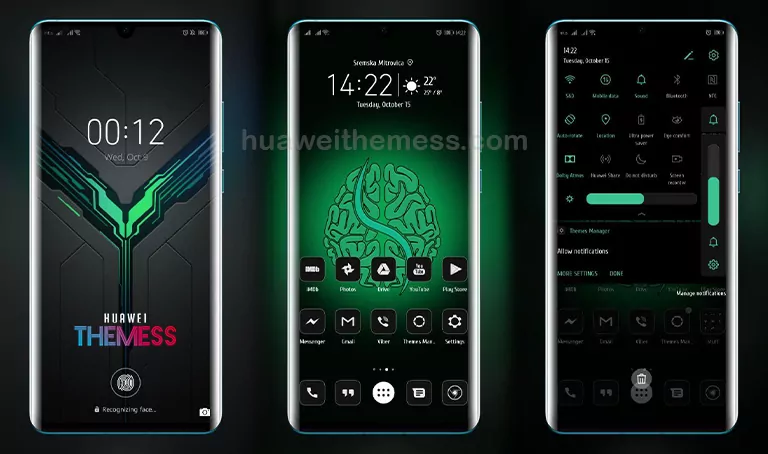
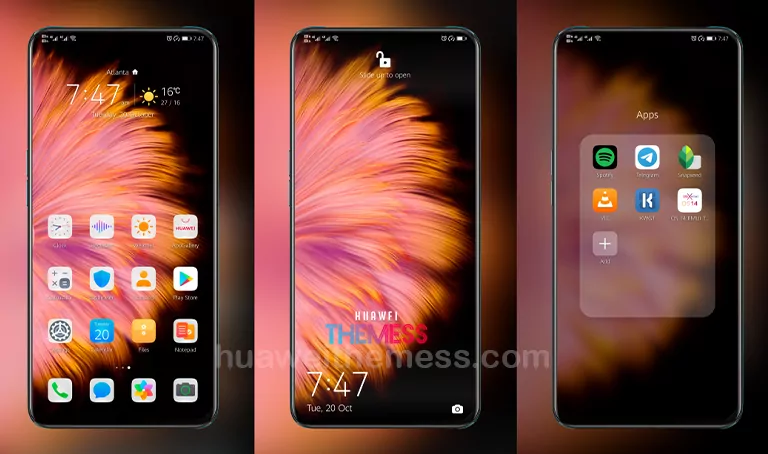
Get ready to transform your Huawei device with the sleek and modern Zilan theme, designed specifically for EMUI 10.1/10/9.1/9.0 and MagicUI 3/2 users. This theme offers a wide range of customization options, allowing you to personalize your phone according to your unique style and preferences.
Zilan: Where Simplicity Meets Elegance
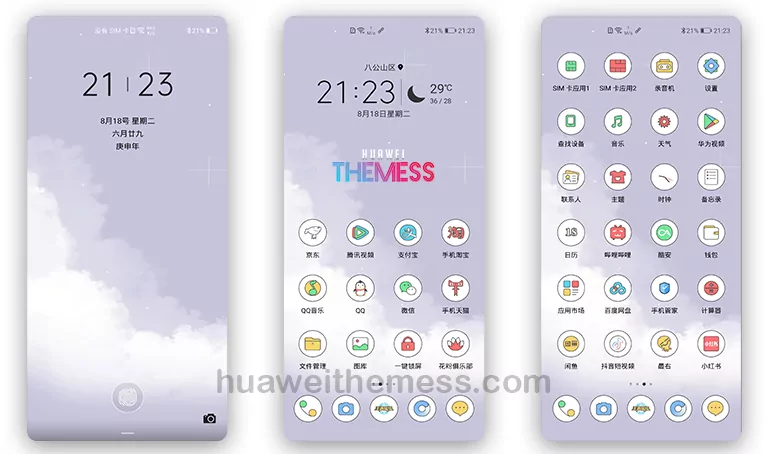
With its clean and minimalist design, Zilan is the perfect choice for those who value simplicity and elegance. The theme features a range of subtle and stylish elements, including cute wallpapers, simple icons, and a cool lockscreen that will leave a lasting impression.
Compatibility and System Requirements
Zilan is compatible with EMUI 10.1/10/9.1/9.0 and MagicUI 3/2 devices. To ensure seamless installation and optimal performance, please ensure that your device is running on one of these supported versions.



Frequently Asked Questions (FAQ)
What are the system requirements for Zilan?
Zilan is compatible with EMUI 10.1/10/9.1/9.0 and MagicUI 3/2 devices.
How can I customize the theme to my liking?
You can personalize your phone according to your unique style and preferences by using the theme’s customization options.
Do I need to restart my device after applying the theme?
Yes, please restart your device after applying the theme to ensure seamless installation and optimal performance.
How to install this theme?
First, download the .hwt file and move it to the Huawei/Themes folder, then apply it via the Themes app. Click here to learn in detail.
With its sleek and modern design, Zilan is the perfect choice for those who value simplicity and elegance. Whether you’re looking to transform your Huawei device or simply want to try out a new look, Zilan is definitely worth checking out. So why wait? Download the Zilan theme today and experience the ultimate minimalist UI setup for yourself!