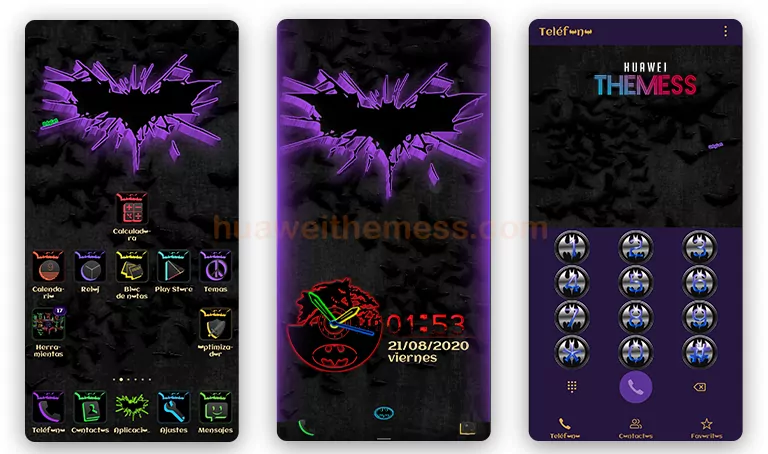
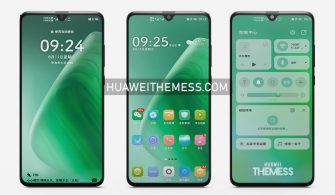
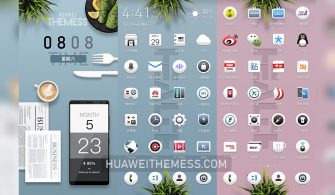
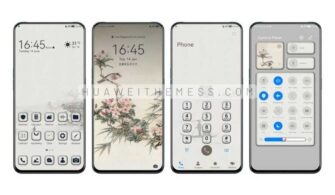
Get ready to elevate your mobile experience with the ultimate iPhone-inspired theme for Huawei devices. The iOS 17 theme is a masterpiece of design, bringing a premium Apple vibe to your Huawei smartphone.
iOS 17 Theme: A Premium Apple Vibe on Your Huawei
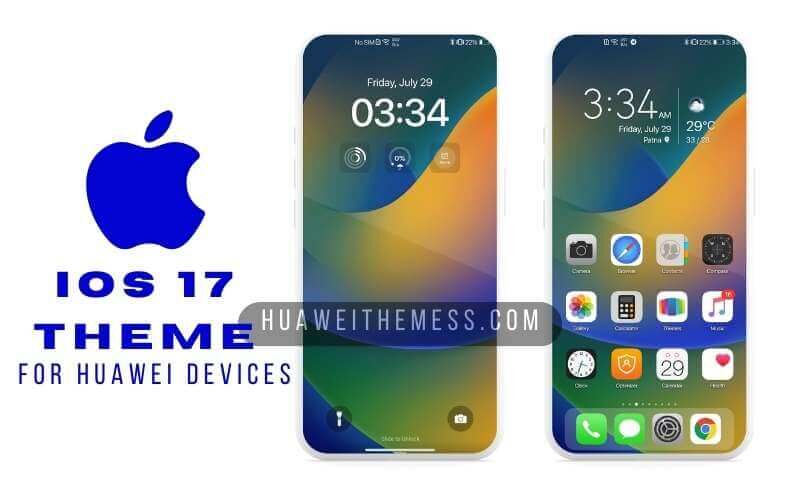
The iOS 17 theme is a symphony of elegance and refinement, with every element carefully crafted to evoke the high-end feel of a premium iPhone. From the moment you unlock your device, you’ll be immersed in a world of sophistication and style.
Compatibility: Seamless Support for EMUI and MagicUI
The iOS 17 theme is compatible with a wide range of EMUI and MagicUI versions, including EMUI 12, EMUI 11, EMUI 10, EMUI 9.0, MagicUI 6, MagicUI 5, MagicUI 4, MagicUI 3, and MagicUI 2, ensuring that you can enjoy its stunning features on your favorite Huawei or Honor device.
Frequently Asked Questions
What devices is the iOS 17 theme compatible with?
The iOS 17 theme is designed for EMUI 12/11/10/9.0 and MagicUI 6/5/4/3/2 devices, ensuring a seamless experience on your Huawei or Honor device.



How do I install the iOS 17 theme?
First, download the .hwt file and move it to the Huawei/Themes folder, then apply it via the Themes app. For a more detailed guide, click here.
What can I expect from the iOS 17 theme?
By installing the iOS 17 theme, you’ll be able to enjoy a premium Apple-inspired experience on your Huawei device, complete with sleek design and top-notch features.
How to install this theme?
First, download the .hwt file and move it to the Huawei/Themes folder, then apply it via the Themes app. Click here to learn in detail.
The iOS 17 theme is a game-changer for Huawei device owners who crave a premium mobile experience. With its stunning design, top-notch features, and seamless compatibility, this theme is sure to impress even the most discerning users.