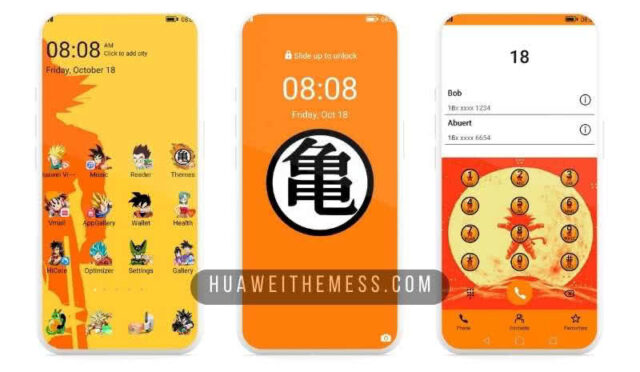
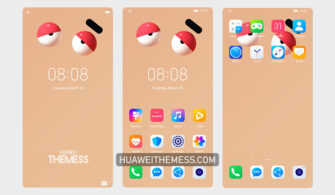
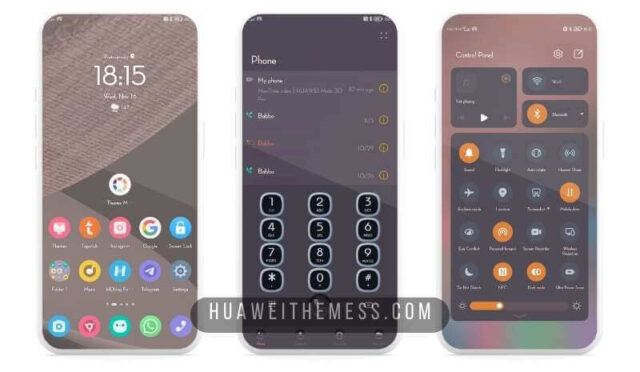
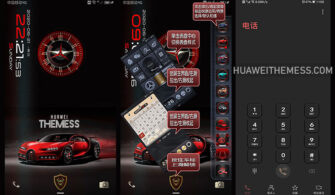
Get ready to revamp your EMUI 10 experience with the enchanting Lavendar theme. This mesmerizing design brings a touch of serenity to your device, making it a perfect blend of style and functionality.
Lavendar EMUI 10 Theme: Elevating Your Phone’s Elegance
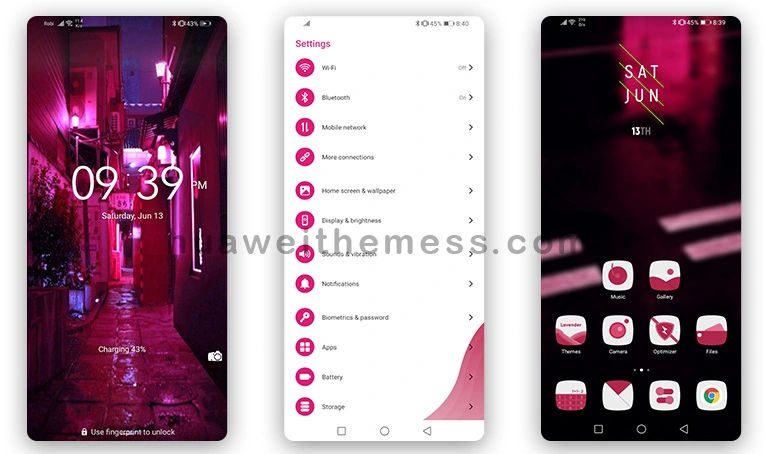
The Lavendar theme for EMUI 10 and Magic OS 3 boasts an array of captivating features. With its soothing pastel hues, this theme will transport you to a world of tranquility. From the revamped lockscreen to the elegantly designed app icons, every detail has been carefully crafted to provide an unparalleled user experience.
Compatibility: Ensuring Seamless Integration
The Lavendar theme is specifically designed for EMUI 10 and Magic OS 3 users, guaranteeing a seamless integration with your device’s operating system. Whether you’re running the latest version or an older iteration, this theme is sure to elevate your phone’s aesthetic without any compatibility issues.
Frequently Asked Questions (FAQ)
What makes the Lavendar theme so special?
The Lavendar theme stands out for its unique blend of pastel hues and elegant design elements, making it an excellent choice for users seeking a sophisticated look for their EMUI 10 devices.

Is the Lavendar theme compatible with my EMUI version?
Yes, the Lavendar theme is designed for EMUI 10 and Magic OS 3 users, ensuring a smooth and hassle-free installation process.
How do I install the Lavendar theme on my device?
First, download the .hwt file and move it to the Huawei/Themes folder, then apply it via the Themes app. Click here to learn in detail.
The Lavendar theme for EMUI 10 is a masterclass in elegance and sophistication, offering users a chance to experience their phone in a whole new light. With its intricate design elements and soothing color palette, this theme is sure to leave a lasting impression on anyone who lays eyes on it.