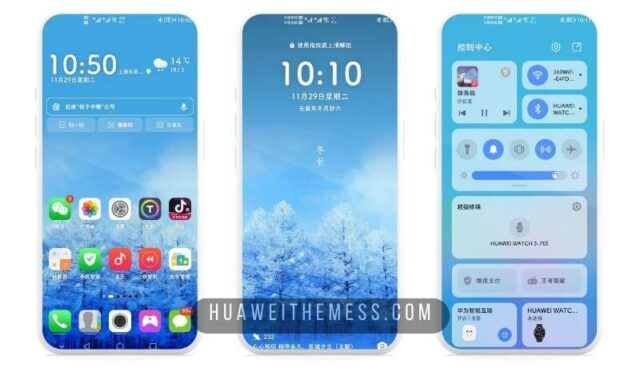
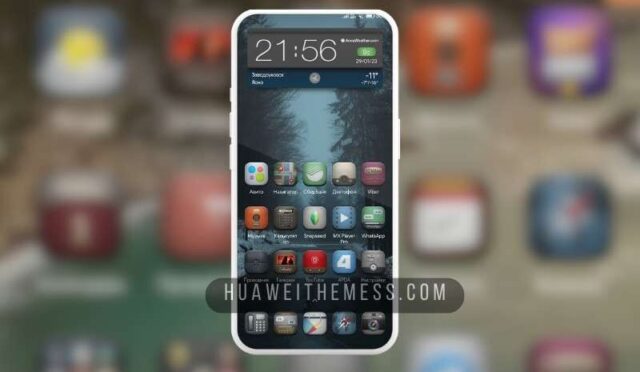
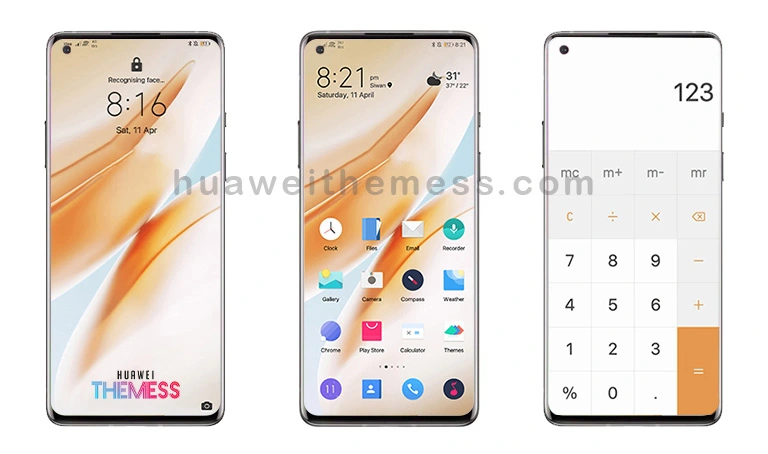
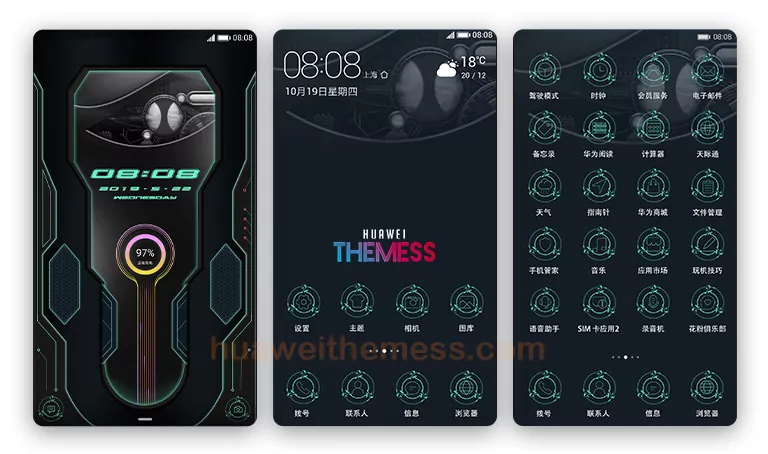
Duoroupenzai is a stunning Huawei theme that’s about to take your EMUI experience to the next level. With its sleek and modern design, this theme is perfect for those who want to give their Huawei device a premium look and feel. From its vibrant wallpapers to its dynamic lockscreen, Duoroupenzai has everything you need to transform your device into a stunning work of art.
Duoroupenzai Huawei Theme Features
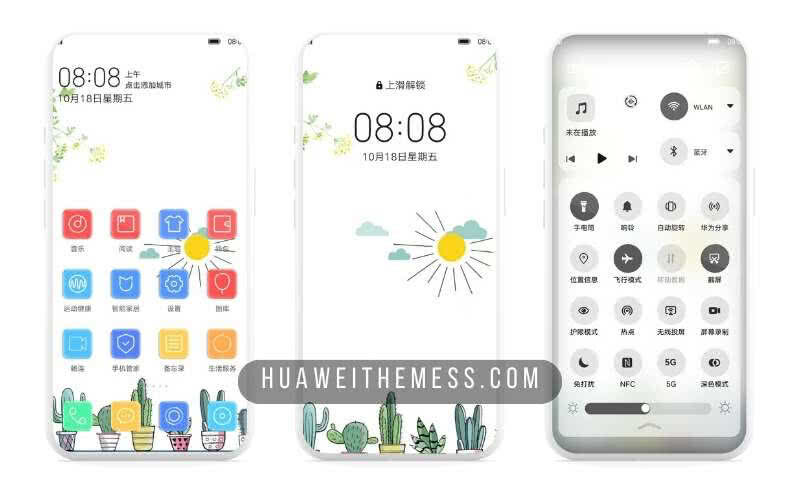
This theme boasts an impressive array of features that will make your EMUI experience more enjoyable than ever. With new wallpapers, changed app icons, and a stylish app layout, you’ll feel like you’re using a brand-new device. Plus, the dynamic cool lockscreen and smooth interface will have you hooked from the very start.
- New Wallpapers Added
- Changed App Icons
- Stylish App Looking
- Dynamic Cool Lockscreen
- Smooth Interface
- Bugs Fixed
- and more features…
Compatibility and System Requirements
Duoroupenzai is compatible with EMUI 12, 11, 10, and 9.0, as well as Magic UI 6, 5, 4, 3, and 2. This means you can enjoy the stunning design of this theme on any of your Huawei or Honor devices. Whether you’re running the latest EMUI or an older version, Duoroupenzai has got you covered.



Frequently Asked Questions (FAQ)
What are the system requirements for Duoroupenzai?
This theme is compatible with EMUI 12, 11, 10, and 9.0, as well as Magic UI 6, 5, 4, 3, and 2. It’s perfect for any Huawei or Honor device running one of these operating systems.
Is Duoroupenzai free to download?
Yes, Duoroupenzai is completely free to download and install on your Huawei device. You can find the download link on our website, and it’s easy to install using the Huawei Themes app.
How do I install this theme?
First, download the .hwt file and move it to the Huawei/Themes folder, then apply it via the Themes app. If you’re unsure about how to install the theme, you can check out our step-by-step guide on how to install Huawei themes.
How do I uninstall Duoroupenzai if I don't like it?
Uninstalling Duoroupenzai is easy and straightforward. Simply go to the Themes app, select Duoroupenzai, and choose the “Uninstall” option. This will remove the theme from your device, and you can go back to your original theme or try a different one.
How to install this theme?
First, download the .hwt file and move it to the Huawei/Themes folder, then apply it via the Themes app. Click here to learn in detail.
Duoroupenzai is an incredible theme that’s sure to elevate your EMUI experience. With its sleek design, vibrant wallpapers, and dynamic lockscreen, this theme has everything you need to give your Huawei device a premium look and feel. So why wait? Download Duoroupenzai today and experience the latest in Huawei theme design.