
Get ready to transform your Huawei device with the sleek and modern OnePlus Orange Dark theme, now available for EMUI 12/11/10/9 and MagicUI 5/4/3/2. This stunning theme is a perfect blend of style and functionality, offering a premium Apple-like experience on your Huawei device.
OnePlus Orange Dark EMUI Theme Features: A Harmonious Blend of Style and Functionality
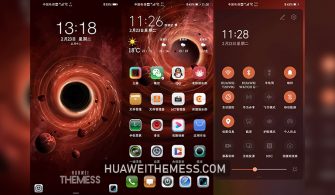
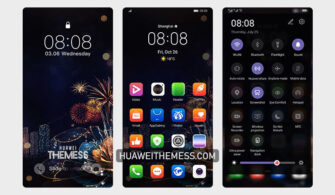
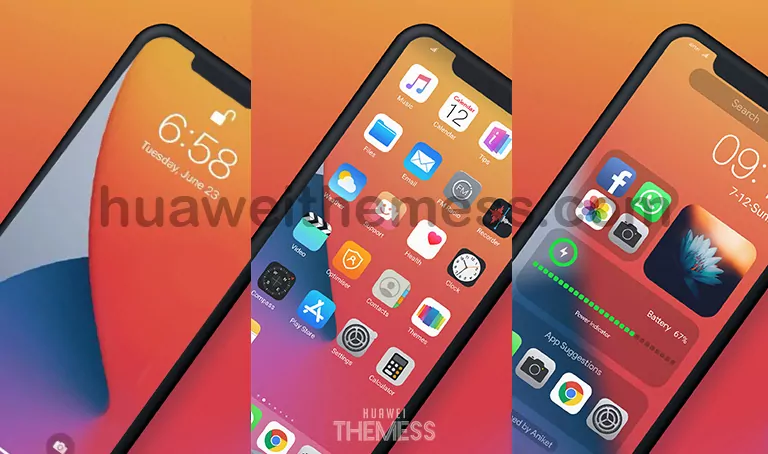
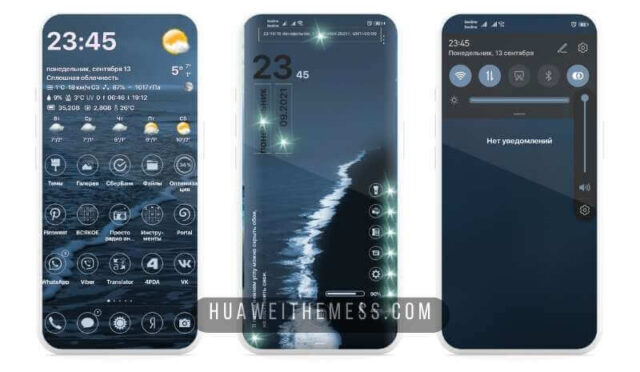
The OnePlus Orange Dark theme is a masterclass in design, with a vibrant orange hue that adds a pop of color to your device’s home screen, lock screen, and notification shade. The theme’s clean and minimalist aesthetic makes it perfect for those who prefer a clutter-free interface.
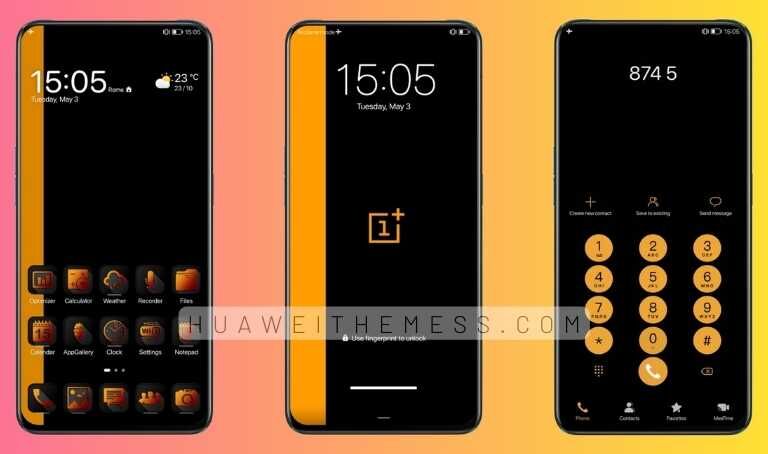
Some of the key features of the OnePlus Orange Dark theme include:
- New and exciting wallpapers to match your device’s unique look
- Customizable app icons to personalize your home screen
- A sleek and stylish lock screen that adds a touch of elegance to your device
- A smooth and seamless interface that makes navigation a breeze
Compatibility: EMUI and MagicOS Devices
The OnePlus Orange Dark theme is compatible with EMUI 12/11/10/9 and MagicUI 5/4/3/2 devices, ensuring that you can enjoy the theme’s stunning features regardless of your device’s operating system.



Frequently Asked Questions (FAQ)
What is the OnePlus Orange Dark theme and what are its key features?
The OnePlus Orange Dark theme is a stunning and modern theme designed for EMUI 12/11/10/9 and MagicUI 5/4/3/2 devices. Its key features include a vibrant orange hue, clean and minimalist aesthetic, customizable app icons, sleek and stylish lock screen, and a smooth and seamless interface.
Is the OnePlus Orange Dark theme compatible with my device?
Yes, the OnePlus Orange Dark theme is compatible with EMUI 12/11/10/9 and MagicUI 5/4/3/2 devices, ensuring that you can enjoy the theme’s stunning features regardless of your device’s operating system.
How do I download and apply the OnePlus Orange Dark theme?
To download and apply the OnePlus Orange Dark theme, click on the download button below, copy or move the theme file to your device’s storage, and then apply it via the Themes app.
How to install this theme?
First, download the .hwt file and move it to the Huawei/Themes folder, then apply it via the Themes app. Click here to learn in detail
The OnePlus Orange Dark theme is a must-have for anyone looking to add a touch of elegance and sophistication to their Huawei device. With its stunning design and seamless functionality, this theme is sure to impress even the most discerning users.



Nice