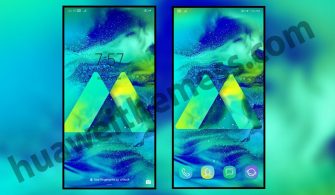
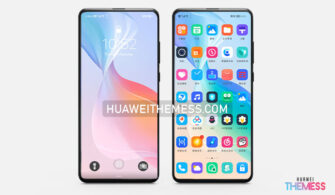
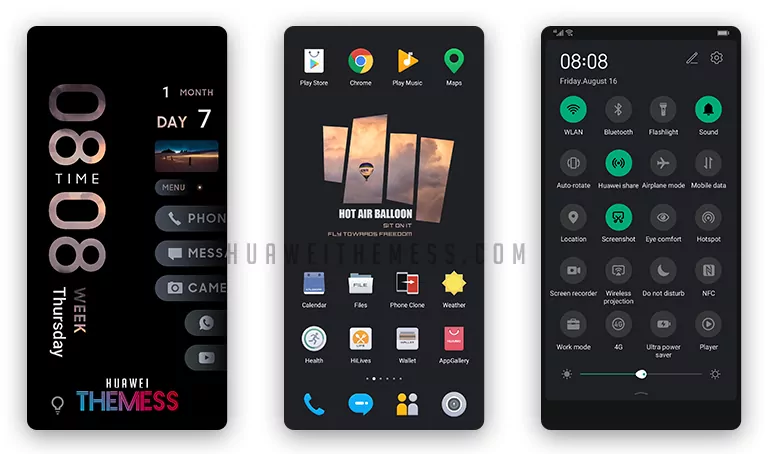
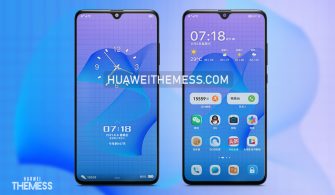
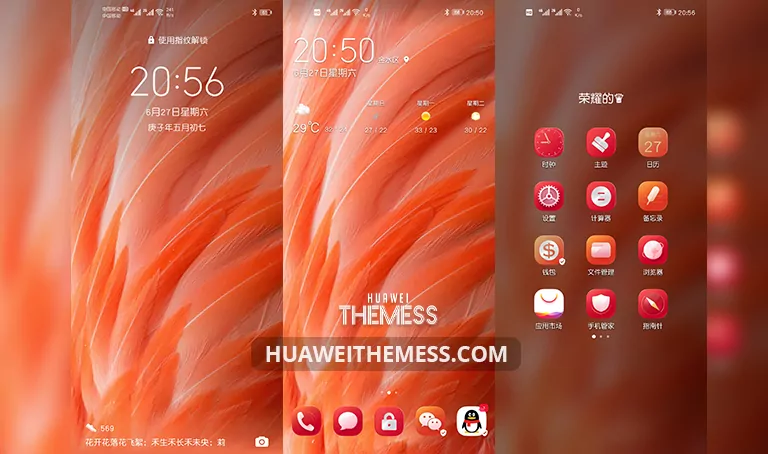
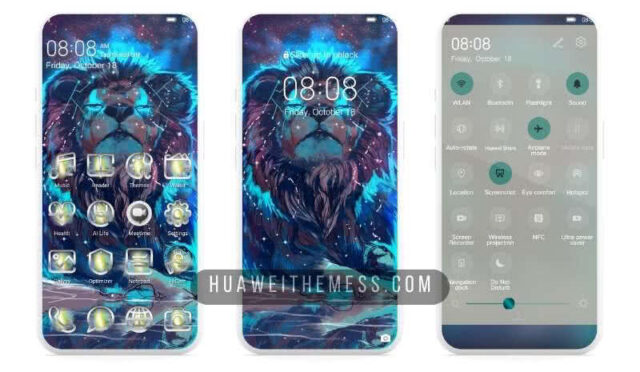
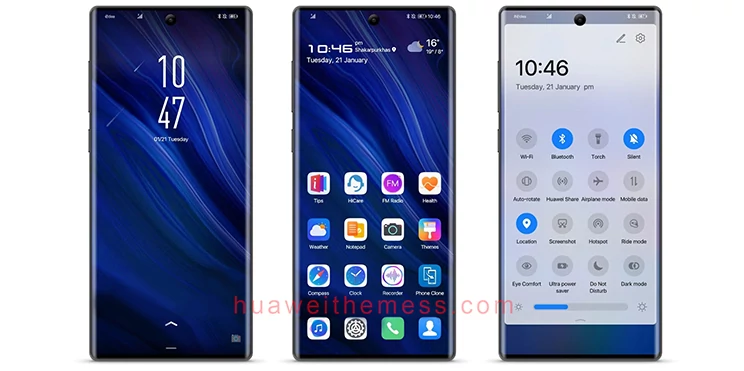
The allure of a premium aesthetic has finally arrived for Huawei device users. Get ready to immerse yourself in the captivating Black Blue Magic theme, meticulously crafted for EMUI 10/9 and MagicUI 3/2 enthusiasts. This visually striking theme promises to revolutionize your phone’s look and style, delivering an unparalleled experience that will leave you enchanted.
Unleashing the Sophisticated Charm of Black Blue Magic Theme on Your Huawei Device
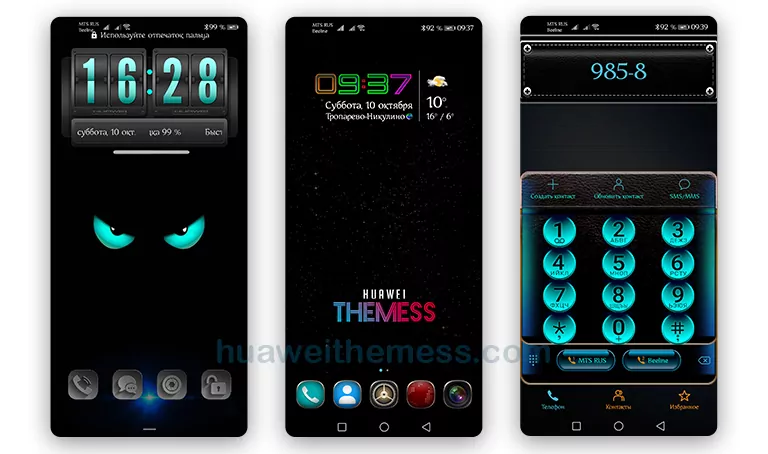
The Black Blue Magic theme is a masterful blend of sleek design and vibrant color scheme, carefully designed to provide a seamless user experience. From stylish icons to neon app looks and new widgets, this theme is a treasure trove of innovative features that will elevate your Huawei device to new heights.
Compatibility and Support for a Hassle-Free Experience
The Black Blue Magic theme is designed to be compatible with EMUI 10.1/10/9.1/9.0 and MagicUI 3/2, ensuring that all users can enjoy its premium features without any hassle. Whether you’re running the latest EMUI update or an older version, this theme has got you covered, providing a seamless experience tailored to your needs.



Frequently Asked Questions (FAQ)
Is the Black Blue Magic theme compatible with my Huawei device?
The Black Blue Magic theme is specifically designed for Huawei and Honor devices running EMUI 10/9 and MagicUI 3/2, so you can rest assured that it will work seamlessly on your device.
How do I install the Black Blue Magic theme?
First, download the .hwt file and move it to the Huawei/Themes folder, then apply it via the Themes app. Click here to learn in detail.
How do I reset the Black Blue Magic theme?
To reset the theme, go to Settings > Additional Settings > Themes, and select the “Reset” option.
Can I customize the Black Blue Magic theme?
To customize the theme, you can adjust the settings in the Themes app or use the provided widgets to create a look that suits your style.
How to install this theme?
First, download the .hwt file and move it to the Huawei/Themes folder, then apply it via the Themes app. Click here to learn in detail.
The Black Blue Magic theme is a true masterpiece that will elevate your Huawei experience to new heights. With its sleek design, vibrant color scheme, and seamless user experience, this theme is sure to leave you spellbound and wanting more. Whether you’re a fan of MagicOS or just looking for a fresh new look, the Black Blue Magic theme is the perfect solution for you.