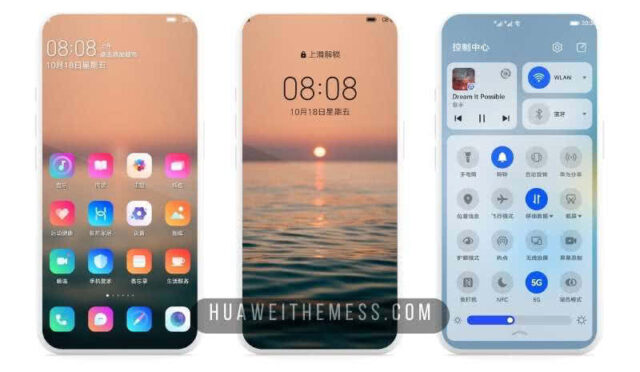
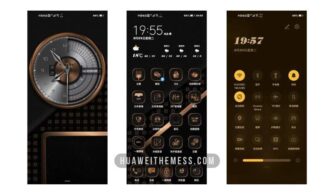
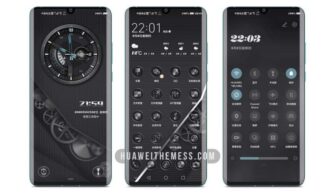
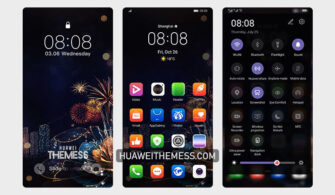
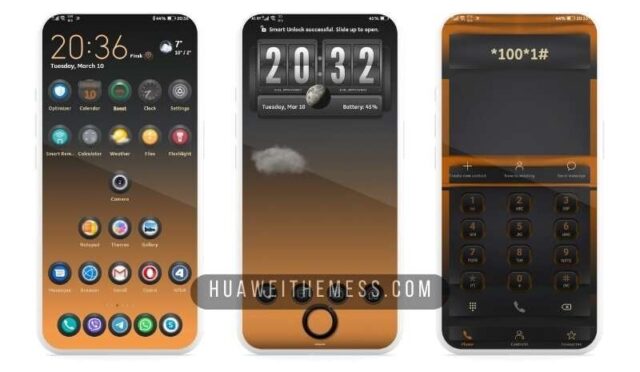
Are you ready to take your EMUI home screen to the next level? The Black Hole theme is a game-changer for EMUI 11.1/11 and MagicUI 4 users, offering an unparalleled dark mode experience that will make your device stand out from the crowd. With its sleek and modern design, this theme is perfect for those who crave a premium look and feel on their Huawei or Honor device.
Black Hole Theme: Unveiling the Features
Get ready to be mesmerized by the Black Hole theme’s array of features, carefully crafted to provide an immersive user experience. This theme boasts stunning black wallpapers, cool icons, and a dramatically changed lockscreen style that will make your device look like a high-end Android smartphone.
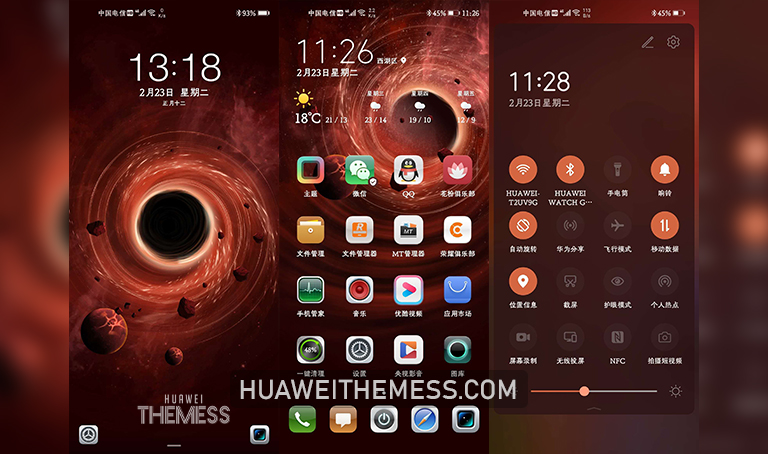
But that’s not all – the Black Hole theme also features an eye-catching orange and brown app look that will add a touch of elegance to your device. Whether you’re a fan of minimalism or bold designs, this theme has something for everyone.
Compatibility: Which EMUI Versions Can Enjoy Black Hole?
The Black Hole theme is compatible with EMUI 11.1/11 and MagicUI 4, making it a great option for users who want to personalize their device without worrying about compatibility issues. With this theme, you can rest assured that your device will run smoothly and efficiently, even with the latest software updates.



Frequently Asked Questions
What are the system requirements for the Black Hole theme?
The Black Hole theme is designed to work seamlessly with EMUI 11.1/11 and MagicUI 4, ensuring a smooth and efficient user experience. However, it’s essential to note that the theme may not be compatible with older EMUI versions or devices with limited hardware capabilities.
How do I install the Black Hole theme on my Huawei device?
To install the Black Hole theme, simply download the .hwt file and move it to the Huawei/Themes folder. Then, apply the theme via the Themes app. If you need more information on how to install the theme, click here for a detailed guide.
Can I customize the Black Hole theme to suit my preferences?
While the Black Hole theme offers a range of pre-designed features, you can also customize certain aspects to make it truly unique to your device. However, please note that any customizations may void the warranty or cause compatibility issues with future software updates.
How to install this theme?
First, download the .hwt file and move it to the Huawei/Themes folder, then apply it via the Themes app. Click here to learn in detail
The Black Hole theme is a masterpiece of design and functionality, offering an immersive user experience that will elevate your device to new heights. With its sleek dark mode, stunning black wallpapers, and eye-catching app look, this theme is a must-have for any EMUI 11.1/11 or MagicUI 4 user looking to take their device to the next level.