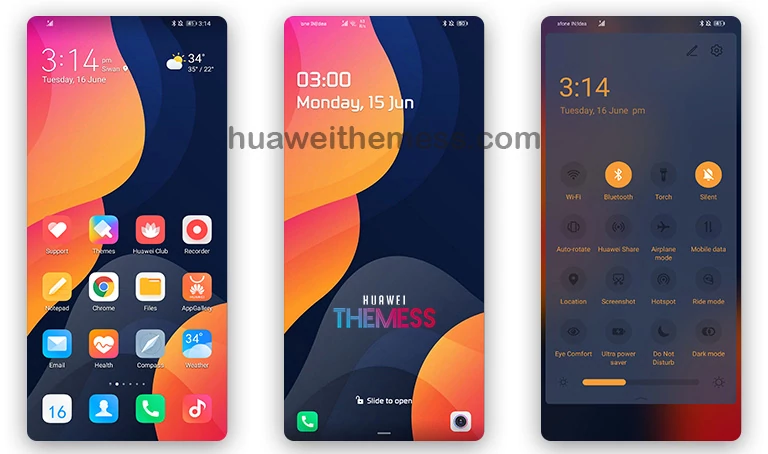
Navy Blue is an exquisite EMUI theme that brings a touch of sophistication to your Huawei device. Its clean and minimalist design makes it a perfect choice for those who want to add a premium feel to their home screen without compromising on functionality.
Navy Blue on your Huawei Device: A Masterclass in UI Elegance
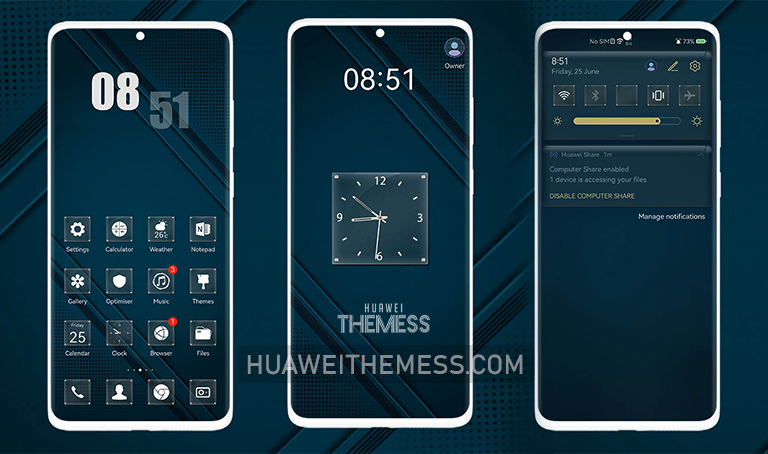
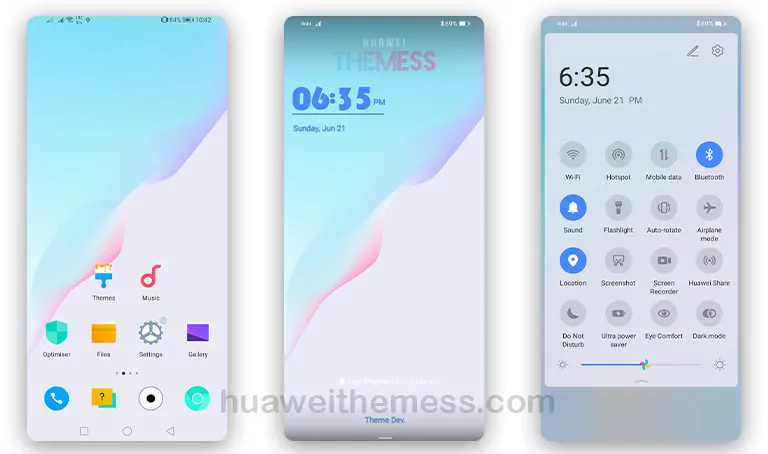
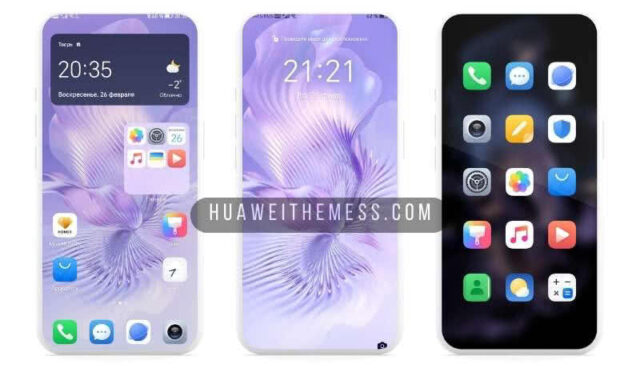
Navy Blue’s impressive feature set includes stunning dark blue wallpapers, a fresh lock screen design, and sleek, transparent icons that blend seamlessly with the phone’s UI. With its sleek and modern aesthetic, this theme is a must-have for anyone who wants to give their EMUI device a stylish makeover.
- Dark Blue Wallpapers
- Changed Lockscreen
- Minimal Transparent Icons
- Bugs Fixed
- and more…
Compatibility: Making it Work for You
Navy Blue is compatible with EMUI 11.1/11/10.1/10 and MagicUI 4/3 devices, ensuring that you can enjoy its premium features without worrying about compatibility issues. Whether you’re using the latest EMUI version or an earlier release, this theme is designed to work seamlessly with your device.
Frequently Asked Questions
What devices are supported by Navy Blue?
Navy Blue is compatible with EMUI 11.1/11/10.1/10 and MagicUI 4/3 devices, making it a versatile choice for a wide range of Huawei and Honor devices.



How do I install Navy Blue on my EMUI device?
First, download the .hwt file and move it to the Huawei/Themes folder, then apply it via the Themes app. Click here to learn in detail
What if I encounter issues after installing Navy Blue?
If you encounter any issues after installing Navy Blue, please restart your device to ensure a smooth experience. If the problem persists, feel free to reach out to our support team for assistance.
How to install this theme?
First, download the .hwt file and move it to the Huawei/Themes folder, then apply it via the Themes app. Click here to learn in detail
Navy Blue is an exceptional EMUI theme that seamlessly combines style and functionality. Its clean design, stunning wallpapers, and sleek icons make it a must-have for anyone who wants to elevate their Huawei device to the next level. Whether you’re looking for a premium aesthetic or a fresh new look, Navy Blue is sure to impress.