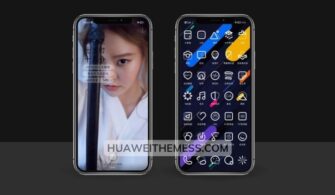
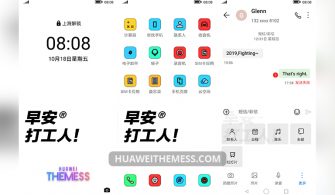
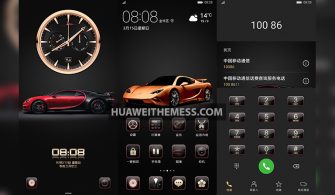
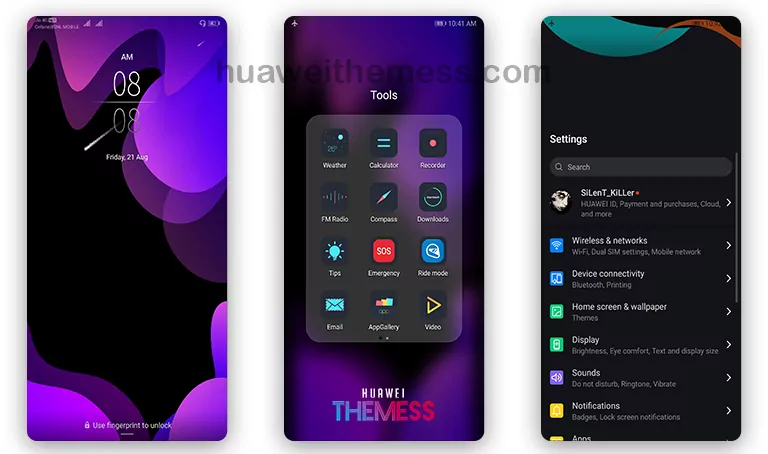
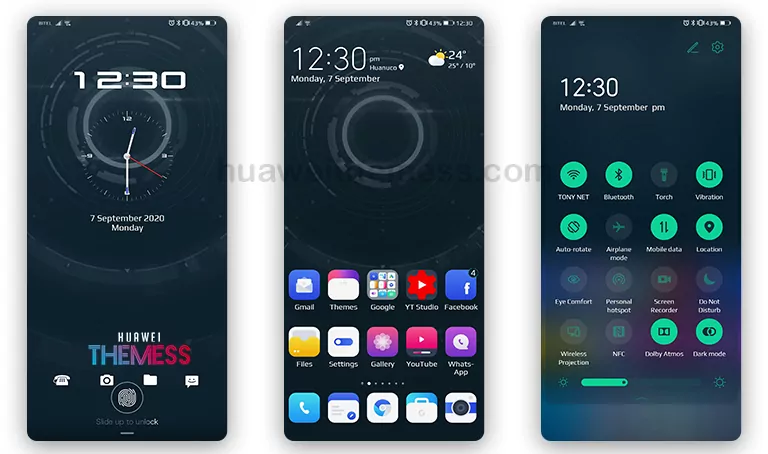
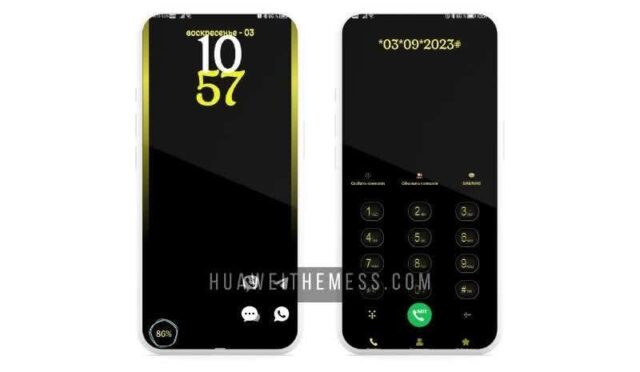
Get ready to unleash your Halloween spirit with the Hallowen EMUI theme, a unique and eye-catching UI redesign that brings the festive atmosphere to your device. With its bold black and orange color scheme, this theme is perfect for those who want to add a touch of spooky elegance to their phone.
A Dark yet Vibrant UI Experience on EMUI 10/9 and MagicUI 3/2
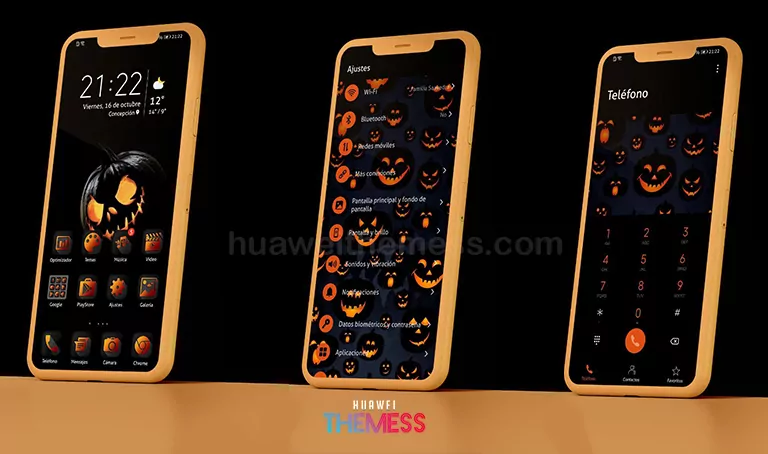
The Hallowen EMUI theme is designed to provide a dark yet vibrant UI experience that’s perfect for the Halloween season. With a range of cool black and orange icons, app lookings, and wallpapers, this theme is sure to make your device stand out from the crowd.
Compatibility and Supported EMUI/MagicOS Versions
The Hallowen EMUI theme is compatible with EMUI 10.1/10/9.1/9.0 and MagicUI 3/2. This means that users of these operating systems can enjoy the theme’s unique features and design without any compatibility issues.
Frequently Asked Questions (FAQ)
What are the system requirements for the Hallowen EMUI theme?
The Hallowen EMUI theme is compatible with EMUI 10.1/10/9.1/9.0 and MagicUI 3/2. Make sure your device is running one of these operating systems to enjoy the theme’s features.



How do I install the Hallowen EMUI theme?
First, download the .hwt file and move it to the Huawei/Themes folder, then apply it via the Themes app. Click here to learn in detail
Are there any bugs or issues with the Hallowen EMUI theme?
The Hallowen EMUI theme has been thoroughly tested and bug-free. However, if you encounter any issues, please contact our support team for assistance.
How do I update the Hallowen EMUI theme?
To update the Hallowen EMUI theme, simply download the latest version from our website and follow the installation instructions.
How to install this theme?
First, download the .hwt file and move it to the Huawei/Themes folder, then apply it via the Themes app. Click here to learn in detail
The Hallowen EMUI theme is a unique and stylish UI redesign that’s perfect for the Halloween season. With its bold black and orange color scheme, cool icons, and wallpapers, this theme is sure to make your device stand out from the crowd. So why wait? Download the Hallowen EMUI theme today and unleash your spooky spirit!