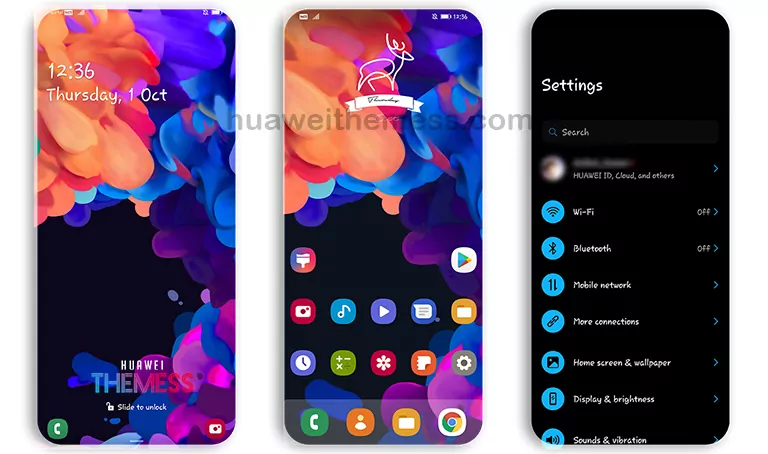
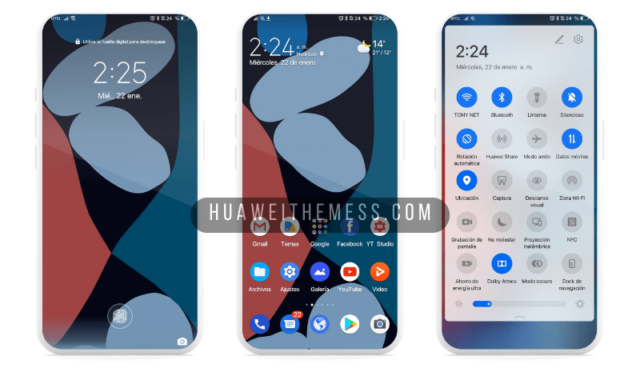
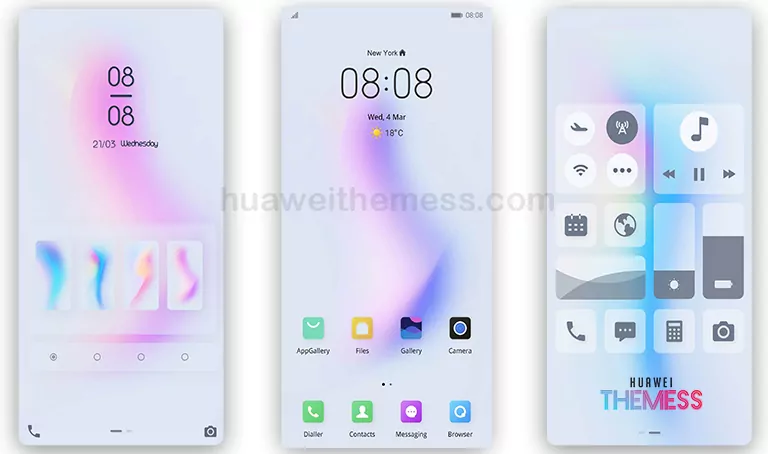
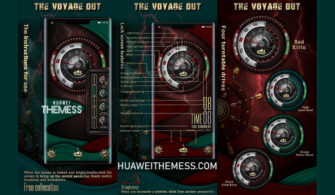
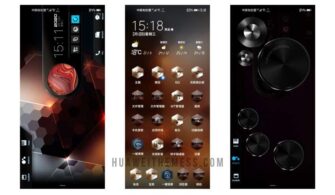
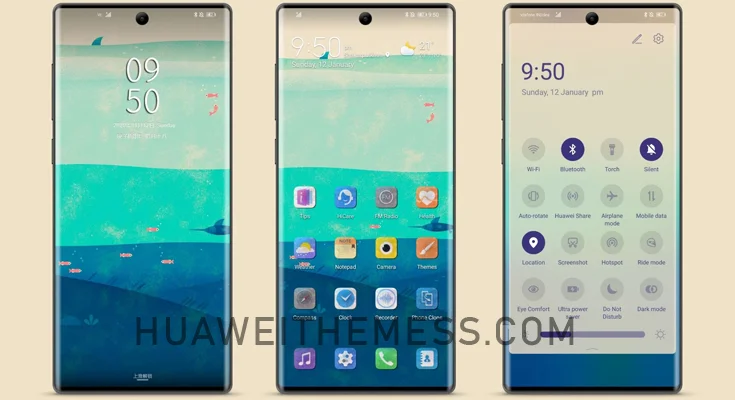
Get ready to elevate your Huawei device’s look and feel with the Meizu Pro 7 Plus theme, a stunning iPhone-inspired aesthetic designed to bring a touch of premium style to your phone. With its sleek design and high-quality features, this theme is a must-try for anyone looking to give their device a fresh new look.
Meizu Pro 7 Plus EMUI Theme Features
The Meizu Pro 7 Plus theme boasts an impressive array of features, including:
- New and stunning wallpapers to match your device’s new look
- Customizable app icons to personalize your home screen
- A smooth and dynamic lockscreen that’s sure to catch eyes
- Enhanced interface with a focus on style and usability
- Regular updates with new features and bug fixes
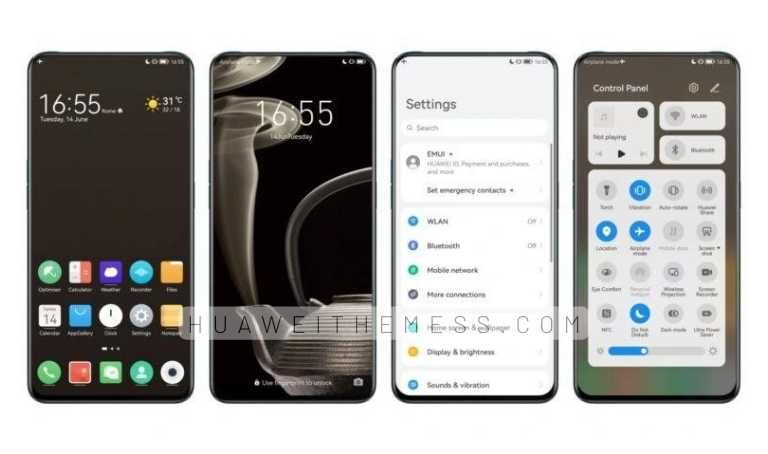
From the sleek design to the high-quality features, the Meizu Pro 7 Plus theme is the perfect choice for anyone looking to give their Huawei device a premium Apple vibe.
Compatibility
The Meizu Pro 7 Plus theme is compatible with EMUI 12/11/10.1/10/9.1/9.0 and MagicUI 5/4/3/2, ensuring that you can enjoy this stunning aesthetic on your device, regardless of your OS version.




Frequently Asked Questions (FAQ)
What devices is the Meizu Pro 7 Plus theme compatible with?
The Meizu Pro 7 Plus theme is compatible with Huawei devices running EMUI 12/11/10.1/10/9.1/9.0 and MagicUI 5/4/3/2.
How do I install this theme?
First, download the .hwt file and move it to the Huawei/Themes folder, then apply it via the Themes app. Click here to learn in detail.
What features does the Meizu Pro 7 Plus theme offer?
The Meizu Pro 7 Plus theme offers a range of features, including new wallpapers, customizable app icons, a dynamic lockscreen, and a smooth interface.
How do I add a theme?
To add a theme, download the .hwt file, move it to the Huawei/Themes folder, then apply it via the Themes app. Click here for more information.
How to install this theme?
First, download the .hwt file and move it to the Huawei/Themes folder, then apply it via the Themes app. Click here to learn in detail.
The Meizu Pro 7 Plus theme is a must-try for anyone looking to add a touch of premium style to their Huawei device. With its sleek design, high-quality features, and ease of installation, this theme is sure to impress.