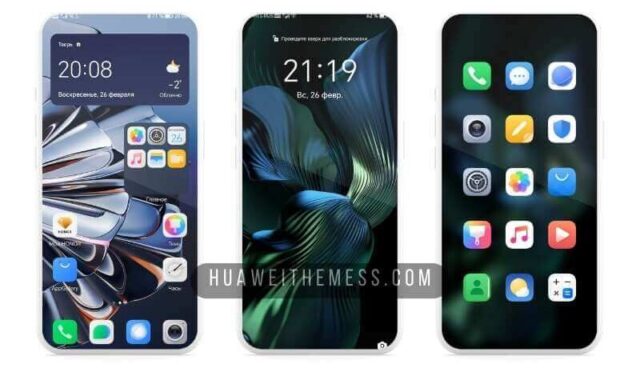
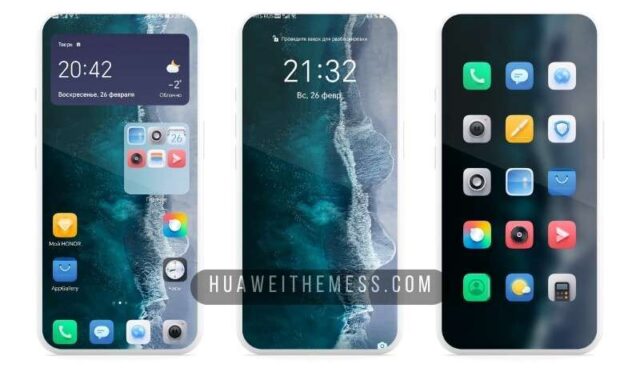
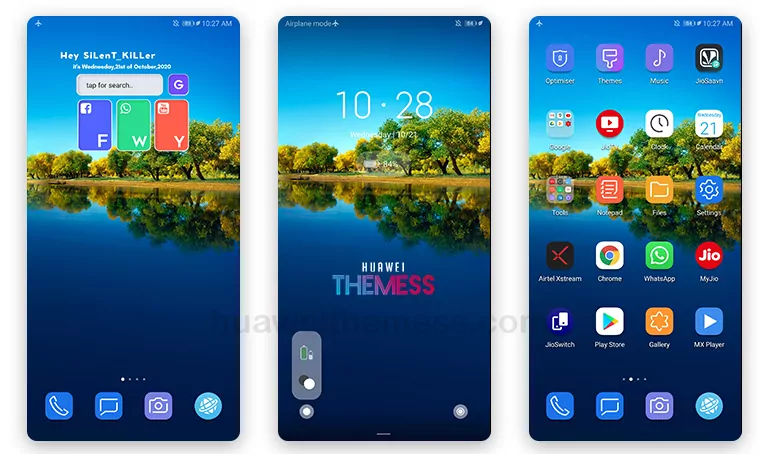
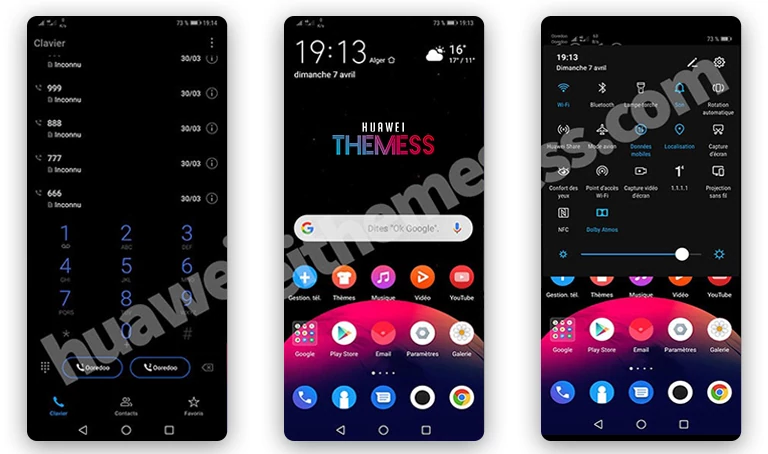
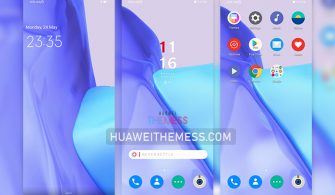
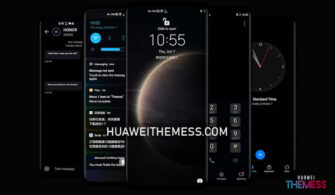
Get ready to elevate your Huawei device’s visual appeal with Dagon Green, a stunning theme designed specifically for EMUI 10/9 and MagicUI 3/2 users. This exceptional theme is perfect for those seeking a unique look that reflects their style and personal taste.
Dagon Green: Where Modernity Meets Timeless Elegance
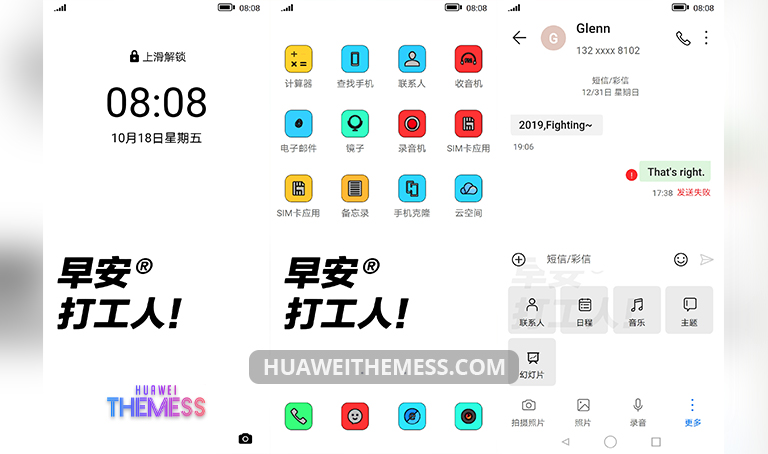
Dagon Green is an exemplary theme that boasts a wide array of features, including over 1500 new icons, revamped wallpapers, innovative weather and clock widgets, and more. Its seamless blend of style and functionality makes it an ideal choice for those who crave a premium look without compromising on performance.
Compatibility: Where Flexibility Meets Ease
Dagon Green has been meticulously designed to be compatible with EMUI 10.1/10/9.1/9.0 and MagicUI 3/2, ensuring a hassle-free installation process. Whether you’re running the latest EMUI or MagicOS, this theme is guaranteed to bring a touch of sophistication to your device.



Frequently Asked Questions (FAQ)
What features does Dagon Green offer?
Dagon Green boasts an impressive array of features, including over 1500 new icons, revamped wallpapers, innovative weather and clock widgets, and more, ensuring a premium look without compromising on performance.
Is Dagon Green compatible with my device?
Dagon Green has been carefully designed to be compatible with EMUI 10.1/10/9.1/9.0 and MagicUI 3/2, making it a perfect choice for users running the latest EMUI or MagicOS.
How to install this theme?
First, download the .hwt file and move it to the Huawei/Themes folder, then apply it via the Themes app. Click here to learn in detail.
Dagon Green is more than just a theme – it’s an experience. With its stunning design, seamless performance, and ease of installation, this theme is sure to bring a touch of harmony to your EMUI 10/9 and MagicUI 3/2 device. Whether you’re a fan of vibrant colors or sleek designs, Dagon Green has something to offer everyone.