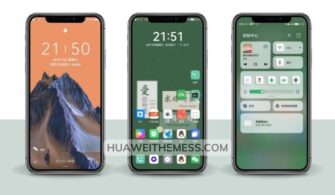
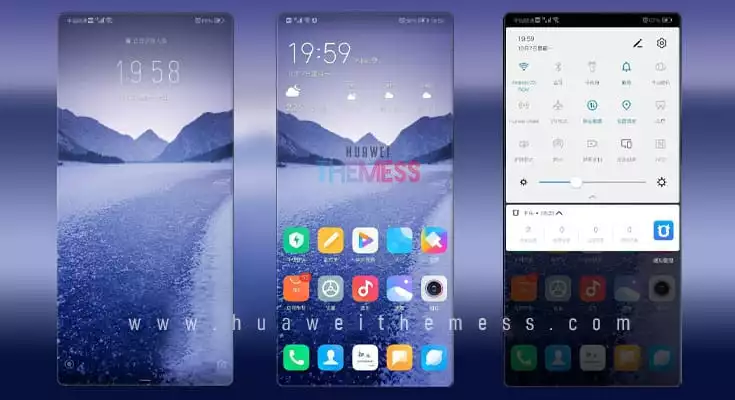
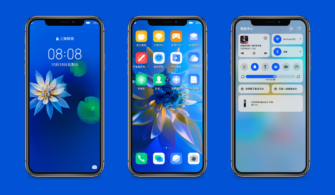
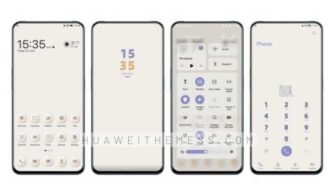
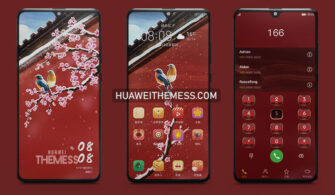
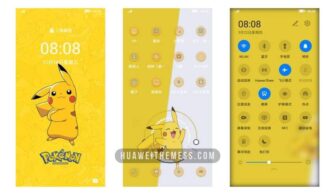
Get ready to transform your Huawei device with the sleek and stylish GPixel theme, perfect for EMUI 10.1/10/9.1/9 and MagicUI 3/2 users. With its impressive collection of features, this theme is sure to give your phone a unique look and feel that’s all your own.
GPixel: Where Minimalism Meets Elegance on Your Huawei Device
The GPixel theme is a masterclass in simplicity and style, boasting a stunning lockscreen design, cartoon icons, and a sleek black theme that will leave your friends green with envy. But what really sets it apart is its array of cool widgets and bug fixes, making it a must-have for any Huawei enthusiast.
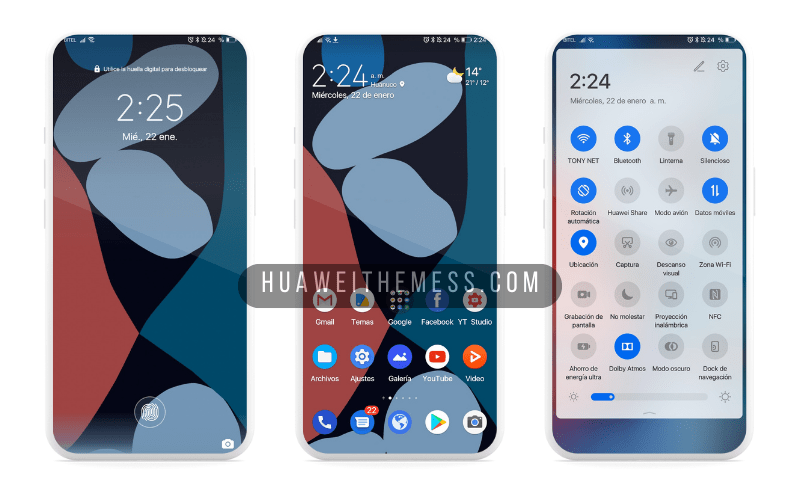
Whether you’re a fan of minimalism or just want to mix things up, GPixel has got you covered. With its seamless integration into your EMUI or MagicUI, you’ll be enjoying a premium Android experience in no time.
Compatibility: Get GPixel on Your EMUI or MagicUI Device
The GPixel theme is compatible with EMUI 10.1/10/9.1/9 and MagicUI 3/2, making it a great choice for Huawei fans looking to upgrade their device’s look and feel. With its sleek design and impressive features, you’ll be enjoying a top-notch user experience in no time.



Frequently Asked Questions
What makes the GPixel theme so unique?
The GPixel theme stands out from the crowd with its stunning lockscreen design, cartoon icons, and sleek black theme, making it a must-have for any Huawei enthusiast.
Is the GPixel theme compatible with my device?
Yes, the GPixel theme is compatible with EMUI 10.1/10/9.1/9 and MagicUI 3/2, making it a great choice for Huawei fans looking to upgrade their device’s look and feel.
How do I add a theme to my Huawei device?
Click on the download button below. Find the ‘HWT’ extension (blabla.hwt) you downloaded from the download site. Copy or move the theme file you find in the file manager. Copy or move the folder HWThemes.
How to install this theme?
First, download the .hwt file and move it to the Huawei/Themes folder, then apply it via the Themes app.
The GPixel theme is a game-changer for Huawei enthusiasts, offering a sleek and stylish makeover that’s sure to impress. With its seamless integration into your EMUI or MagicUI, you’ll be enjoying a premium Android experience in no time.