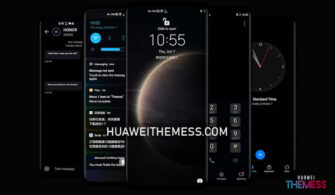
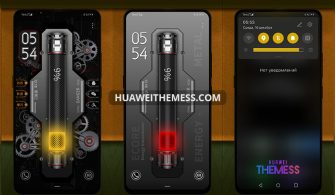
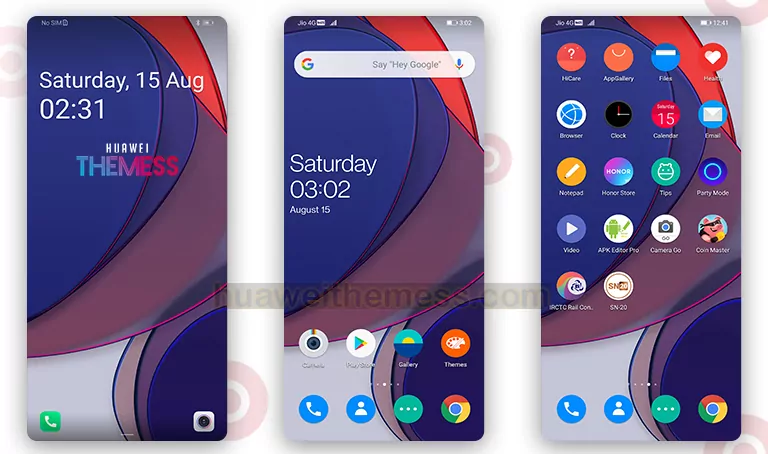
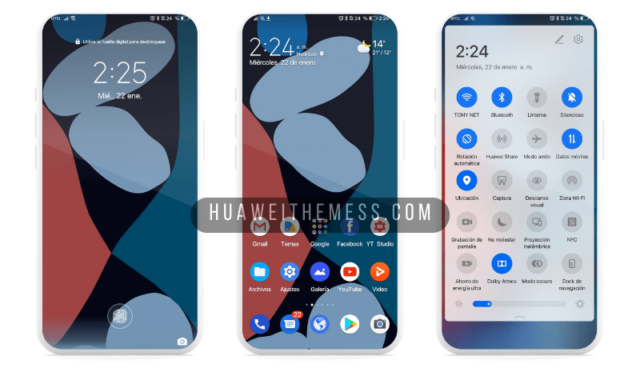
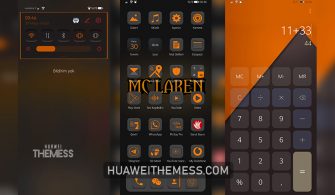
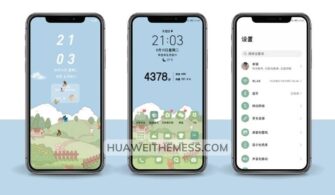
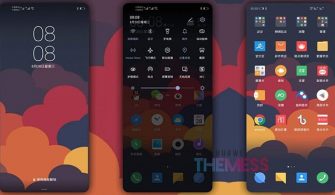
Get ready to unlock a world of sleek design and effortless functionality with the Color Edge theme, a beautifully crafted blend of minimalism and style. This modern and refined theme is perfect for those who crave a clean and uncomplicated aesthetic, without sacrificing any of the features they love.
A Symphony of Color and Contrast: Color Edge Theme Features
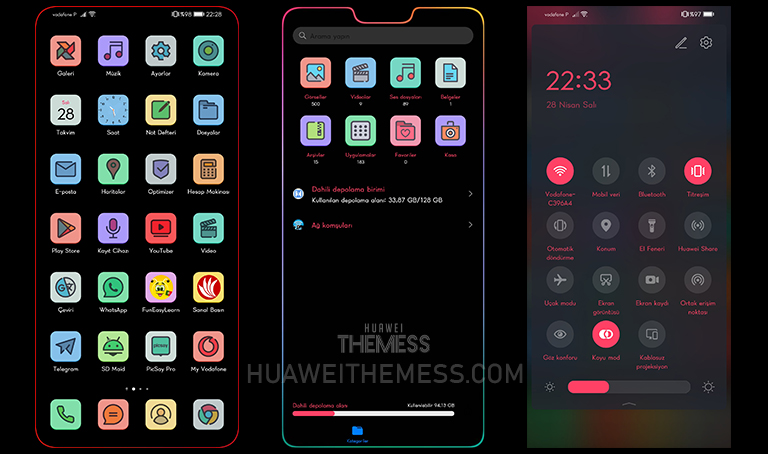
The Color Edge theme is a masterclass in subtlety, boasting a range of sophisticated features that elevate the EMUI experience to new heights. From its elegant lockscreen to its cartoon-style icons and stunning black theme, this theme is a true showstopper. With its vibrant widgets and sleek animations, the Color Edge theme is sure to bring a touch of sophistication to your device.
Compatibility Made Easy: Supported EMUI/MagicOS Versions

The Color Edge theme is designed to work seamlessly with EMUI 10.1, 10, 9.1, and 9, as well as MagicUI 3 and 2. Whether you’re a seasoned EMUI user or just upgrading to a new device, this theme has got you covered with its comprehensive compatibility list.



Frequently Asked Questions (FAQ)
Is the Color Edge theme compatible with my device?
This theme is designed to work with EMUI 10.1, 10, 9.1, and 9, as well as MagicUI 3 and 2. If you’re unsure, check the theme’s compatibility list before downloading.
How to apply the Color Edge theme?
First, download the .hwt file and move it to the Huawei/Themes folder, then apply it via the Themes app. Click here to learn in detail
What customization options are available with the Color Edge theme?
Yes, the Color Edge theme offers a range of customization options, allowing you to personalize your device to your heart’s content. Check out the theme’s settings menu for more information.
How to install this theme?
First, download the .hwt file and move it to the Huawei/Themes folder, then apply it via the Themes app. Click here to learn in detail
The Color Edge theme is a must-have for any EMUI user looking to elevate their device’s design and functionality. With its stunning design and seamless functionality, this theme is sure to bring a fresh perspective to your daily interactions. Whether you’re a fan of minimalism or simply looking for a unique aesthetic, the Color Edge theme is an excellent choice for any EMUI user.