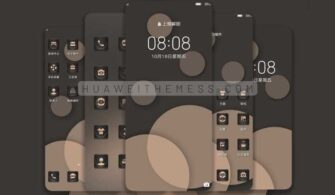
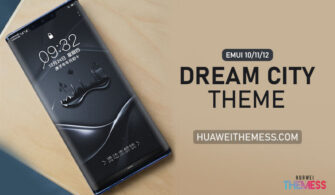
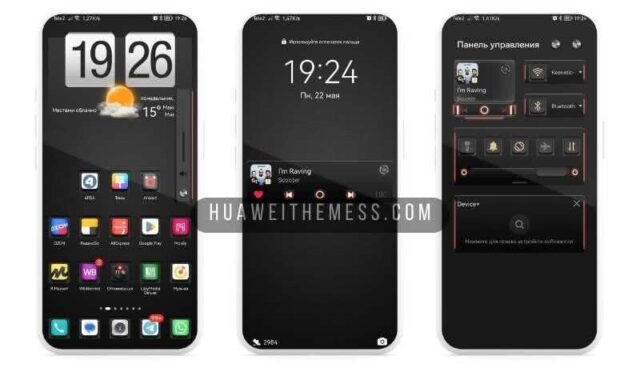
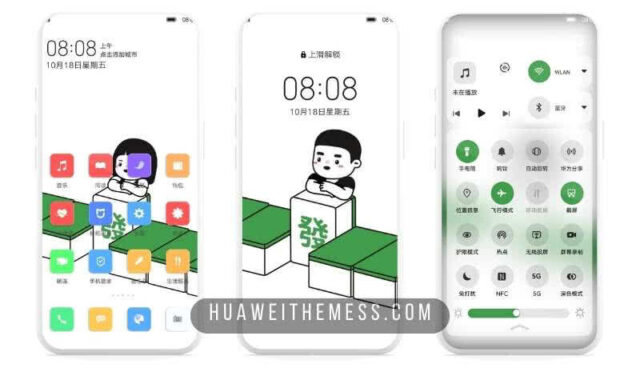
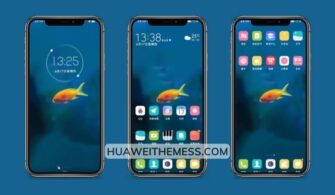
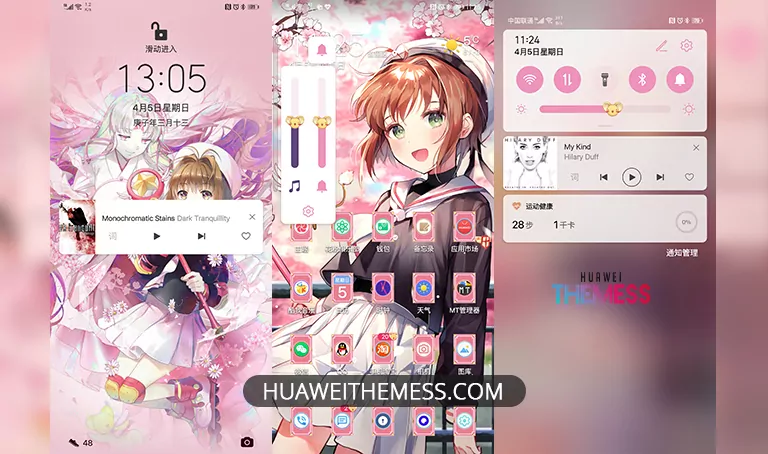
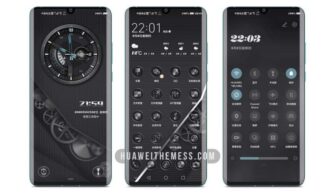
The wait is over for EMUI enthusiasts who crave a visually striking theme that amplifies their device’s sleek aesthetic. Introducing the EPOCHA theme, a stunning addition to EMUI 11, 10, and MagicOS 4/3, designed to deliver a premium look and style that reflects your unique personality.
Unveiling the EPOCHA Theme: A Symphony of Style and Functionality
The EPOCHA theme boasts an impressive dynamic lockscreen, complemented by sleek and modern Huawei icons, a sophisticated black theme, and engaging widgets. This theme also features modified fonts and a slew of bug fixes, ensuring a seamless user experience.
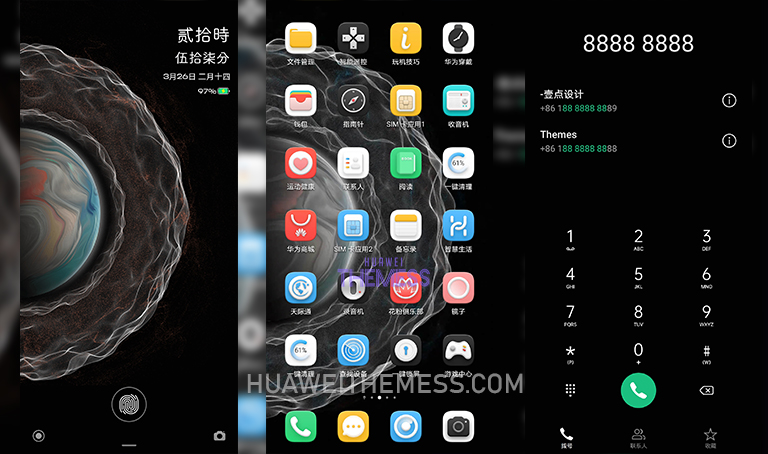
The EPOCHA theme’s focus on aesthetics and functionality makes it an excellent choice for those seeking to enhance their device’s visual appeal without compromising performance.
Compatibility: Ensuring Seamless Integration
The EPOCHA theme is designed to be compatible with EMUI 11, 10, and MagicUI 4/3, ensuring that users can enjoy the theme’s features without worrying about compatibility issues.



The theme’s developers have taken the necessary steps to ensure a smooth user experience across various versions of EMUI and MagicUI.
Frequently Asked Questions
What are the system requirements for the EPOCHA theme?
The EPOCHA theme requires EMUI 11, 10, or MagicUI 4/3 to function properly.
Is the EPOCHA theme compatible with Honor devices?
Yes, the EPOCHA theme is compatible with Huawei and Honor devices running EMUI or MagicOS.
How to install this theme?
First, download the .hwt file and move it to the Huawei/Themes folder, then apply it via the Themes app. Click here to learn in detail.
The EPOCHA theme is an exceptional choice for EMUI enthusiasts seeking a visually striking and functional theme. With its sophisticated design, engaging lockscreen, and compatibility with various EMUI and MagicUI versions, this theme is sure to elevate your device’s aesthetic and provide an exceptional user experience.