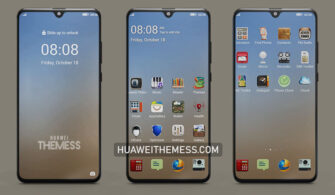
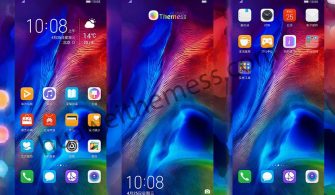
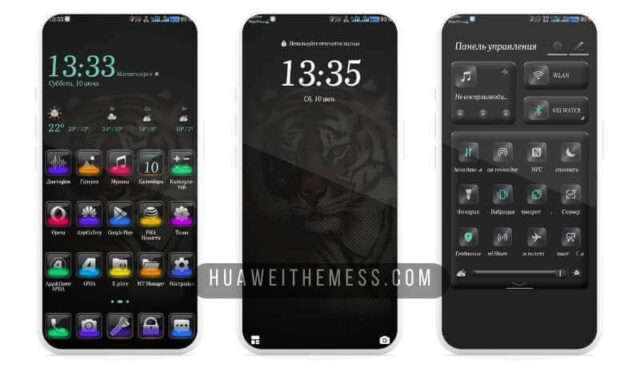
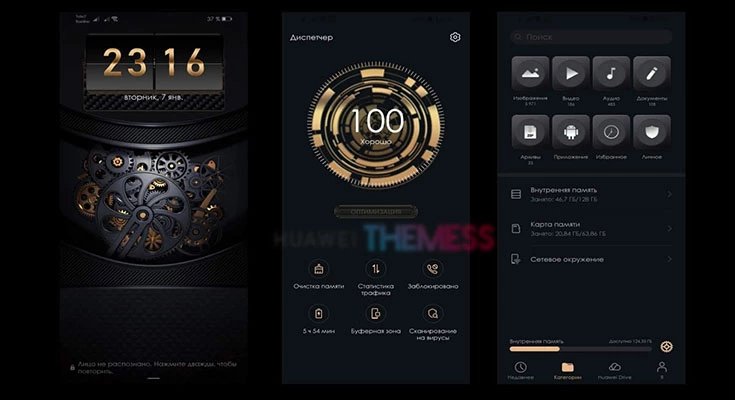
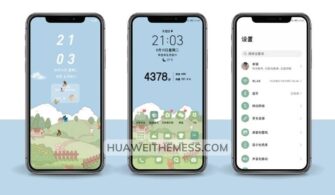
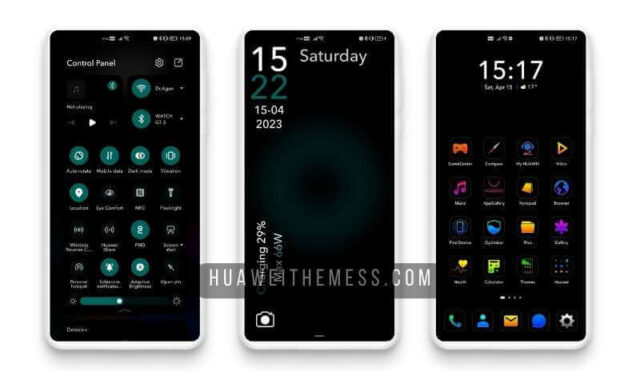
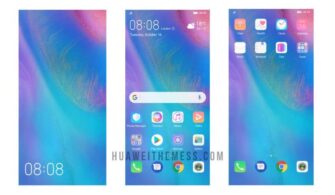
This sleek and modern theme is a game-changer for Huawei device owners who crave a clean, premium UI setup. With its stunning visuals and intuitive design, the Lanji Theme is sure to elevate your Huawei device to the next level, providing a seamless and hassle-free experience that’s both visually stunning and user-friendly.
What Makes Lanji Huawei Theme a Cut Above the Rest
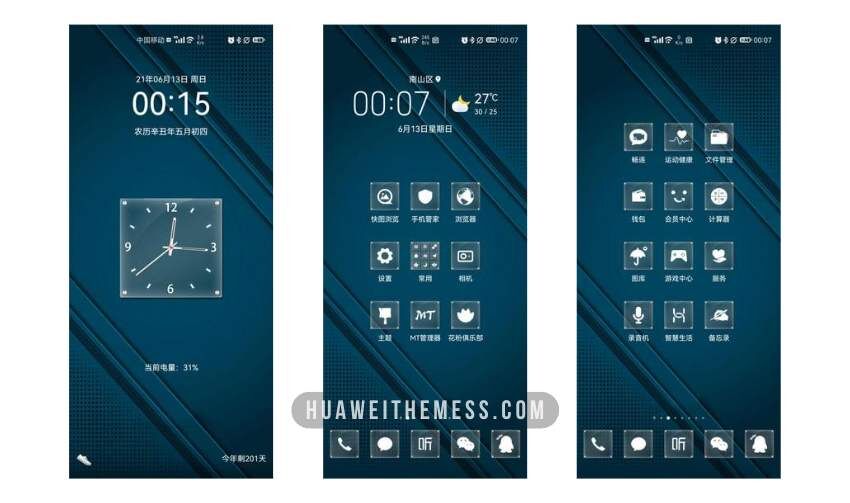
The Lanji Theme is a masterclass in design, with every detail meticulously crafted to provide a premium experience. From its vibrant wallpapers to its refined app icons, this theme is a breath of fresh air for Huawei device owners who want to ditch clutter and hello to a streamlined interface that’s both visually stunning and user-friendly.
Compatibility and System Requirements
This theme is compatible with EMUI 12/11/10/9.0 and MagicUI 6/5/4/3/2, ensuring that you can enjoy its sleek design regardless of your Huawei device’s operating system. Whether you’re running the latest EMUI or MagicUI version, the Lanji Theme has got you covered.



Frequently Asked Questions
What devices are compatible with the Lanji Huawei Theme?
The Lanji Huawei Theme is compatible with a wide range of Huawei devices running EMUI 12/11/10/9.0 and MagicUI 6/5/4/3/2. To install the Lanji Huawei Theme, simply download the .hwt file, move it to the Huawei/Themes folder, and apply it via the Themes app. For a step-by-step guide, click here to learn in detail.
How do I install the Lanji Huawei Theme?
First, download the .hwt file and move it to the Huawei/Themes folder, then apply it via the Themes app. Click here to learn in detail.
Can I personalize the Lanji Huawei Theme?
While the Lanji Huawei Theme offers a sleek, pre-designed aesthetic, you can still personalize certain elements to fit your taste. For example, you can adjust the wallpaper or change the icon pack. However, some features may require technical expertise to modify.
How to install this theme?
First, download the .hwt file and move it to the Huawei/Themes folder, then apply it via the Themes app. Click here to learn in detail.
The Lanji Huawei Theme is a must-have for anyone seeking a clean, modern UI setup for their Huawei device. Its seamless integration with EMUI and MagicUI ensures a smooth, hassle-free experience that’s both visually stunning and user-friendly. Whether you’re a tech enthusiast or just someone who appreciates good design, this theme is sure to impress.