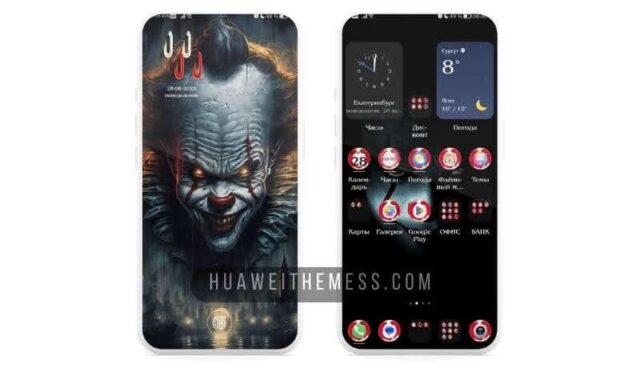
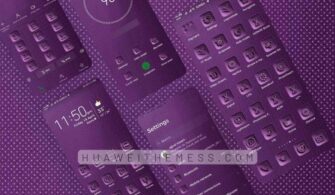
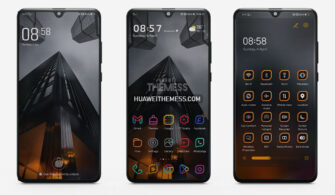
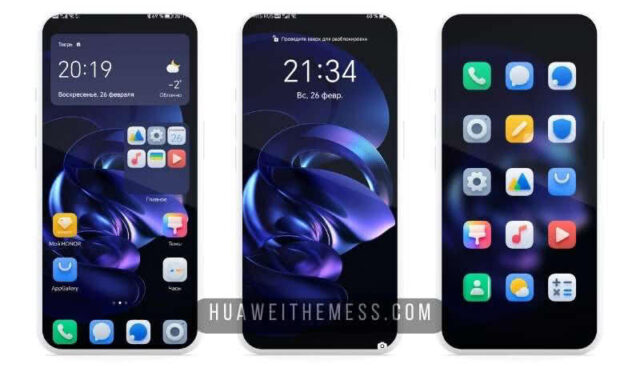
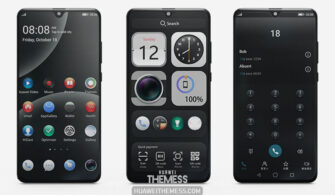
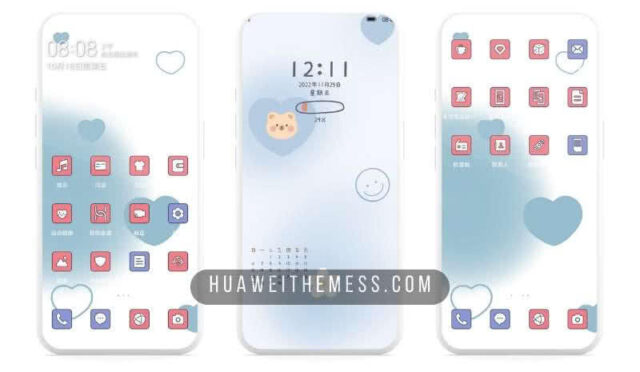
Get ready to transform your Huawei device with the sleek and minimalist Feiyun EMUI 12 theme. This stunning theme is designed to give your device a premium look and feel, making it stand out from the crowd. With its clean design and eye-catching visuals, Feiyun is the perfect choice for anyone looking to upgrade their EMUI experience.
Feiyun EMUI Theme Features
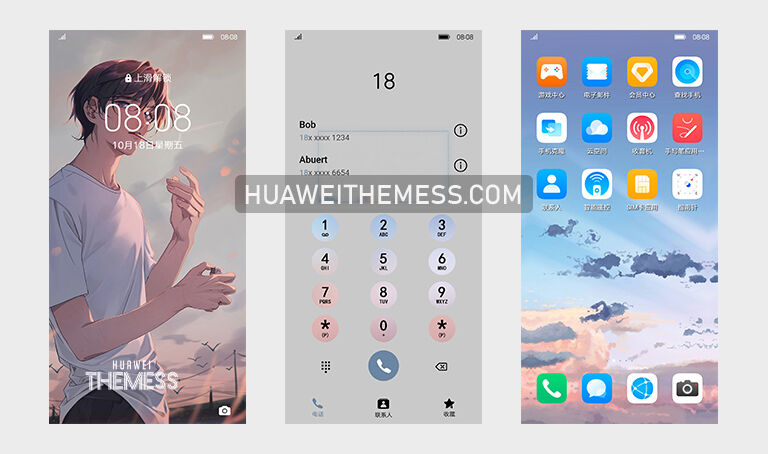
Feiyun EMUI Theme boasts an array of amazing features that will take your device to the next level. Some of the standout features include:
- Cool Wallpapers: Stay on top of the latest trends with our stunning wallpapers that will elevate your device’s aesthetic.
- Stylish App Lookings: Give your apps a makeover with our sleek and modern app designs that will make your device look fresh and new.
- Changed Fonts: Experience the comfort of reading with our carefully curated fonts that are designed to provide a comfortable reading experience.
- New Lockscreen Style: Unlock a whole new world of possibilities with our innovative lockscreen design that will keep your device looking fresh and exciting.
- Bugs Fixed: With our theme, you can enjoy a seamless and bug-free experience that will keep your device running smoothly.
- and more…
Compatibility
Feiyun EMUI Theme is compatible with EMUI 11.1/11/10.1/10 and MagicUI 3/4 devices. Whether you’re rocking the latest EMUI or MagicUI version, our theme has got you covered.



Frequently Asked Questions (FAQ)
What devices is the Feiyun EMUI Theme compatible with?
The Feiyun EMUI Theme is compatible with EMUI 11.1/11/10.1/10 and MagicUI 3/4 devices.
How do I download and install the Feiyun EMUI Theme?
To download and install the Feiyun EMUI Theme, simply click on the download button below. Then, navigate to the Huawei Themes folder on your device and copy or move the theme file you downloaded. Finally, apply the theme via the Themes app.
How do I add a theme?
To add a theme, follow these simple steps:
– Click on the download button below.
– Find the “HWT” extension (blabla.hwt) you downloaded from the download site.
– Copy or move the theme file you find in the file manager
– Copy or move the folder HWThemes.
How to install this theme?
First, download the .hwt file and move it to the Huawei/Themes folder, then apply it via the Themes app. Click here to learn in detail.
The Feiyun EMUI 12 Theme is a game-changer for anyone looking to take their Huawei device to the next level. With its sleek, minimalistic design and array of amazing features, this theme is sure to impress. So why wait? Download the Feiyun EMUI Theme today and experience the thrill of a premium EMUI experience.